12 High-Converting Customer Feedback Form Templates for 2026
Learn practical form optimization strategies in this AgentsForForms guide: 12 High-Converting Customer Feedback Form Templates for 2026.
Customer feedback is the lifeblood of product development, support, and marketing. But collecting it effectively is an art. A poorly designed form gets ignored, while a well-crafted one becomes a direct line to your users' thoughts, frustrations, and biggest wins.
The challenge isn't just what to ask, but how and when. This guide moves beyond generic advice to provide a curated collection of 12 powerful, high-converting customer feedback form templates. We'll break down the specific use case for each, from measuring overall loyalty with a Net Promoter Score (NPS) survey to capturing in-the-moment sentiment after a support interaction or during user onboarding.
For each platform and template reviewed, you will find:
- Actionable insights and optimization tips.
- Sample question copy and recommended fields.
- Screenshots and direct links to get started immediately.
We explore tools that offer everything from basic data collection to advanced conditional logic and powerful analytics. More importantly, we'll show you how to implement these templates and what metrics to track. We also dive into how platforms like AgentsForForms can instantly generate these complex, multi-step forms from a simple text prompt, saving you hours of setup and ensuring you collect clean, actionable data from day one. This resource is designed to help you quickly find the right tool for your specific needs, whether you're a product manager refining a feature, a support lead optimizing ticket resolution, or a marketer gauging post-purchase satisfaction.
1. AgentsForForms
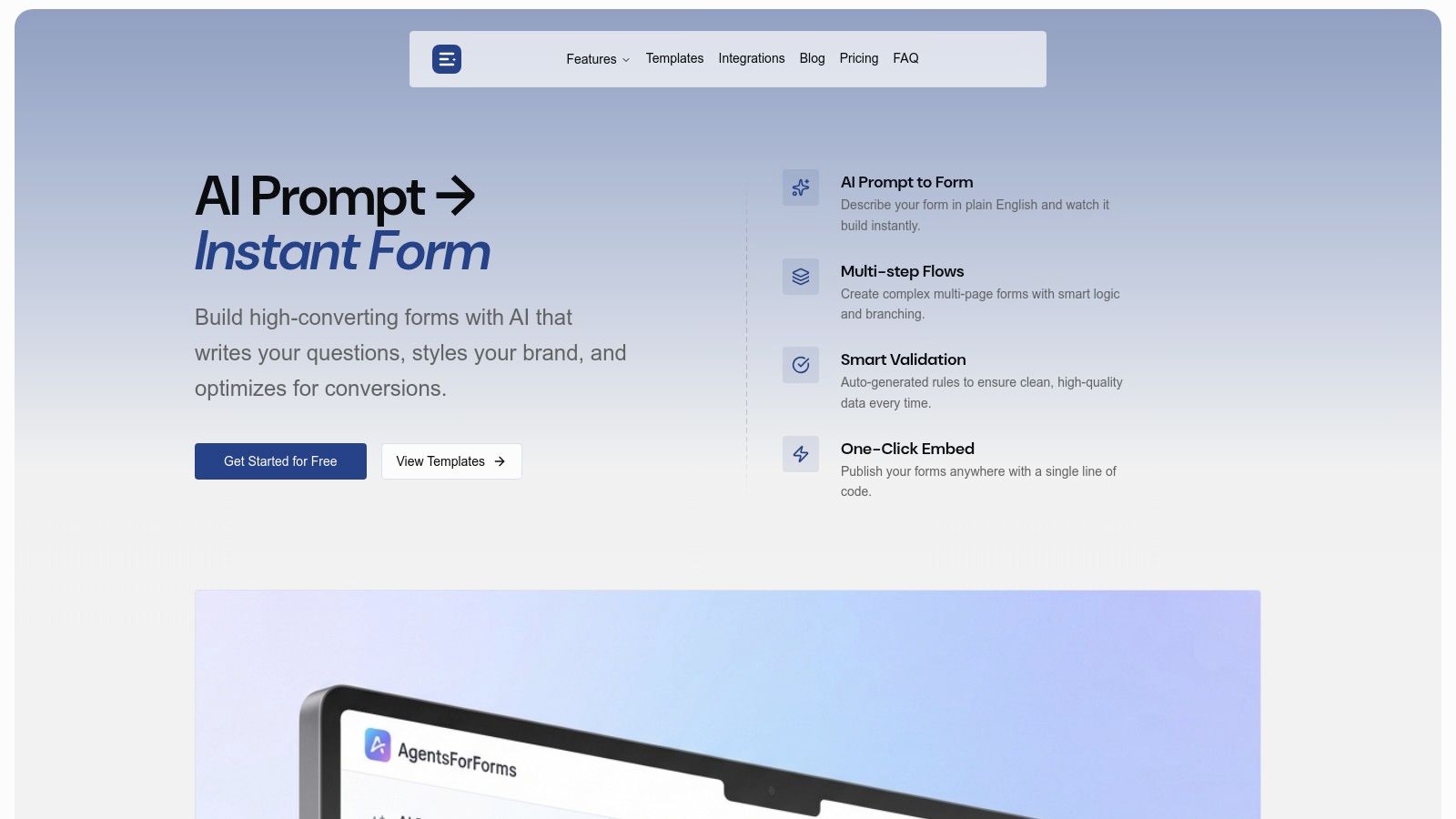
AgentsForForms secures the top position as an exceptionally powerful and intelligent choice for teams seeking to build and deploy high-converting customer feedback form templates. Its defining feature is a sophisticated AI engine that transforms simple, plain-English prompts into fully functional, multi-step forms in seconds. This core capability automates the tedious tasks of writing question copy, naming fields, and configuring smart validation rules, drastically reducing the manual setup time traditionally required.
The platform is engineered for teams that prioritize both speed and data quality. For product managers, marketers, and support specialists, this means launching a polished NPS, CSAT, or feature request form is no longer a multi-hour project. AgentsForForms offers a robust library of conversion-optimized templates, providing a solid foundation that can be customized to fit precise needs, from post-purchase follow-ups to detailed user research surveys.
Key Strengths and Use Cases
AgentsForForms excels with features designed for professional workflows. The platform’s real-time analytics and AI-driven insights are a significant differentiator, actively identifying potential drop-off points in your forms and suggesting optimizations to boost completion rates. This moves beyond simple data collection into actionable performance improvement.
- Prompt-to-Form Creation: The ability to generate complex, logical forms from a single prompt is a game-changer for rapid deployment. For example, a prompt like "Create a customer satisfaction survey for our SaaS product after a support ticket is closed" generates a ready-to-use form with relevant questions and scales.
- Seamless Integration: Its extensive native integrations with tools like Slack, Notion, Salesforce, and Google Sheets, plus webhook support for Zapier and Make, enable end-to-end automation. Feedback can be instantly routed to the right team or system without manual intervention.
- Enterprise-Grade Security: The platform includes built-in spam protection (honeypot, reCAPTCHA) and GDPR-friendly consent options. For organizations handling sensitive data, features like anonymized responses are crucial. If you want to dive deeper into this, you can explore their guide on creating an anonymous feedback form that gets real answers.
Practical Considerations
While the AI-generated content is remarkably accurate, teams in highly regulated industries or with very specific brand voices should still perform a final human review. The platform's most powerful features, such as custom domains, advanced branding, and SSO, are reserved for paid tiers.
Access starts with a generous free plan, with paid options beginning at an accessible price point (around $6 per user/year, billed annually), making it scalable for teams of all sizes.
Website: https://agentsforforms.com
2. Typeform
Typeform is renowned for its conversational, one-question-at-a-time user experience, which often leads to higher completion rates. Instead of presenting users with a long list of fields, Typeform engages them in a more natural, dialogue-like interaction. This approach makes it an excellent choice for businesses looking to create polished and user-friendly customer feedback form templates.
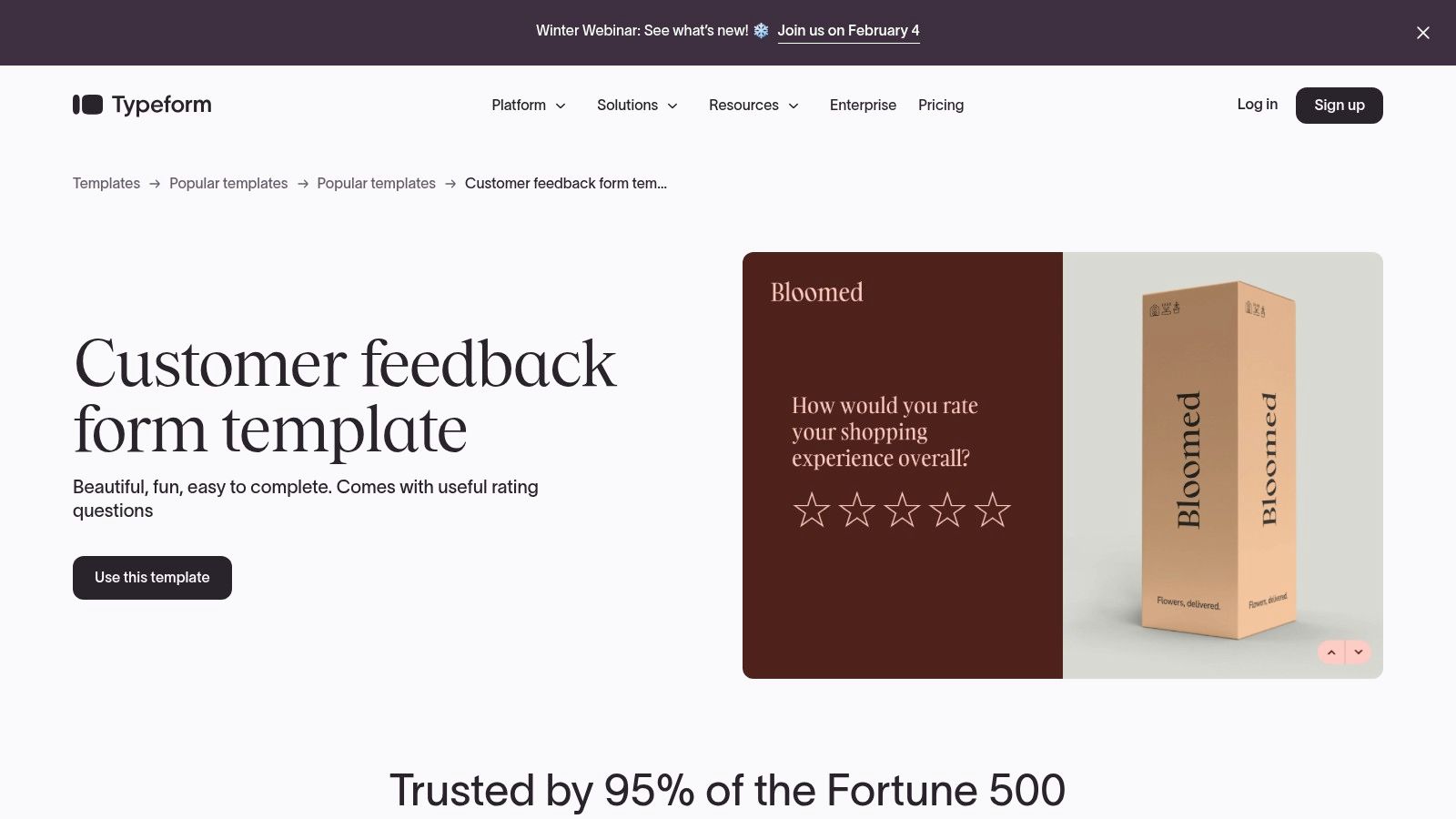
The platform offers a robust library of pre-built templates for CSAT, NPS, and general feedback, which you can customize extensively with your brand's colors, fonts, and logos. The design-first philosophy is a key differentiator. For guidance on creating visually appealing and effective forms, you can review our best practices for mastering form design for higher conversions.
Platform Highlights
- Conversational Logic: Typeform's Logic feature allows you to create dynamic forms that change based on user answers, making the feedback process feel personalized and relevant.
- Extensive Integrations: With over 300 integrations, you can easily pipe feedback data into tools like Slack, HubSpot, Zapier, and Google Analytics.
- Flexible Embedding: You can embed forms directly on your website or in emails, ensuring a seamless experience for your customers.
Typeform offers a free plan with limitations, while paid plans start at around $25 per month, offering more responses and advanced features. The primary drawback is the monthly response cap on lower-tier plans, which may be a constraint for high-volume businesses. Higher-tier plans unlock features like SSO and HIPAA compliance for enterprise needs.
Website: https://www.typeform.com/templates/customer-feedback
3. Jotform
Jotform is a powerhouse in the form-building space, recognized for its massive library of ready-to-use templates and a highly intuitive drag-and-drop builder. It enables teams to deploy feedback workflows rapidly, making it an excellent resource for anyone needing comprehensive customer feedback form templates without a steep learning curve. The platform balances simplicity with powerful, enterprise-grade features.
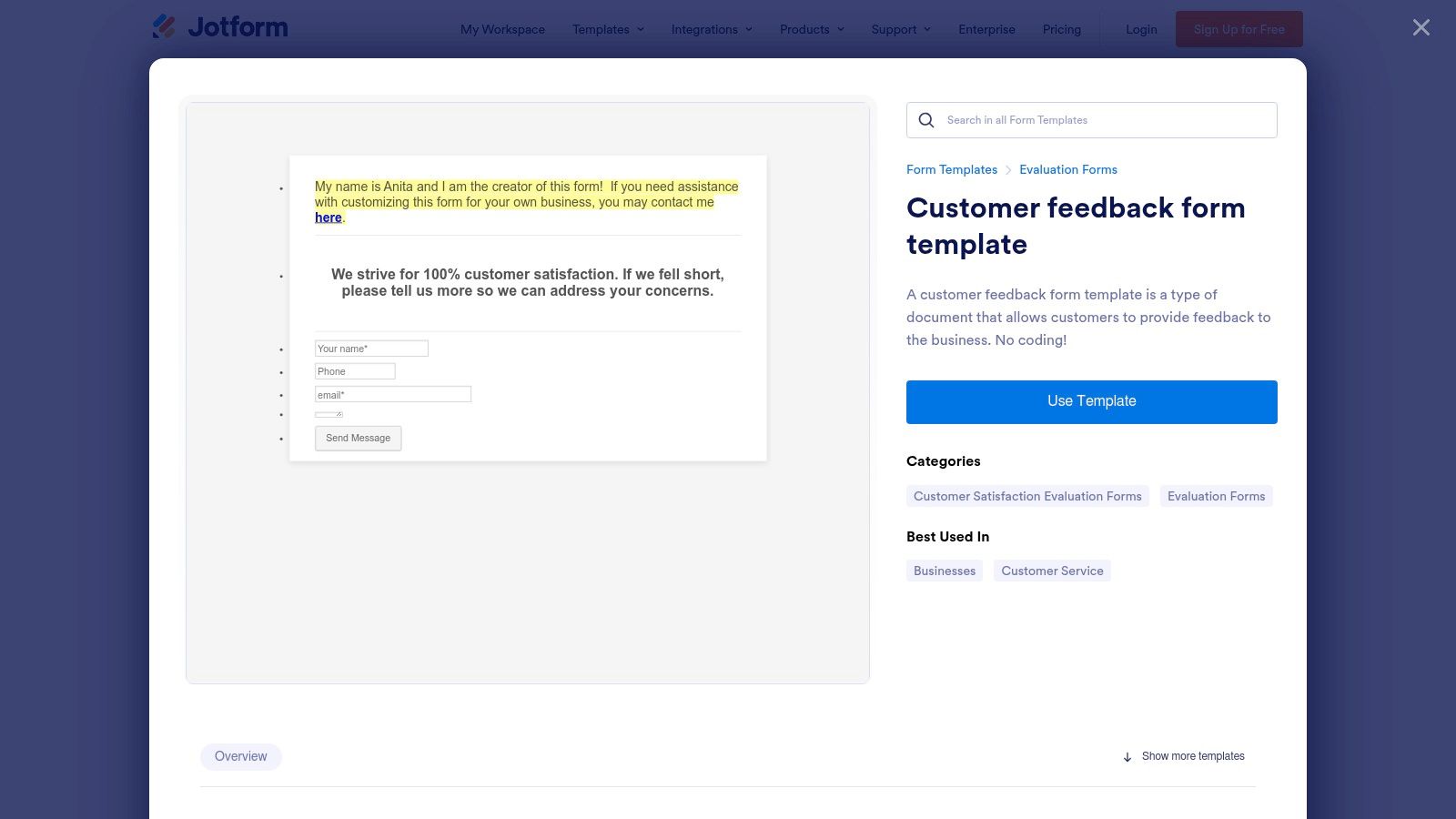
Its strength lies in its versatility. You can start with a CSAT or general feedback template and customize it completely, or build a complex workflow from scratch. Jotform serves both small teams needing quick solutions and large, regulated organizations that require features like HIPAA compliance or approval flows, bridging the gap between simple forms and advanced data collection systems.
Platform Highlights
- Extensive Template Library: Access hundreds of editable feedback templates, significantly speeding up the creation process.
- Powerful Workflow Tools: Features like conditional logic, an approvals workflow builder, and a PDF editor allow for sophisticated automation.
- Versatile Collection Modes: Collect feedback online via links and embeds, or use kiosk and tablet modes for in-person data collection at events or retail locations.
Jotform offers a generous free plan, but it comes with submission and storage limits. Paid plans provide higher limits and advanced features, with options for HIPAA compliance on Gold or Enterprise tiers. The primary drawback is that key security and compliance features like SSO are gated behind the most expensive Enterprise plans.
Website: https://www.jotform.com/form-templates/customer-feedback-form-template
4. SurveyMonkey
As one of the most established names in online surveys, SurveyMonkey offers a powerhouse platform for gathering in-depth customer insights. It provides a vast array of expert-written customer feedback form templates, covering everything from CSAT and CES to general comment cards. Its strength lies in robust analysis and distribution tools, making it ideal for teams that require deep data and scalable operations.
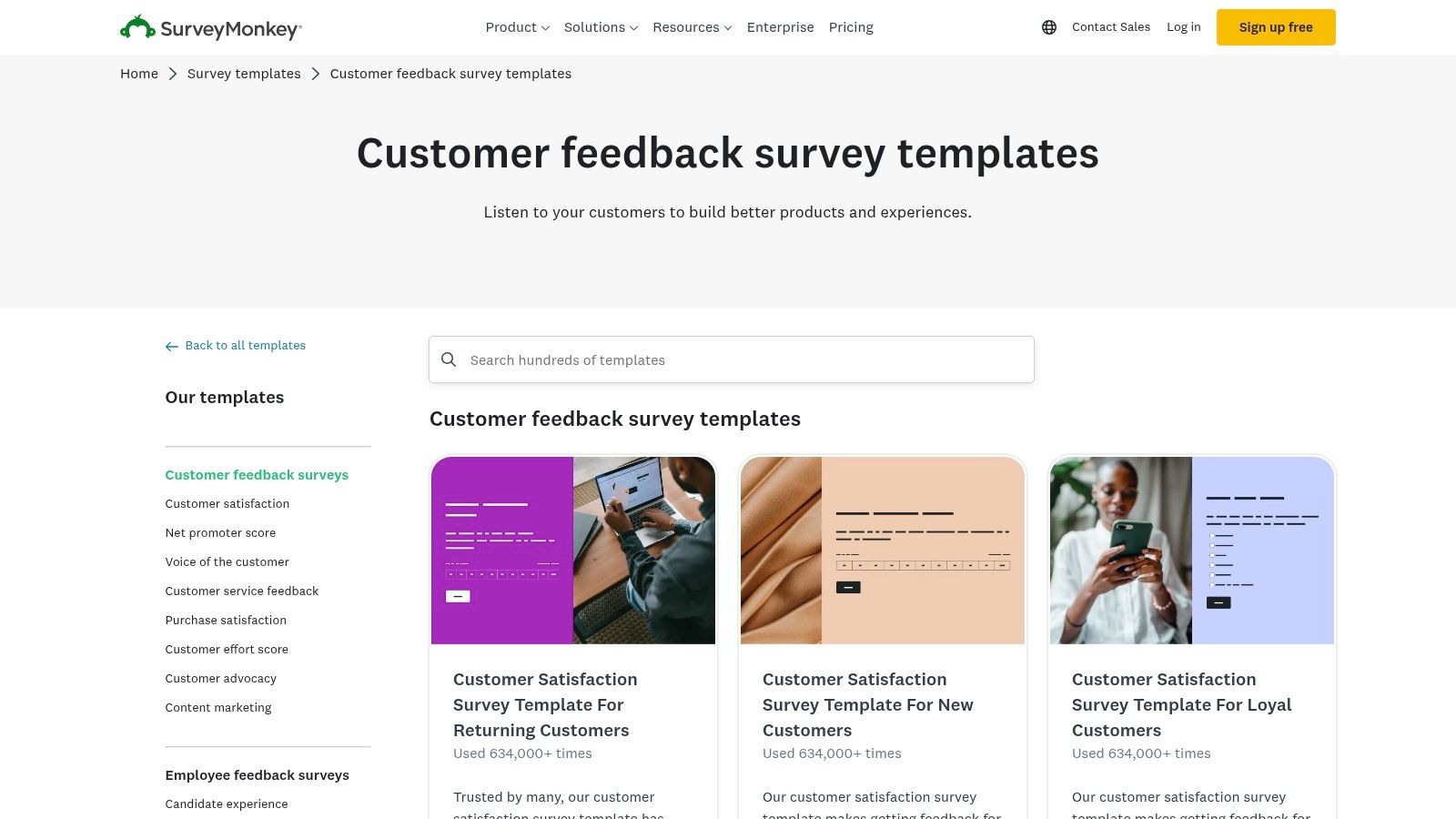
The platform boasts over 500 templates and more than 1,800 pre-written questions, which helps teams build effective surveys quickly. This extensive library is particularly useful for those new to survey creation or wanting to ensure their methodology is sound. For a deeper understanding of the nuances involved, explore the difference between a survey and a questionnaire.
Platform Highlights
- Advanced Logic and AI: Features like skip logic and answer piping create a more tailored experience, while an AI assistant helps you build forms faster and more effectively.
- Diverse Distribution: You can share your forms via email, a direct link, QR codes, or by embedding them directly onto your website, offering flexibility in how you reach customers.
- Powerful Analytics: SurveyMonkey excels at data analysis, offering tools to filter, compare, and even benchmark your results against industry averages.
SurveyMonkey offers a free basic plan with significant limitations. Paid plans unlock higher response limits and advanced features, scaling from individual user plans to full enterprise solutions. A primary drawback can be the response limits and potential overage fees on certain plans, and more sophisticated branding controls are reserved for higher-priced tiers.
Website: https://www.surveymonkey.com/categories/templates/customer-feedback-surveys
5. Google Forms
For teams deeply integrated into the Google Workspace ecosystem, Google Forms offers a straightforward and free solution for creating basic surveys and feedback forms. It is an excellent starting point for businesses that need to collect customer opinions without incurring additional costs or learning a complex new platform. The familiarity of the interface makes it incredibly accessible for quick deployment of customer feedback form templates.
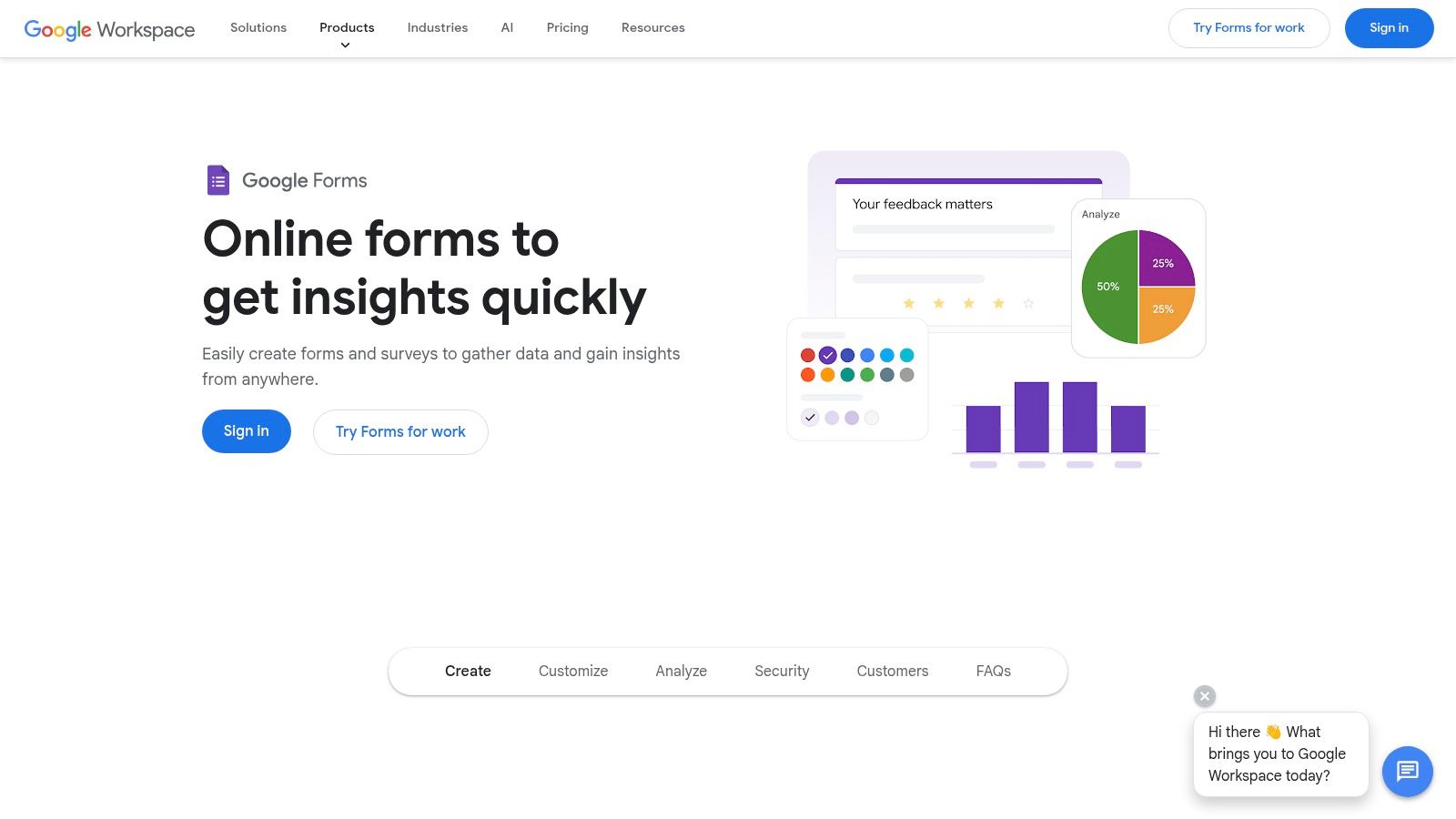
The platform includes a template gallery with a pre-built customer feedback form that you can use immediately or customize to fit your needs. While its design options are more limited than specialized tools, its strength lies in its simplicity and powerful integration with other Google products. All responses are collected in real-time and can be instantly synchronized with a Google Sheet, making data analysis and sharing exceptionally easy for small teams.
Platform Highlights
- Seamless Google Sheets Integration: Responses are automatically populated into a Google Sheet, providing a live, shareable database for analysis without manual exporting.
- Cost-Effective Solution: As a completely free tool, it provides essential form-building capabilities, making it ideal for startups and budget-conscious organizations.
- Simple Sharing and Embedding: Forms can be easily shared via a direct link, sent in an email, or embedded directly onto a webpage with a simple HTML snippet.
Google Forms is entirely free for anyone with a Google account. The primary limitations are its basic design customization and less sophisticated conditional logic compared to paid competitors. Additionally, the availability and behavior of the template gallery can differ slightly between personal accounts and various Google Workspace tiers, which may be a consideration for larger organizations seeking standardized templates.
Website: https://www.google.com/forms/about
6. Microsoft Forms / Microsoft Create
For organizations deeply integrated into the Microsoft 365 ecosystem, Microsoft Forms provides a streamlined and secure way to create feedback forms. Its templates, discoverable through Microsoft Create, offer a practical starting point for businesses that prioritize function and data security over elaborate design. It’s an ideal solution for internal feedback or for companies wanting to consolidate their tech stack.
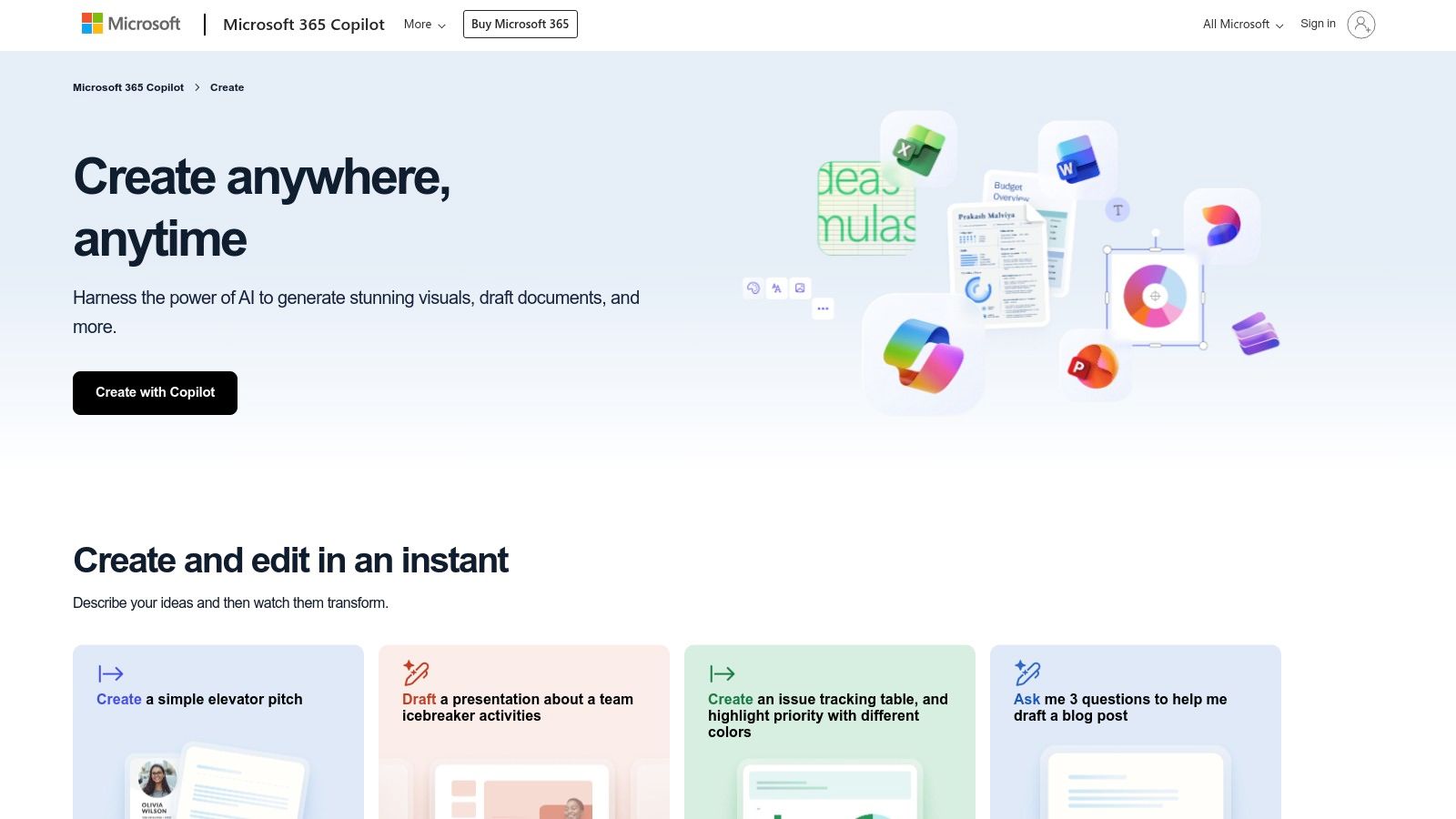
The platform’s strength lies in its seamless integration with other Microsoft applications. You can easily export responses to Excel for analysis, embed forms in SharePoint sites, or trigger workflows in Power Automate. This native connectivity makes it a powerful choice for creating customer feedback form templates that feed directly into existing business processes without third-party connectors.
Platform Highlights
- Deep M365 Integration: Natively connects with Excel, SharePoint, Teams, and Power Automate, allowing for efficient data management and automated workflows.
- Secure and Compliant: Leverages Microsoft's enterprise-grade security and compliance features, making it suitable for organizations with strict data governance policies.
- Simple Logic and Quizzes: Includes basic branching logic to tailor questions based on user answers and supports quiz functionality with automatic grading.
Microsoft Forms is typically included with Microsoft 365 Business and Education subscriptions, making it a cost-effective option for existing users. The primary limitations are in design and customization; branding options are much more restricted compared to specialized form builders. Furthermore, advanced analytics require exporting data to tools like Power BI, as the built-in reporting is quite basic.
Website: https://create.microsoft.com/en-us/templates/customer-feedback
7. HubSpot Service Hub
HubSpot Service Hub is an all-in-one customer service platform where feedback collection is deeply integrated into the CRM. This native connection is its greatest strength, making it ideal for teams who want to use feedback to drive immediate, automated actions like creating support tickets or enrolling a customer in a specific workflow. Instead of just collecting data, HubSpot allows you to create powerful, closed-loop processes based on survey responses.
The platform offers built-in survey types like CSAT, CES, and NPS, which are linked directly to contact records. This provides rich context for every piece of feedback received. You can distribute these surveys through email, on your website, or even in-app, ensuring you can reach customers wherever they are. The ability to trigger actions based on survey scores is a key differentiator, helping teams automate follow-up and operationalize feedback efficiently.
Platform Highlights
- Native CRM Integration: All feedback is automatically tied to a customer's contact record, giving your team a complete history of interactions and sentiment.
- Powerful Automation: Use workflows to create support tickets, send follow-up emails, or notify team members in Slack based on specific survey responses.
- Multi-Channel Distribution: Deploy surveys across various channels like email and web pages to maximize response rates at different touchpoints in the customer journey.
Access to these customer feedback form templates requires the Service Hub Professional or Enterprise plan. The commitment to annual contracts and per-seat pricing can be a hurdle for smaller teams or those needing more flexible terms. However, for businesses already invested in the HubSpot ecosystem, the seamless integration and automation capabilities are unparalleled.
Website: https://knowledge.hubspot.com/customer-feedback/how-do-i-send-a-customer-support-survey
8. Zoho Survey
Zoho Survey stands out for businesses deeply embedded in the Zoho ecosystem, offering a powerful and cost-effective solution for creating diverse customer feedback form templates. With a massive library of over 250 pre-built templates, it provides an excellent starting point for any feedback initiative, from standard CSAT and NPS surveys to more niche customer service follow-ups.
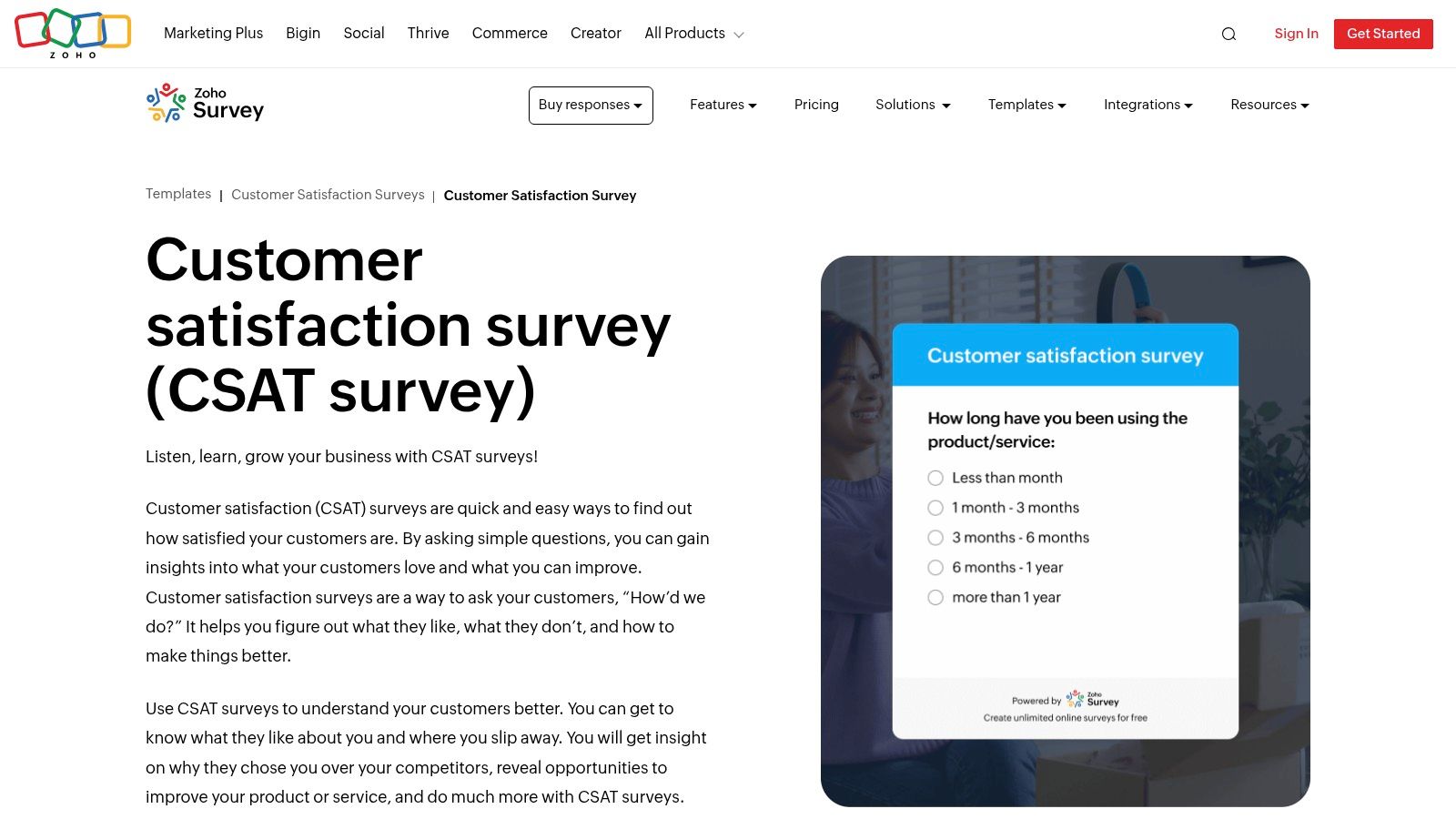
The platform is particularly strong for global businesses, supporting over 100 languages to ensure you can collect feedback from a worldwide customer base. Its native integration with Zoho CRM, Desk, and Analytics allows teams to centralize feedback data and tie it directly to customer records, providing a holistic view of the customer journey without relying on third-party connectors. This makes it an ideal choice for teams seeking a unified tech stack.
Platform Highlights
- Extensive Template Library: Gain a significant head start with more than 250 templates, including specific designs for CSAT, customer service, and post-purchase feedback.
- Multilingual Support: Easily create and distribute surveys in over 100 languages, making it perfect for international feedback collection.
- Deep Zoho Ecosystem Integration: Seamlessly connect survey data with other Zoho applications like CRM and Desk to enrich customer profiles and streamline workflows.
- Flexible Distribution: Share your forms via multiple channels, including direct embeds, email, SMS, and even offline collection for field research.
Zoho Survey offers a free plan, with paid tiers starting at a very competitive price point. The main drawback is that its feature-rich interface can present a slight learning curve for new users, and some of the more advanced logic and reporting capabilities are reserved for higher-tier plans.
Website: https://www.zoho.com/survey/templates/customer-satisfaction/customer-satisfaction-survey.html
9. Canva
Canva is a design-first platform known for its vast library of visual assets, and it extends this strength to creating stunning customer feedback form templates. While not a traditional form builder, it excels at producing beautifully designed, on-brand documents that can be printed, shared as PDFs, or used in digital presentations. This makes it an ideal choice for businesses that need physical feedback cards for events, in-store experiences, or visually polished documents for client reports.
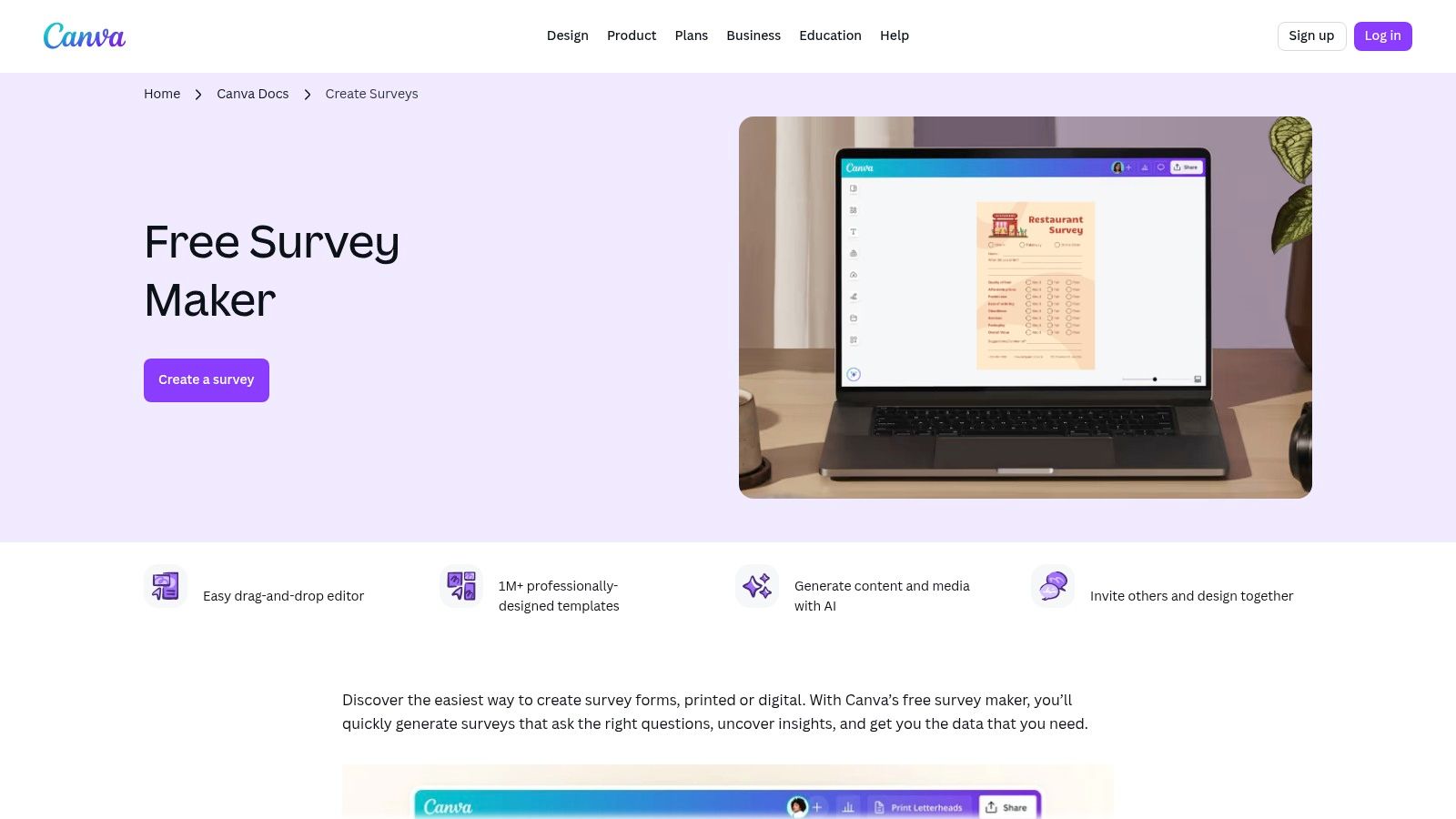
The platform offers a simple survey maker and thousands of editable templates that can be quickly customized using Brand Kits to maintain consistency. Users can leverage its intuitive drag-and-drop editor and AI-assisted content tools to craft professional-looking forms without needing any design experience. The primary use case is for static feedback collection rather than interactive, data-driven surveys.
Platform Highlights
- Massive Template Library: Access thousands of pre-designed form and survey templates tailored to various industries and styles, speeding up the creation process.
- Brand Kits: Easily apply your company's logos, colors, and fonts to any template to ensure consistent branding across all feedback materials.
- Versatile Export Options: Forms can be exported as high-quality PDFs for printing or digital distribution, making it flexible for both online and offline feedback collection.
Canva offers a robust free plan, with paid plans like Canva Pro and Canva for Teams providing access to premium assets and advanced collaboration features. The main limitation is that it isn't a full-fledged survey tool; it lacks native response databases, conditional logic, and analytics. It is best suited for scenarios where visual appeal and print-readiness are the top priorities.
Website: https://www.canva.com/create/surveys
10. Template.net
Template.net takes a different approach, offering a massive marketplace of downloadable and editable customer feedback form templates for offline use. This platform is ideal for businesses that need physical, printable forms for in-person interactions, such as at retail checkouts, events, or service counters. Instead of an online form builder, it provides templates in multiple file formats like Google Docs, Word, PDF, and Apple Pages.
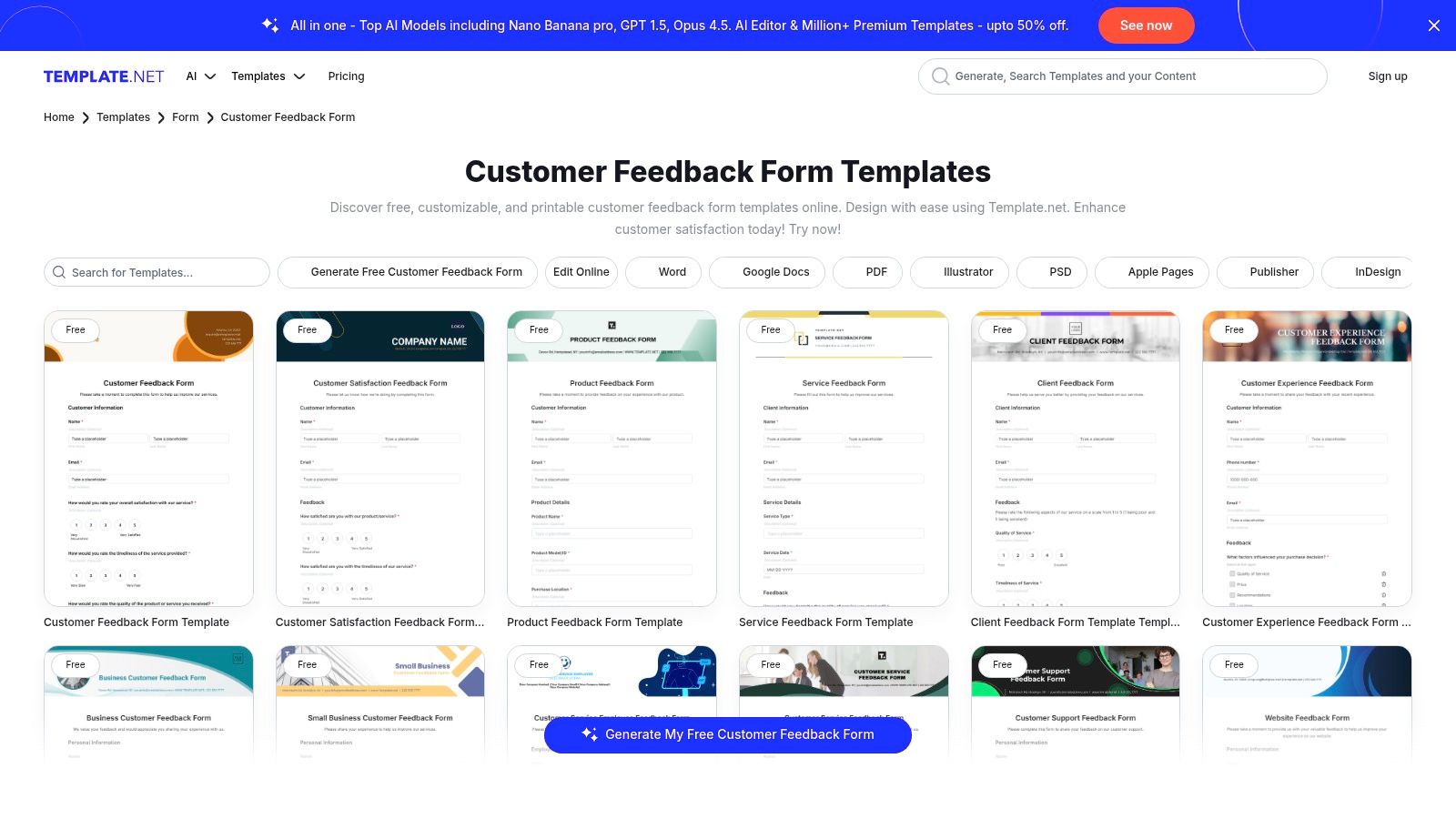
The primary advantage is speed and simplicity. You can find, download, and print a professionally designed feedback form in minutes without worrying about online hosting or data collection platforms. The designs range from general comment cards to industry-specific formats, making it a versatile resource for tangible feedback capture.
Platform Highlights
- Multiple File Formats: Templates are available for popular software like Google Docs, Word, and Pages, ensuring easy editing and customization.
- Print-Ready Designs: The forms are designed for physical use, perfect for creating on-premise comment cards or feedback sheets for events and retail.
- Industry-Specific Options: Find templates tailored for various sectors, including restaurants, healthcare, and hospitality, which helps gather more relevant information.
Template.net offers many free templates, but a Pro subscription is required to access the full library and commercial licenses. The main limitation is the lack of digital functionality; there are no built-in analytics, integrations, or automated data collection. You are responsible for manually compiling and analyzing any feedback you receive.
Website: https://www.template.net/forms/customer-feedback
11. Formstack
Formstack is an enterprise-grade platform that excels in security, compliance, and workflow automation, making it ideal for organizations in regulated industries. It goes beyond simple data collection by offering powerful tools to route, approve, and process the information gathered from its customer feedback form templates. This focus on the entire data lifecycle makes it a top choice for healthcare, finance, and legal sectors.
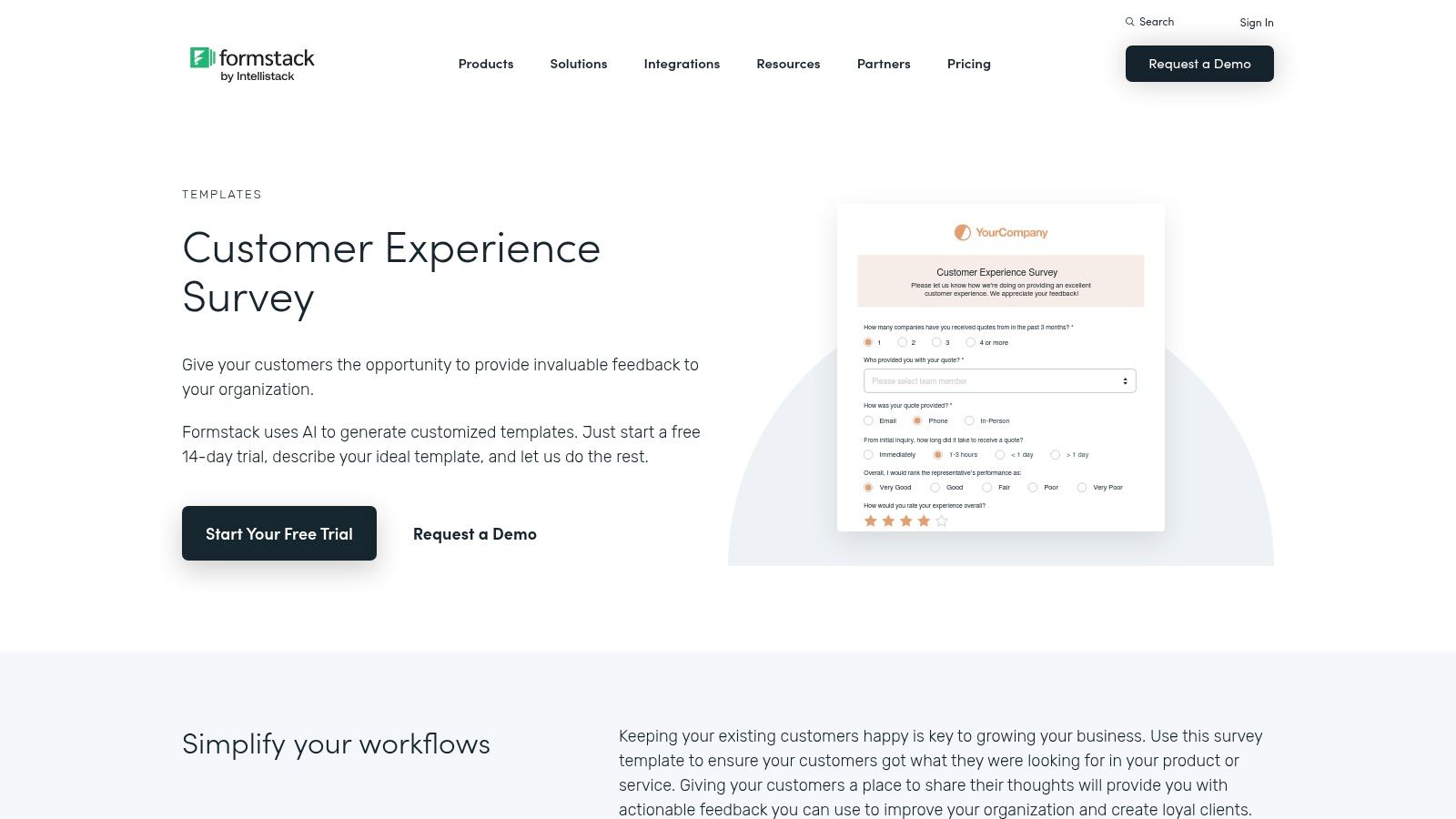
The platform’s drag-and-drop builder allows for the creation of sophisticated forms with advanced conditional logic, pre-filling capabilities, and on-brand themes. Formstack’s strength lies in its ability to connect feedback to internal processes seamlessly. For example, a negative CSAT score could automatically trigger an approval workflow for a support manager to review and assign.
Platform Highlights
- Workflow Automation: Build multi-step workflows with approvals and data routing to ensure feedback is actioned by the right people at the right time.
- Compliance and Security: Formstack offers HIPAA and HITECH compliance options, along with SSO, making it suitable for handling sensitive customer data securely.
- Deep Integrations: Native integrations, especially with Salesforce, allow for robust data mapping and automation between your CRM and feedback collection efforts.
Formstack’s pricing is higher than many competitors, with plans starting around $50 per month, reflecting its enterprise focus. The user interface, while powerful, can feel complex for small teams needing only basic forms. However, for organizations that require stringent data governance and automated feedback processing, the investment is well-justified.
Website: https://www.formstack.com/templates/customer-experience-survey
12. SurveySparrow
SurveySparrow stands out with its highly conversational, chat-like interface designed to boost engagement and completion rates, particularly on mobile devices. It transforms traditional surveys into interactive dialogues, making the feedback process feel less like a chore and more like a conversation. This engaging approach makes it an excellent platform for creating dynamic customer feedback form templates that capture authentic user sentiment.
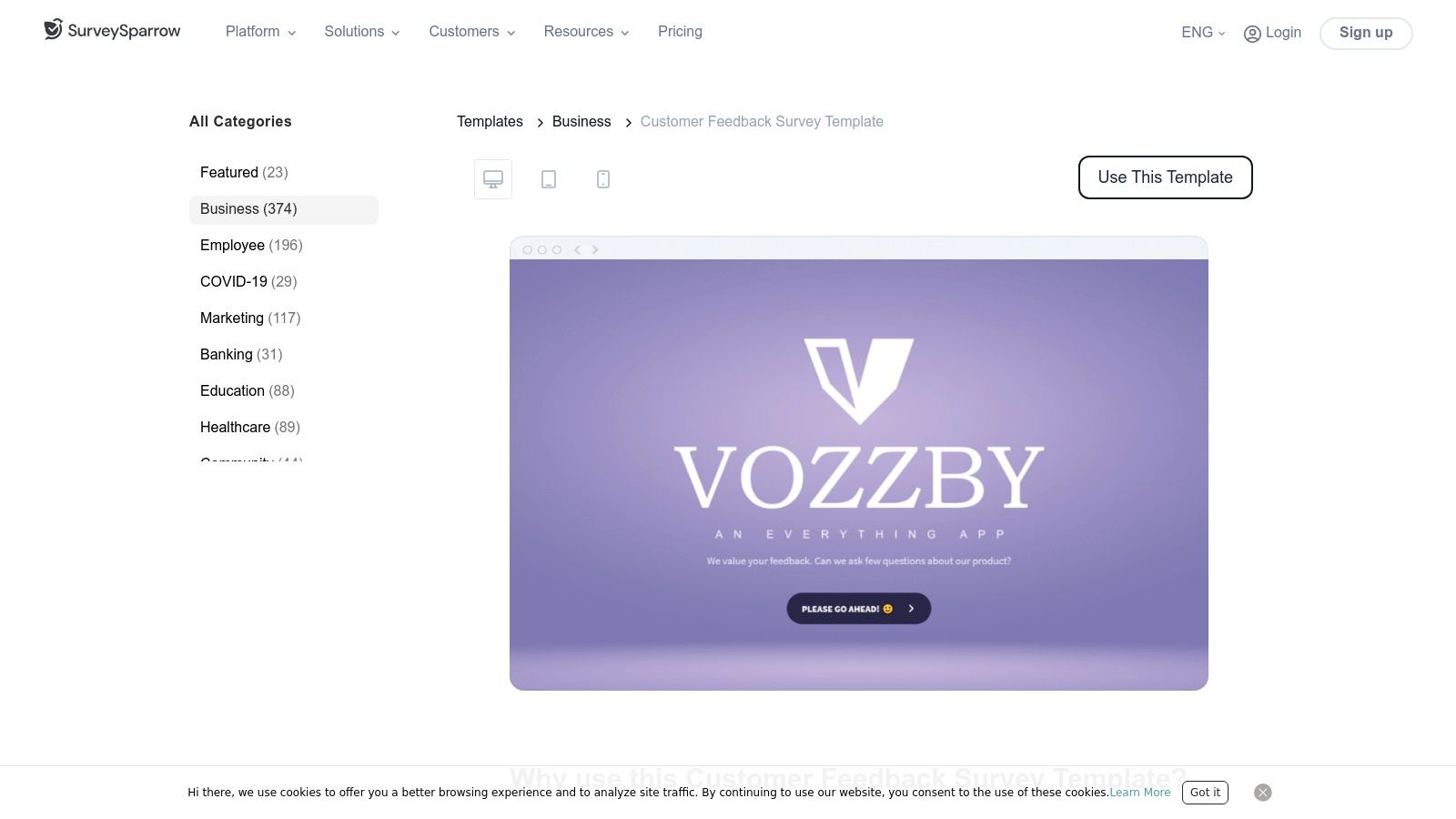
The platform offers a comprehensive suite of templates for CSAT, CES, and NPS, which are fully customizable to align with your brand identity. Its omnichannel distribution capabilities allow you to reach customers via email, SMS, QR codes, and website embeds, ensuring you gather feedback wherever your audience is most active. The real-time reporting dashboards provide immediate insights into customer satisfaction metrics.
Platform Highlights
- Conversational Interface: The chat-like survey experience is a key differentiator, creating a more personal and less intrusive way to collect feedback, which often leads to higher response quality.
- Omnichannel Distribution: Reach customers on their preferred channels, including email, web, SMS, and in-app, to maximize feedback collection opportunities.
- Built-in NPS & CES Modules: Dedicated modules for Net Promoter Score and Customer Effort Score come with automated follow-ups and powerful analytics to track loyalty and effort over time.
SurveySparrow has a free plan with basic features. Paid plans start at around $19 per month, unlocking more responses, integrations, and advanced features like conditional logic. A notable drawback is that removing SurveySparrow branding and accessing white-label options requires a higher-tier subscription, which may be a consideration for businesses seeking a fully branded experience.
Website: https://surveysparrow.com/templates/business/customer-feedback-survey/
Top 12 Customer Feedback Form Templates Comparison
| Product | Core features | UX (★) | Target audience (👥) | Value/Price (💰) | Unique selling points (✨) |
|---|---|---|---|---|---|
| AgentsForForms 🏆 | AI prompt→production-ready multi-step forms, templates, branching, integrations | ★★★★★ | 👥 Product teams, marketers, support, HR | 💰 Free tier; paid from ~$6/user/yr | ✨ Auto-writes copy & validations, real-time AI insights, SSO/GDPR |
| Typeform | Conversational one-question UX, templates, 300+ integrations | ★★★★ | 👥 Marketers, UX-focused teams | 💰 Tiered plans; response caps on lower tiers | ✨ Polished conversational flows, strong branding |
| Jotform | Drag‑and‑drop builder, huge template library, HIPAA/approvals | ★★★★ | 👥 Small teams to regulated orgs | 💰 Free tier with limits; paid for higher limits/enterprise | ✨ Fast deployment, PDF/kiosk modes, enterprise options |
| SurveyMonkey | Expert templates, advanced logic, benchmarking & collectors | ★★★★ | 👥 Research teams, enterprises | 💰 Tiered; response limits/overage fees possible | ✨ Robust analysis, benchmarking, scalable collectors |
| Google Forms | Template gallery, Sheets sync, instant charts | ★★★ | 👥 Google Workspace users, quick surveys | 💰 💸 Free | ✨ Simple, familiar, tight Sheets integration |
| Microsoft Forms / Create | M365 templates, branching, Excel/Teams integration | ★★★ | 👥 Microsoft 365 orgs | 💰 Included with many M365 plans | ✨ Enterprise identity + Teams/SharePoint workflows |
| HubSpot Service Hub | Native CSAT/CES/NPS tied to CRM, automation workflows | ★★★★ | 👥 Support & success teams using HubSpot | 💰 Requires Service Hub Pro/Enterprise (seat-based) | ✨ Closed-loop feedback → CRM actions & automations |
| Zoho Survey | 250+ templates, multilingual, skip/display logic | ★★★★ | 👥 Multilingual teams, Zoho ecosystem users | 💰 Competitive tiered pricing | ✨ Wide language support, in-email & offline collection |
| Canva | Designer-first templates, brand kits, PDF export | ★★★ | 👥 Design teams, marketing for printable/on-brand forms | 💰 Freemium; paid for brand features | ✨ High‑quality visuals and easy printable/export options |
| Template.net | Downloadable editable templates (Docs/Word/PDF) | ★★ | 👥 Retail/events, offline/print use cases | 💰 Low-cost downloads; Pro membership for premium | ✨ Quick printable templates in multiple formats |
| Formstack | Secure forms, workflow automation, approvals, compliance | ★★★★ | 👥 Enterprises needing compliance & routing | 💰 Higher-priced enterprise plans | ✨ Enterprise-grade security (HIPAA), robust routing |
| SurveySparrow | Conversational/chat-like surveys, omnichannel distribution | ★★★★ | 👥 Mobile-first teams, CX-focused groups | 💰 Tiered plans; white-label on higher tiers | ✨ Engaging chat UX, strong mobile completion rates |
Turn Feedback into Fuel for Growth
We have explored a comprehensive suite of tools and customer feedback form templates, from the versatile simplicity of Google Forms to the enterprise-grade analytics of SurveyMonkey and the integrated power of HubSpot. This journey through Net Promoter Score (NPS), Customer Satisfaction (CSAT), post-purchase follow-ups, and feature request forms has a single, unifying purpose: to transform customer voices from passive data points into your most powerful engine for growth.
Choosing the right template is a critical first step, but the true differentiator is your strategy for implementation and action. A well-designed form is worthless if its data languishes in a spreadsheet. The insights you gather must be integrated directly into your workflows, informing your product roadmap, refining your support processes, and personalizing your marketing efforts.
From Collection to Action: Key Takeaways
Remember that the ultimate goal is not just to collect feedback, but to act on it decisively. As you move forward, keep these core principles at the forefront of your strategy:
- Context is King: The most effective feedback is gathered at the right moment. Deploy post-purchase forms immediately after a transaction and trigger support follow-up surveys right after a ticket is closed. Timeliness ensures the experience is fresh and the responses are relevant.
- Experience Matters: A clunky, confusing, or overly long form is an immediate barrier. Prioritize a seamless user experience with clear questions, logical flow, and mobile-first design. This respects your customer's time and significantly boosts completion rates.
- Automate Everything: Manual data transfer is a recipe for errors and delays. Leverage integrations to automatically pipe feedback into your CRM, project management tools, or analytics dashboards. This ensures data is visible to the right teams in real-time.
- Close the Loop: The most crucial step is letting customers know they’ve been heard. Whether it’s a personalized thank you, a notification that a bug has been fixed, or an announcement that a requested feature is now live, closing the feedback loop builds immense loyalty and shows you value their input.
Choosing Your Path Forward
Selecting the right tool depends entirely on your team's maturity and specific needs. For early-stage startups or internal surveys, a free tool like Google Forms or Microsoft Forms might be sufficient. Teams needing robust analytics and question-branching logic will find immense value in platforms like Jotform or SurveyMonkey.
However, the landscape is evolving. The traditional model of manually selecting templates, writing questions, and configuring integrations is becoming a bottleneck for agile teams. The future of feedback collection lies in speed and intelligence. Modern AI-powered platforms like AgentsForForms are fundamentally changing the workflow. Instead of browsing for customer feedback form templates, you can simply describe your goal in plain language, such as, "Create an onboarding feedback form for new SaaS users to gauge their initial product experience."
The AI then generates a complete, multi-step form with optimized question copy, appropriate field types, and pre-configured validation. This approach collapses the entire setup process from hours into seconds, empowering product managers, support leads, and marketers to launch feedback initiatives at the speed of thought. By removing the technical and creative friction, these tools allow you to focus exclusively on what truly matters: analyzing the insights and driving meaningful business outcomes.
Ultimately, your feedback strategy is a direct reflection of your company's commitment to its customers. By treating every response as a valuable piece of a larger conversation, you build a sustainable competitive advantage rooted in genuine customer-centricity. Start today, iterate often, and watch your feedback engine become the fuel that powers your growth.
Ready to build smarter, faster feedback forms without the manual effort? AgentsForForms uses AI to instantly generate high-converting customer feedback form templates from a simple text prompt, complete with optimized questions and integrations. Go from idea to a live, intelligent form in seconds at AgentsForForms.