Intake Form Templates: 7 Proven Ways to Boost Client Onboarding
Learn practical form optimization strategies in this AgentsForForms guide: Intake Form Templates: 7 Proven Ways to Boost Client Onboarding.
A great intake form does more than just collect data; it sets the tone for the entire client relationship. It's the first tangible interaction a new lead, patient, or employee has with your process. A clunky, confusing form creates friction and doubt, while a streamlined, intelligent one signals professionalism and efficiency. Building the perfect form from scratch for every specific need is a significant time sink and often results in missed opportunities for better data collection.
That's why leveraging the right intake form templates is a game-changer for any team, from marketing and support to HR and operations. This guide moves beyond generic advice to provide a detailed breakdown of the best platforms for finding and customizing high-performing templates. We'll dive deep into specific use cases, from complex client onboarding and bug reporting to simple event registrations and employee feedback.
We've analyzed the top 7 platforms, including AI-powered builders like AgentsForForms and enterprise-grade solutions like Formstack, to help you find the perfect fit. Each entry includes screenshots, direct links, and actionable insights on key fields, validation rules, and UX best practices. This resource is designed to help you quickly identify the ideal template, customize it for your workflow, and create a seamless onboarding experience that improves data quality and conversion rates.
1. AgentsForForms
AgentsForForms secures its position as a top-tier choice for creating high-performance intake form templates by leveraging generative AI to streamline the entire build process. This platform is specifically engineered for teams that need to deploy sophisticated, conversion-focused forms quickly, turning simple text prompts into production-ready, multi-step forms in seconds. Its core strength lies in its ability to auto-generate not just the form fields but also the question copy, field names, and validation rules, drastically cutting down development time.
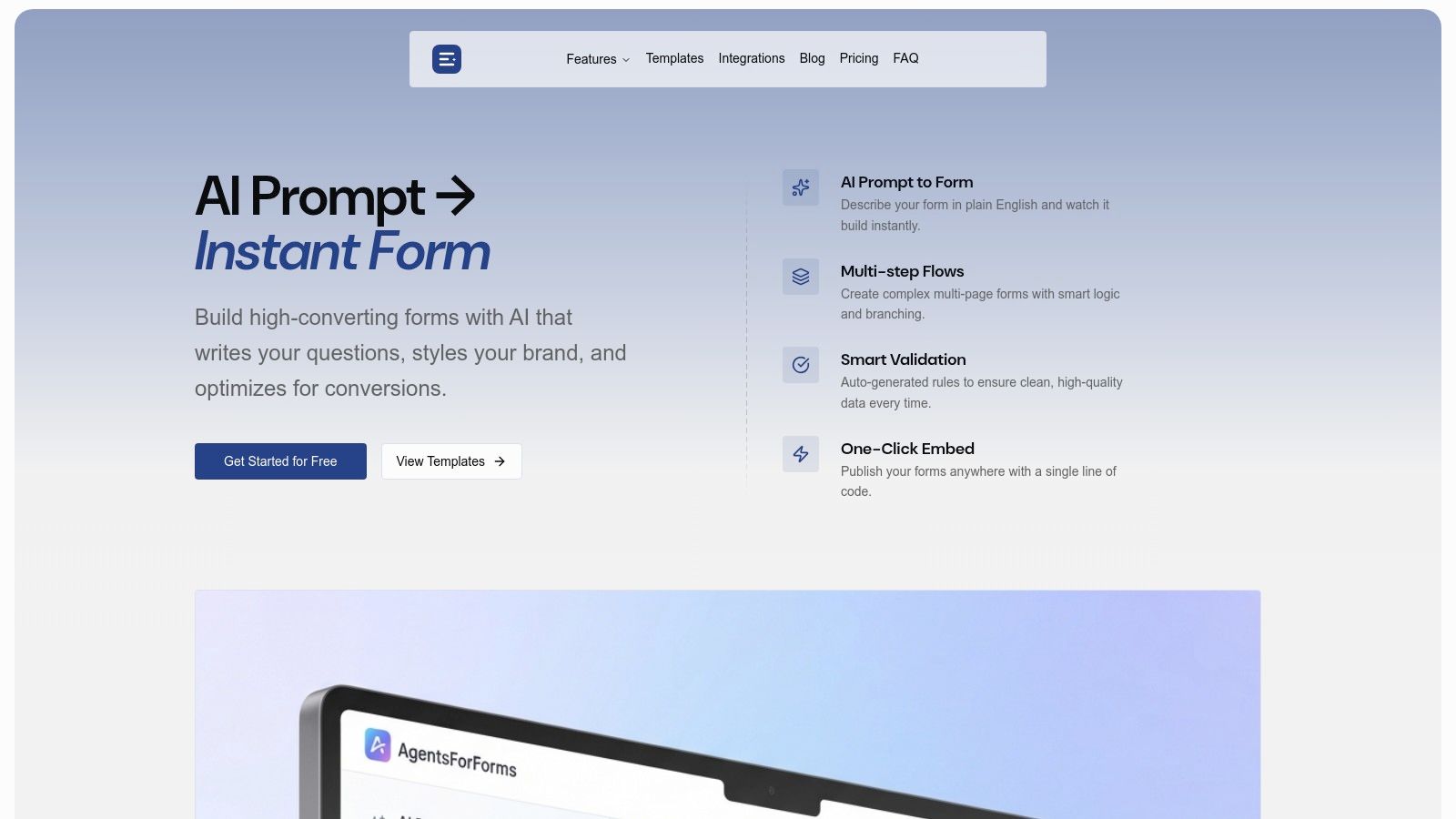
This AI-first approach makes it an incredibly powerful tool for product managers, marketing teams, and operations specialists who need to iterate on data collection without being bottlenecked by engineering resources. The platform's built-in templates provide a solid starting point for a wide range of use cases, from marketing lead generation to complex customer onboarding flows.
Key Strengths and Features
AgentsForForms stands out with a feature set designed for both speed and effectiveness. Its conversion-centric tools, like branching logic and progress indicators, are crucial for minimizing user drop-off.
- AI-Powered Generation: The platform’s defining feature is its ability to turn a prompt like "Create a lead gen form for a SaaS demo" into a complete form. The AI writes clear, human-like questions and sets up smart validation, reducing manual work from hours to minutes.
- Conversion Optimization: Multi-step layouts break down long forms into digestible chunks, while AI insights analyze real-time data to identify friction points and suggest improvements to boost completion rates.
- Enterprise-Ready Collaboration: The platform supports growing teams with features like user roles, approval workflows, and SSO-ready security, ensuring control and compliance. GDPR-friendly consent controls and robust spam filters are built-in.
- Seamless Integration and Publishing: Deploying forms is straightforward with a one-line embed code or the option to use a custom domain. With over 100 native integrations (including Salesforce, Slack, and Notion) plus webhooks, connecting form data to your existing tools is seamless. You can explore a rich library of pre-built solutions by checking out the intake form templates on AgentsForForms.
Pricing and Accessibility
AgentsForForms offers a generous free plan that includes unlimited members, two teams, and up to 500 submissions per month, making it highly accessible for startups and small teams. Paid tiers unlock higher submission limits, unlimited forms, custom branding, advanced security features, and priority support, catering to high-volume businesses and enterprises.
Pros:
- AI prompt-to-form generation dramatically speeds up creation.
- Features like multi-step flows and branching logic are designed to maximize conversions.
- Strong collaboration and security features make it suitable for enterprises.
- Extensive native integrations and publishing options.
Cons:
- AI-generated content may need minor adjustments for highly specialized or regulated industries.
- The 500-submission cap on the free plan means high-traffic teams will need to upgrade.
Website: https://agentsforforms.com
2. Jotform
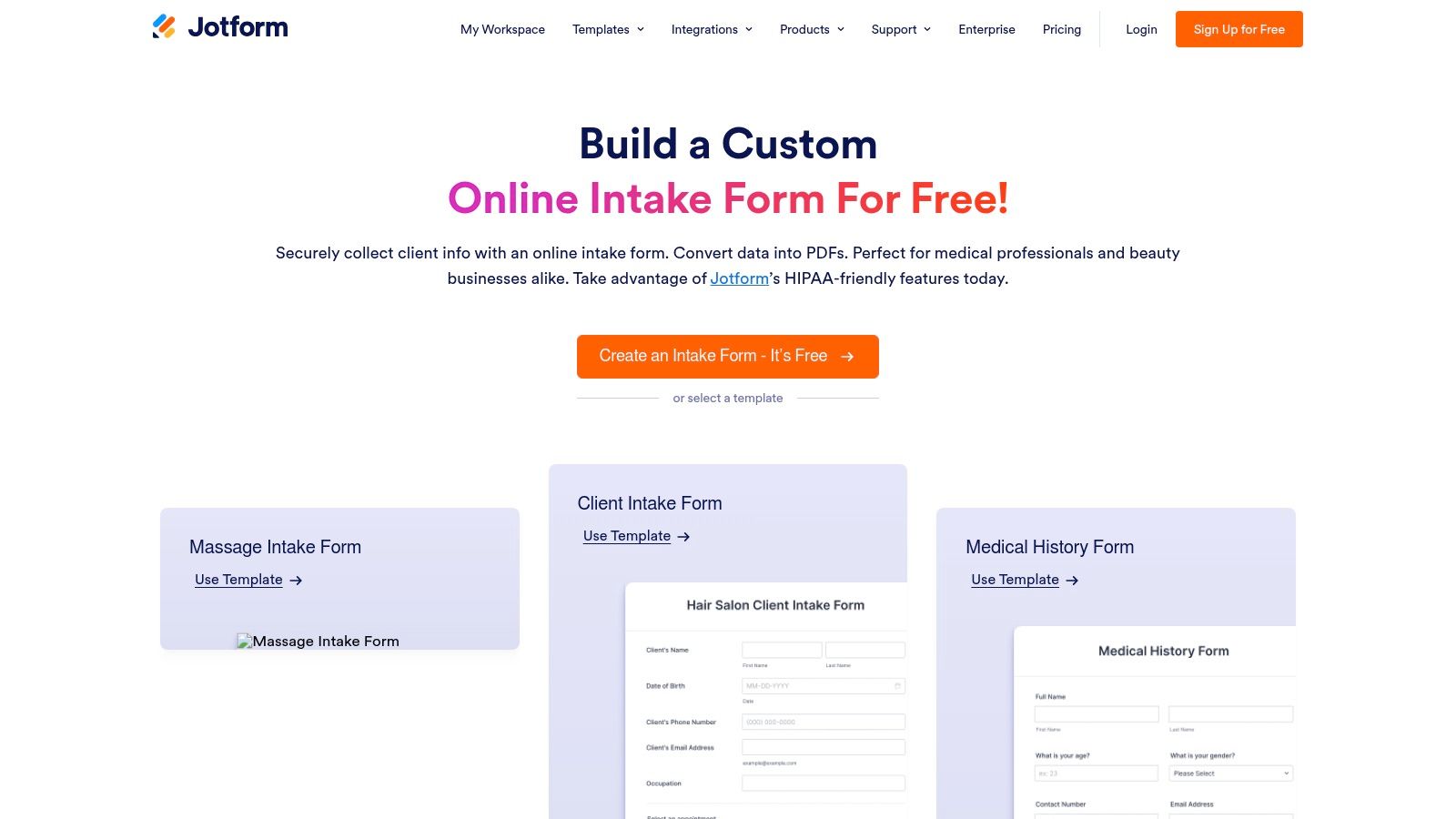
Jotform is a powerhouse in the online form space, earning its spot with a staggering library of over 10,000 ready-made templates. It stands out by offering one of the largest and most diverse collections of intake form templates available, covering nearly every conceivable niche from healthcare and legal services to salon appointments and marketing client onboarding. This vast selection significantly cuts down on development time, allowing users to find a suitable starting point and customize it quickly.
The platform's core strength lies in its user-friendly, drag-and-drop form builder, which makes customization accessible even for non-technical users. Beyond basic fields, you can incorporate advanced elements like appointment scheduling, e-signatures, and payment collection directly within the form.
Key Features and Use Cases
Jotform excels in regulated industries, particularly healthcare. It offers HIPAA-compliant features and will provide a Business Associate Agreement (BAA) on its Gold and Enterprise plans. This makes it a go-to solution for clinics, therapists, and other medical professionals who need to securely collect protected health information (PHI) through patient intake forms.
The platform also shines with its extensive integration capabilities. With over 100 integrations, you can automatically send submission data to tools like:
- CRMs: Salesforce, HubSpot
- Project Management: Asana, Trello
- Cloud Storage: Google Drive, Dropbox
- Communication: Slack, Mailchimp
This automation transforms a simple intake form into a powerful workflow tool, perfect for teams looking to streamline lead management, client onboarding, or support ticketing processes.
| Feature | Availability | Best For |
|---|---|---|
| Templates | 10,000+ available on all plans, including Free | Teams needing a quick start in any industry |
| HIPAA Features | Available on Gold and Enterprise plans | Healthcare, therapy, and wellness professionals handling PHI |
| Integrations | 100+ available on all plans (limits vary) | Automating data transfer to CRMs, spreadsheets, and project management tools |
| E-Signature | Included on all plans | Legal intake, client agreements, and consent forms |
Pros:
- Massive template library accelerates form creation.
- HIPAA-compliant options are ideal for healthcare providers.
- Powerful integrations and automation features streamline workflows.
Cons:
- HIPAA compliance is restricted to higher-priced plans.
- The sheer number of features and settings can be overwhelming for new users.
Website: https://www.jotform.com/intake-form/
3. Typeform
Typeform redefines the user experience for online forms, earning its place on this list with a modern, conversational approach. Its signature one-question-at-a-time interface is designed to feel more like a personal conversation than a static document, which can significantly boost completion rates. This makes its collection of intake form templates particularly effective for engaging new clients, patients, or customers from the very first interaction.
The platform excels at creating a high-polish, branded experience. Its strength lies in making intake processes feel less transactional and more human. Users can easily find templates for general client onboarding, patient intake, and creative project kickoffs, all built around this user-friendly, interactive layout.
Key Features and Use Cases
Typeform’s standout feature is its powerful conditional logic, which personalizes the form experience in real-time. By showing only relevant questions based on previous answers, you can create dynamic intake forms that are shorter and more tailored to each respondent. This capability turns a simple form into an intelligent data-gathering tool. You can learn more about using a form builder with conditional logic to streamline your workflows.
While not HIPAA-compliant on standard plans, Typeform does offer enterprise-level arrangements with a Business Associate Agreement (BAA) for healthcare organizations. Its integration ecosystem is also robust, with over 300 connections to popular tools, including:
- CRMs: HubSpot, Salesforce
- Communication: Slack, Mailchimp
- Cloud Storage: Dropbox, Google Drive
- Project Management: Asana, Monday.com
These integrations are ideal for marketing teams looking to automate lead qualification or for support teams wanting to route new client information directly into their project management systems.
| Feature | Availability | Best For |
|---|---|---|
| Conversational UI | Included on all plans | Businesses focused on providing a high-quality, engaging user experience. |
| Conditional Logic | Available on Basic plan and higher | Creating personalized, dynamic forms that adapt to user responses. |
| Integrations | 300+ available on all plans | Automating data flow to sales, marketing, and project management tools. |
| HIPAA Features | Available via Enterprise arrangements | Large healthcare organizations needing a custom, secure intake solution. |
Pros:
- High-polish, conversational UX can improve form completion rates.
- Strong branding controls allow for a seamless brand experience.
- Extensive catalog of templates for surveys, registrations, and more.
Cons:
- HIPAA compliance is restricted to expensive enterprise plans.
- Response limits on lower-tier plans may require frequent upgrades.
Website: https://www.typeform.com/templates/patient-intake-form-template
4. Formstack
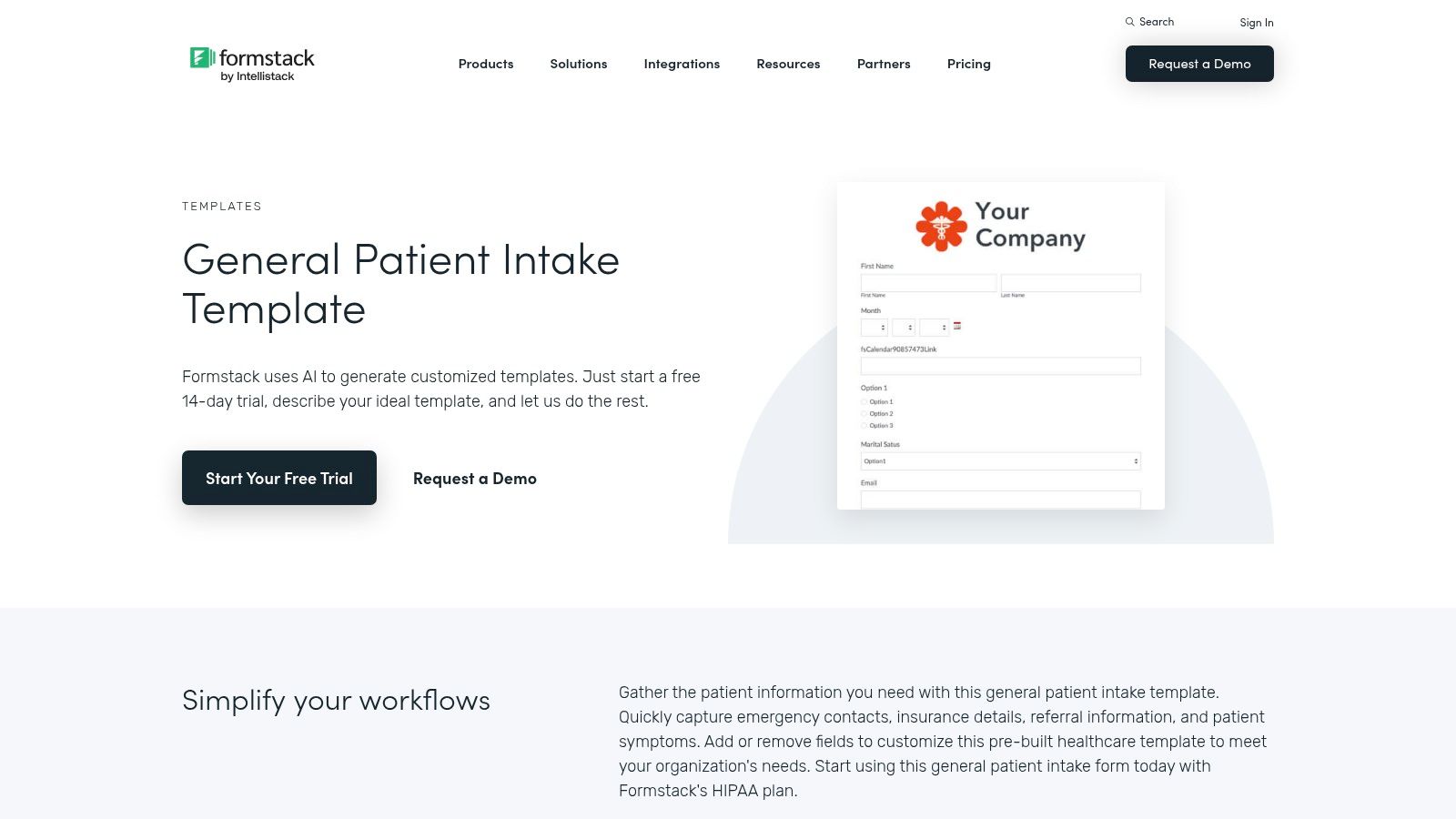
Formstack is an enterprise-level platform specializing in secure data collection and workflow automation, making it a top choice for regulated industries. It provides a robust collection of intake form templates designed for complex processes like patient registration, client onboarding, and social work assessments. The platform's main differentiator is its focus on end-to-end workflow automation, moving beyond simple data capture to include document generation, e-signatures, and automated approvals.
Formstack’s low-code environment empowers teams to build sophisticated workflows without extensive IT support. Features like conditional logic, data prefilling, and automated routing ensure that information is not only collected efficiently but also directed to the right people and systems immediately. This makes it an ideal solution for organizations aiming to digitize and streamline their intake processes. For more insights on optimizing form design, you can learn more about best practices for higher conversions.
Key Features and Use Cases
Formstack's strength is particularly evident in its HIPAA-friendly solutions for healthcare and social services. It provides specific templates for patient intake, counseling consent, and medical history, all designed to meet strict data privacy standards. Its ability to generate populated documents, such as intake summaries or agreements, directly from form submissions is a significant time-saver for administrative staff.
The platform integrates seamlessly with a wide range of business tools, allowing you to connect your intake forms to:
- CRMs: Salesforce, Microsoft Dynamics
- Payment Processors: Stripe, PayPal
- Cloud Storage: Google Drive, Dropbox
- Document Management: WebMerge (now Formstack Documents)
This comprehensive integration transforms a basic form into a powerful component of your business operations, perfect for automating client services, managing patient records, or processing new applications with multi-step approval requirements.
| Feature | Availability | Best For |
|---|---|---|
| Templates | 300+ available on all plans | Regulated industries like healthcare, finance, and social work |
| HIPAA Features | Available on specific higher-tier plans | Medical clinics, therapy practices, and hospitals handling patient data |
| Document Generation | Included in Formstack Suite plans | Automatically creating contracts, intake summaries, or patient records |
| Workflow Automation | Available on all plans (features vary by tier) | Teams needing multi-step approvals, data routing, and conditional logic |
Pros:
- Enterprise-grade security and compliance options, including HIPAA.
- Powerful workflow automation with document generation and e-signatures.
- Deep template library tailored to regulated and complex intake scenarios.
Cons:
- Pricing is significantly higher than more basic form builders.
- HIPAA compliance is restricted to more expensive, specialized plans.
Website: https://www.formstack.com/templates/general-patient-intake
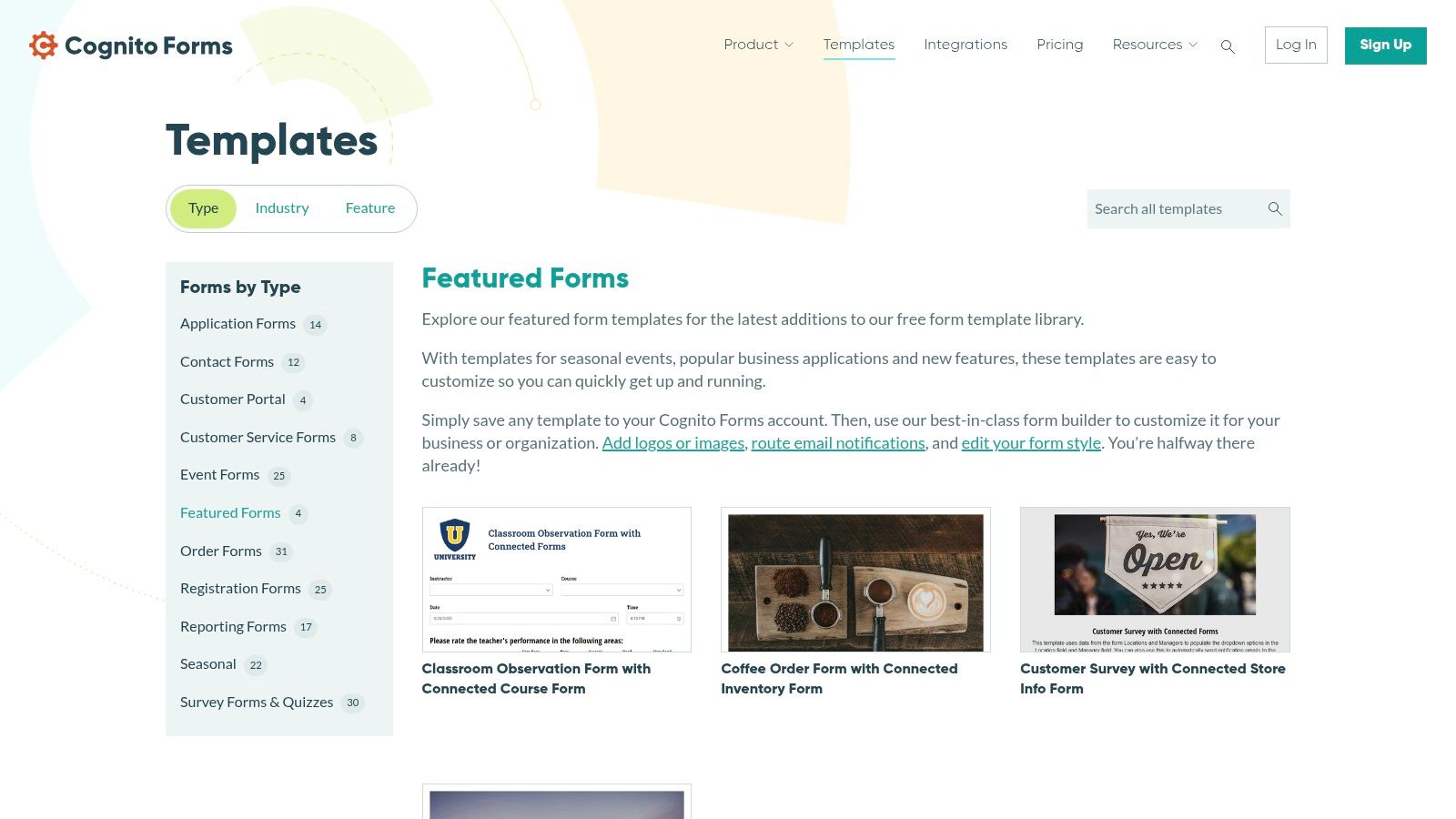
5. Cognito Forms
Cognito Forms finds its niche by combining powerful form-building with features designed for ongoing client relationships. While offering a solid library of individual intake form templates, its key differentiator is its focus on creating secure, authenticated experiences through pre-built portal bundles. This allows businesses to manage not just the initial intake but the entire client lifecycle, from submission to subsequent updates, all within a unified system.
The platform provides a user-friendly drag-and-drop editor and even offers AI assistance to generate a form template based on a simple description. This approach makes it accessible for small businesses and non-profits while packing enough power for enterprise-level workflows, especially for organizations integrated into the Microsoft ecosystem.
Key Features and Use Cases
Cognito Forms excels where client engagement extends beyond a one-time submission. Its portal bundles for Clients, Patients, and Members are perfect for service providers who need customers to securely access and update their own information over time. This is ideal for coaching services, therapy practices, or membership organizations that require continuous interaction.
The platform's native integration with Microsoft Power Automate and Logic Apps makes it a strong choice for businesses that rely on Microsoft tools. You can use these integrations to build complex, automated workflows, such as:
- Client Onboarding: Trigger a series of automated tasks in Microsoft 365 when a new client intake form is submitted.
- Data Management: Sync form entries directly with SharePoint lists or Dataverse.
- Approval Processes: Route submissions through a multi-step approval workflow using Power Automate.
This deep integration transforms a standard intake form into a critical component of an organization's core business processes.
| Feature | Availability | Best For |
|---|---|---|
| Template Bundles | Available on all plans, with advanced features on paid tiers | Businesses needing client/patient portals for ongoing data management |
| Microsoft Integration | Available on Pro, Team, and Enterprise plans | Organizations embedded in the Microsoft ecosystem for enterprise workflows |
| HIPAA Features | Available on Enterprise plans | Healthcare providers needing secure, authenticated patient forms and portals |
| Saved-Entry Views | Included on all plans | Allowing users to securely save progress and update their submissions later |
Pros:
- Built-in portal features create a secure, ongoing client experience.
- Excellent integration with Microsoft Power Automate for enterprise-level automation.
- Good balance of advanced features and affordability for small to mid-sized businesses.
Cons:
- The usage-based pricing model may require upgrades as submission volume grows.
- HIPAA compliance is limited to the highest-tier Enterprise plan.
Website: https://www.cognitoforms.com/templates/featured
6. Google Forms
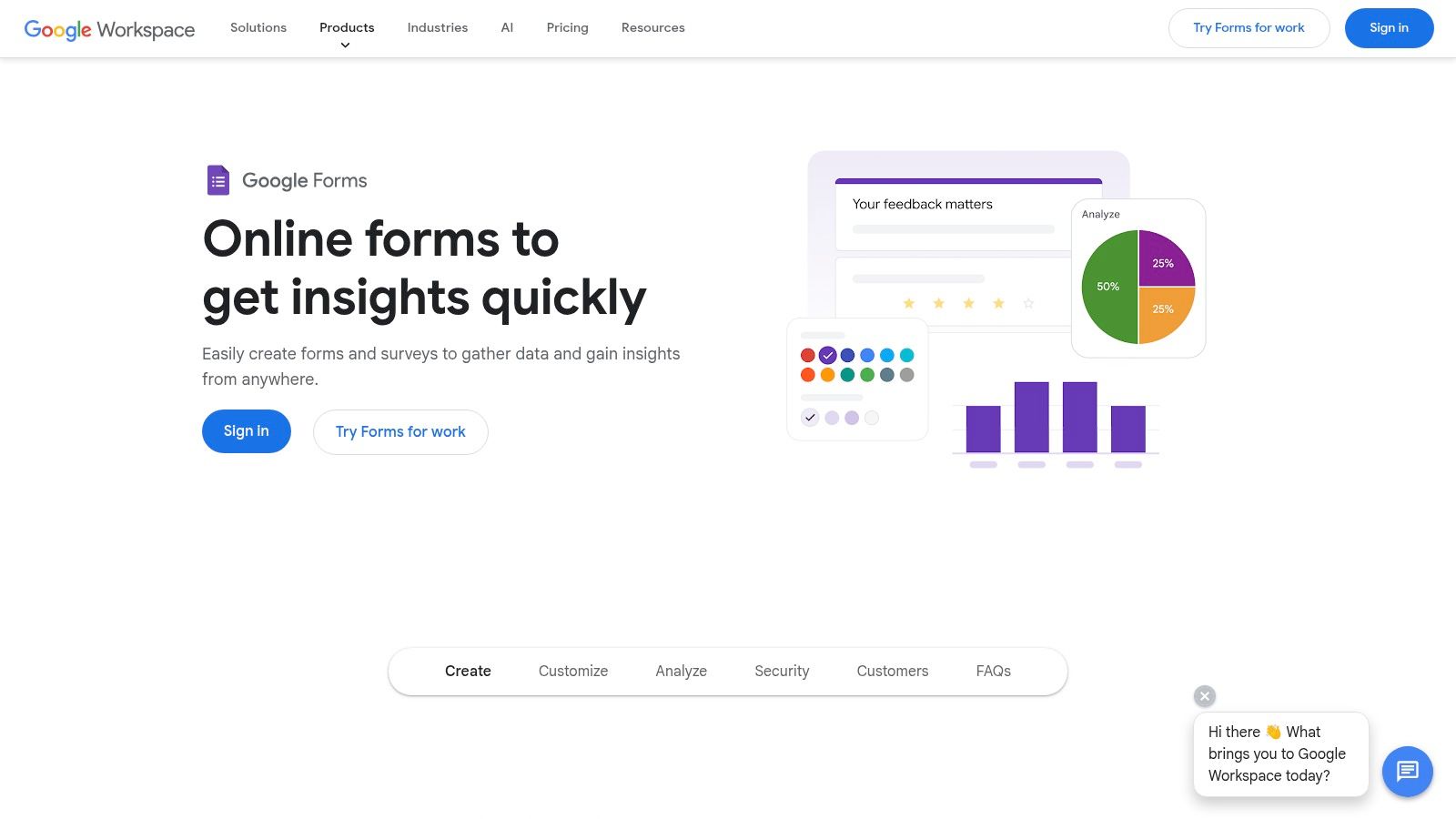
Google Forms is a ubiquitous and accessible tool that serves as a practical entry point for creating simple intake processes. While it doesn't boast a massive, dedicated library of intake form templates like specialized builders, its general-purpose template gallery provides solid starting points for event registrations, contact information, and order forms that can be easily adapted for client or project intake. Its primary advantage is its seamless integration into the Google ecosystem.
The platform's standout feature is its native connection to Google Sheets. Every form response can be automatically populated into a spreadsheet in real-time, creating a simple yet powerful database for tracking, sorting, and analyzing intake data. This makes it an excellent choice for individuals, small businesses, or teams already operating within Google Workspace who need a straightforward, no-cost solution.
Key Features and Use Cases
Google Forms is ideal for lightweight data collection where complex workflows or industry-specific compliance are not primary concerns. It’s perfect for freelancers gathering initial project details, small non-profits registering volunteers, or internal teams collecting feedback. The builder includes essential features like basic conditional logic, which allows you to show specific questions based on a user's previous answers, helping to keep forms tidy and relevant.
The platform's value is amplified by its integration with other Google services and third-party add-ons. You can:
- Automate Notifications: Use Google Apps Script to send custom email notifications upon submission.
- Connect to Other Tools: Leverage add-ons or tools like Zapier to send form data to project management apps or CRMs.
- Embed Anywhere: Easily embed forms on a website or share them via a direct link.
This flexibility makes Google Forms a highly functional tool for businesses needing simple, efficient, and cost-effective intake solutions without a steep learning curve.
| Feature | Availability | Best For |
|---|---|---|
| Templates | Small gallery of general-purpose templates available | Quick, straightforward forms for contact info, registration, or feedback |
| Google Sheets Sync | Native and included on all accounts | Teams wanting to automatically organize and analyze submission data |
| Conditional Logic | Included on all accounts | Creating dynamic forms that adapt to user responses |
| Cost | Free with a personal Google Account; included with Google Workspace | Individuals and businesses looking for a zero-cost intake form solution |
Pros:
- Completely free for anyone with a Google account and incredibly easy to use.
- Automatic data syncing to Google Sheets simplifies data management.
- Familiar interface requires virtually no training for new users.
Cons:
- Limited template selection, requiring more customization for specific intake needs.
- Lacks advanced features like e-signatures and direct payment processing.
- HIPAA compliance is not a standard feature of Google Forms alone and requires a broader Google Workspace evaluation.
Website: https://www.google.com/forms/about/
7. Microsoft Forms
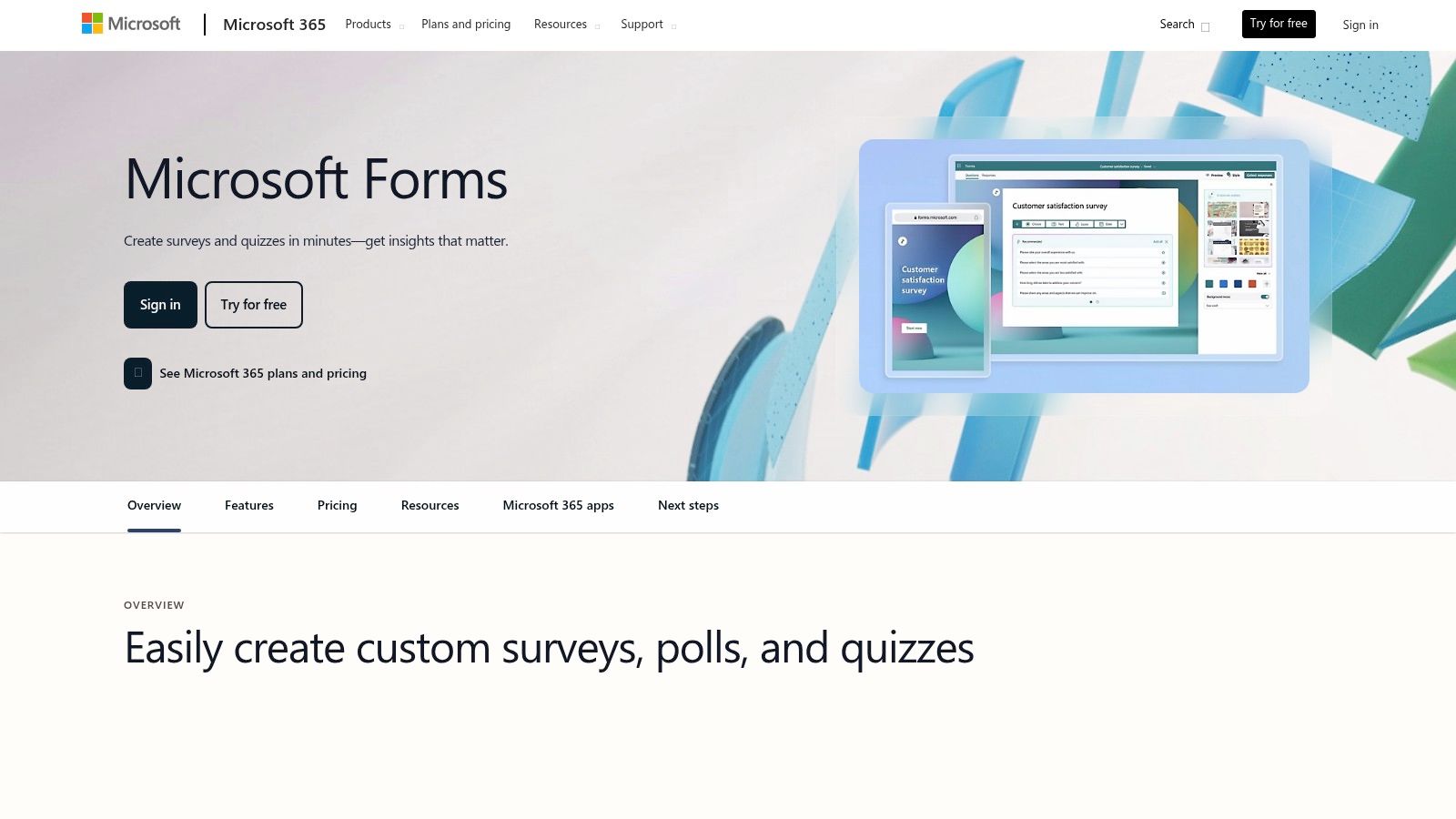
For organizations deeply embedded in the Microsoft 365 ecosystem, Microsoft Forms is a natural and frictionless choice for creating intake forms. It provides a range of customizable templates for surveys, registrations, and questionnaires that can be easily repurposed as intake form templates. While not as specialized as other platforms, its key advantage is its seamless integration into the existing Microsoft technology stack, making it an efficient tool for internal data collection and simple client onboarding.
The platform is included with most Microsoft 365 business and education subscriptions, eliminating the need for a separate purchase. Its strength lies in its simplicity and deep connectivity with other Microsoft applications. You can create a form in minutes and immediately start collecting responses, which can be viewed in real-time or exported directly to Microsoft Excel for in-depth analysis.
Key Features and Use Cases
Microsoft Forms is ideal for internal business processes, such as IT support requests, employee onboarding, or event registrations. Its built-in analytics provide quick insights with charts and graphs, while the direct "Open in Excel" feature is a powerful tool for anyone comfortable with spreadsheet-based data manipulation.
The true power of Microsoft Forms is unlocked when used with Power Automate. This integration allows you to build sophisticated workflows that trigger actions based on form submissions. For example, you can:
- Automate Notifications: Automatically send an email or a Teams message when a new intake form is submitted.
- Create Records: Add new leads or contacts to a SharePoint list or Dynamics 365.
- Organize Data: Save file uploads from a form directly into a specific OneDrive or SharePoint folder.
This automation capability transforms a basic form into an integral part of your organization's operational workflows, all within the familiar Microsoft 365 environment.
| Feature | Availability | Best For |
|---|---|---|
| Templates | General-purpose templates included with Microsoft 365 | Internal data collection, simple event registrations, and feedback surveys |
| Excel Integration | Native, one-click export on all versions | Teams that rely on Excel for data analysis and reporting |
| Power Automate | Available with Microsoft 365 | Automating workflows like notifications, task creation, and file management |
| HIPAA/Compliance | Depends on the organization's overall Microsoft 365 configuration | Businesses already managing compliance within the Microsoft ecosystem |
Pros:
- No additional cost for most Microsoft 365 subscribers.
- Seamless integration with Excel, SharePoint, Teams, and Power Automate.
- Simple, user-friendly interface that requires minimal training.
Cons:
- Template library is not specialized for complex intake processes like legal or healthcare.
- Advanced features and compliance (e.g., HIPAA) depend on the broader Microsoft 365 plan and configuration, not the tool itself.
Website: https://create.microsoft.com/en-us/forms-templates
Top 7 Intake Form Templates Comparison
| Product | 🔄 Implementation complexity | ⚡ Resource requirements | 📊 Expected outcomes | 💡 Ideal use cases | ⭐ Key advantages |
|---|---|---|---|---|---|
| AgentsForForms | 🔄 Low — AI generates multi-step flows and validation | ⚡ Moderate — free tier limited; paid for high volume; 100+ integrations | 📊 High — faster builds, improved conversions via AI insights | 💡 Rapid lead gen, onboarding, enterprise form teams | ⭐ AI prompt-to-form, conversion-first features, enterprise controls |
| Jotform | 🔄 Low — drag-and-drop with extensive templates | ⚡ Low–Medium — many features; HIPAA on higher plans | 📊 Good — fast time-to-launch with rich features | 💡 Clinics, agencies, payment/e-signature workflows | ⭐ Massive template library, PDF/e-signature, HIPAA option |
| Typeform | 🔄 Low — conversational, one-question-at-a-time design | ⚡ Medium — strong branding/integrations; HIPAA for enterprise | 📊 Good — improved completion through UX polish | 💡 Customer-facing surveys, conversational onboarding | ⭐ High-polish UX, engaging flows, broad integrations |
| Formstack | 🔄 Medium — low-code automation, approvals, document gen | ⚡ High — enterprise pricing; HIPAA on select plans | 📊 High — compliant, automated enterprise workflows | 💡 Regulated orgs (healthcare, social work), document-heavy processes | ⭐ Enterprise workflow tooling, compliance, e-signature |
| Cognito Forms | 🔄 Low–Medium — drag-and-drop with portal/auth features | ⚡ Low–Medium — cost-effective but scales by entries/users | 📊 Good — secure portals for ongoing client interactions | 💡 SMBs, nonprofits, client/patient portals | ⭐ Affordable, portal bundles, Power Automate integration |
| Google Forms | 🔄 Very Low — simple templates and basic logic | ⚡ Very Low — free with Google account; Sheets integration | 📊 Basic — quick intake, limited advanced/compliance features | 💡 Lightweight intake, internal forms, small projects | ⭐ Free, ubiquitous, seamless Google Sheets routing |
| Microsoft Forms | 🔄 Very Low — editable templates integrated in M365 | ⚡ Low — included with many Microsoft 365 plans | 📊 Basic — easy internal intake and Excel exports | 💡 Organizations standardized on Microsoft 365 | ⭐ Tight Excel/SharePoint/Power Automate integration |
| Cognito Forms | 🔄 Low–Medium — drag-and-drop with portal/auth features | ⚡ Low–Medium — cost-effective but scales by entries/users | 📊 Good — secure portals for ongoing client interactions | 💡 SMBs, nonprofits, client/patient portals | ⭐ Affordable, portal bundles, Power Automate integration |
Choosing the Right Template to Build Your Perfect Intake Process
Navigating the landscape of form builders reveals a powerful truth: the right intake form isn't just about collecting data, it's about initiating a relationship. Throughout this guide, we've explored a diverse set of powerful intake form templates and the platforms that host them, from the HIPAA-compliant security of Jotform and Formstack to the conversational elegance of Typeform and the familiar accessibility of Google and Microsoft Forms. Each tool offers a unique approach to transforming a simple questionnaire into a streamlined, efficient, and user-friendly experience.
The core takeaway is that optimization is a journey, not a destination. The perfect intake process is one that aligns perfectly with your team's workflow, your industry's compliance standards, and your audience's expectations. Your choice of tool will directly impact your ability to achieve this alignment, influencing everything from conversion rates to the quality of the data you collect.
From Templates to Transformation: Your Next Steps
To move from theory to practice, consider these final action steps. They will help you select and implement the ideal solution for your specific needs, ensuring your intake process becomes a strategic asset rather than an administrative hurdle.
- Audit Your Current Process: Before adopting a new tool, map out your existing intake workflow. Identify bottlenecks, points of friction for users, and manual data entry tasks that are ripe for automation. This audit will create a clear benchmark for success.
- Prioritize Your "Must-Haves": What is non-negotiable? Is it HIPAA compliance, specific CRM integrations like Salesforce, advanced conditional logic, or the ability to accept payments directly? Create a checklist of essential features to guide your evaluation of tools like Formstack, Cognito Forms, and others.
- Evaluate the User Experience (UX): Remember that your intake form is often the first direct interaction a customer, client, or new hire has with your brand. Choose a tool that allows you to create an experience that is intuitive, accessible, and reflective of your brand's identity. A platform like Typeform excels here, but others also offer robust customization.
- Test, Measure, and Iterate: Don't just "set it and forget it." Use the analytics features within your chosen platform to monitor completion rates, drop-off points, and time-to-complete. Small tweaks to question phrasing, field validation, or form layout can yield significant improvements in performance.
Ultimately, the best intake form templates are the ones that empower you to be more efficient, secure, and user-centric. They are a starting point for building a process that not only gathers necessary information but also makes a great first impression. By carefully considering your unique requirements and leveraging the strengths of the tools we've covered, you can build an intake system that truly works for you and your audience, setting the stage for a successful long-term relationship.
Ready to move beyond static templates and build dynamic, high-converting intake forms in seconds? AgentsForForms uses AI to generate everything you need-from question copy and logic to validation rules-all from a single prompt. Stop wrestling with manual form builders and start creating optimized intake experiences effortlessly by visiting AgentsForForms to see how AI can revolutionize your workflow.