7 Best Exit Interview Questions Template Tools for 2026
Learn practical form optimization strategies in this AgentsForForms guide: 7 Best Exit Interview Questions Template Tools for 2026.
When an employee leaves, they take valuable insights with them. A well-structured exit interview is your final, best chance to understand what went right, what went wrong, and how to improve retention. But a generic list of questions won't cut it. To get honest, actionable feedback, you need a process that is consistent, secure, and easy for both HR and the departing employee. This is where a dedicated exit interview questions template becomes essential, moving you from ad-hoc conversations to a strategic data collection tool.
Generic approaches often lead to vague answers or, worse, silence. A thoughtfully designed template, however, guides the conversation toward specifics, uncovering root causes of turnover related to management, compensation, culture, or career growth opportunities. It standardizes the data you collect, making it easier to spot trends and patterns over time. To kickstart your process, consider exploring comprehensive exit survey example templates that can be customized to fit your organization's specific needs and culture.
In this comprehensive roundup, we cut through the noise to bring you the 7 best platforms and resources for building your exit interview process. We’ll provide a direct comparison of top-tier form builders like AgentsForForms, SurveyMonkey, and Jotform, alongside valuable resource hubs from Indeed and Template.net. Each option in our list includes screenshots and direct links, helping you quickly find the perfect solution whether you're a product manager at a SaaS startup, an HR leader in a large enterprise, or a growth marketer focused on internal workflows. We’ll show you not just where to find a great exit interview questions template, but how to implement it effectively to turn employee departures into a powerful engine for organizational improvement.
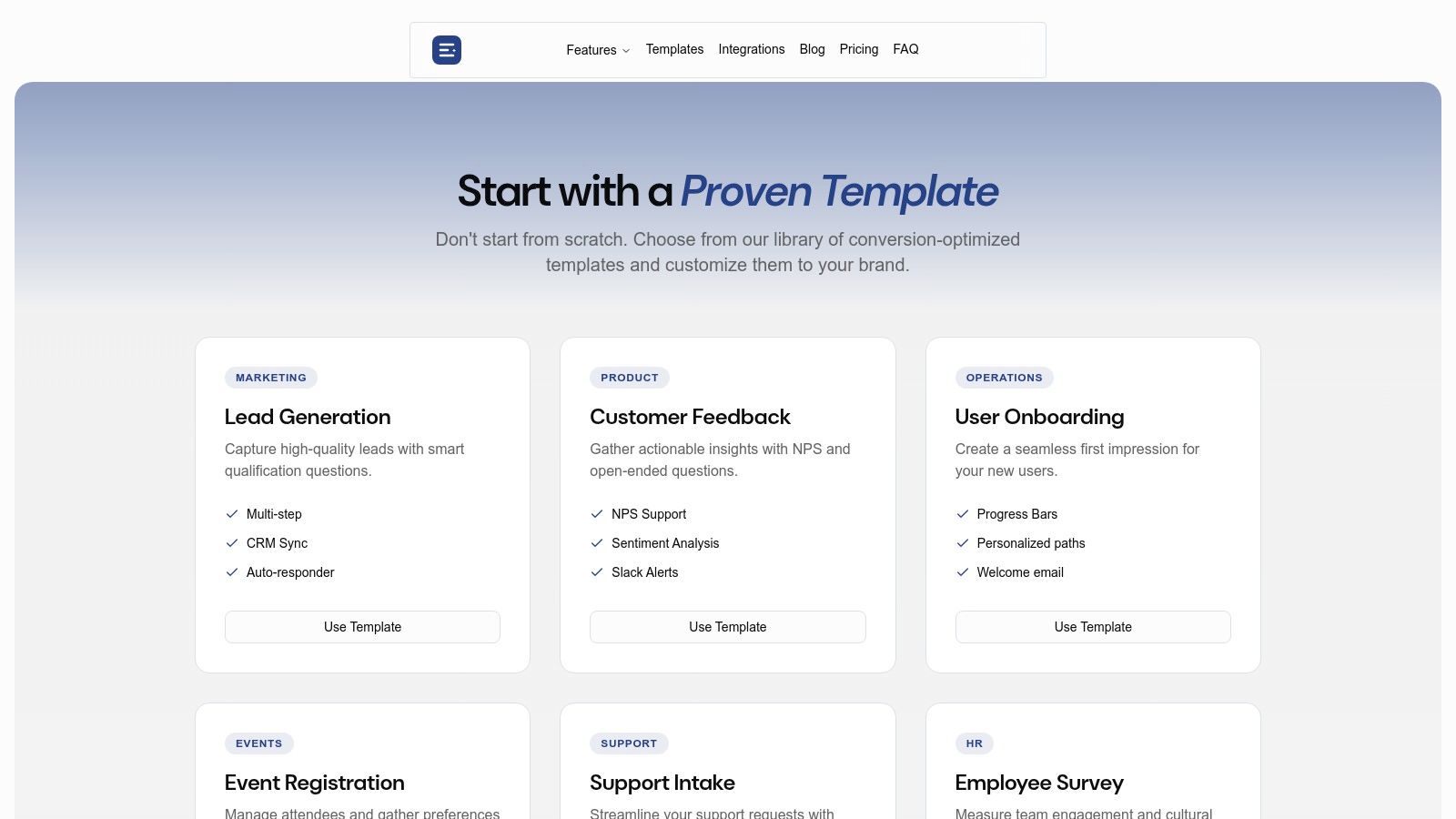
1. AgentsForForms: AI-Powered & HR-Focused
AgentsForForms establishes itself as a premier choice for HR teams seeking a fast, intelligent, and secure way to create and manage an exit interview questions template. It moves beyond basic form creation by integrating AI directly into the workflow, specifically to address the nuances of gathering sensitive employee feedback. This platform is designed not just to collect data, but to ensure the data is high-quality, actionable, and obtained through a positive user experience.
The core differentiator is its AI-powered generation engine. Instead of starting from a blank slate, HR professionals can input a simple prompt like "Create a comprehensive exit interview form for a departing sales manager," and the AI auto-writes clear, professionally phrased questions. It also suggests appropriate field types, validation rules, and placeholder text, transforming a concept into a production-ready form in seconds. This dramatically reduces the administrative burden of drafting questions and standardizing feedback collection across the organization.
Key Strengths and Features
AgentsForForms is engineered with the specific challenges of HR data collection in mind, offering a robust suite of features that prioritize both efficiency and integrity.
- Intelligent Form Creation: The AI doesn't just populate a template; it crafts questions tailored to HR contexts. This ensures the tone is professional and the inquiries are designed to elicit insightful responses regarding role satisfaction, management effectiveness, and company culture.
- Conversational & Adaptive Flows: The platform excels at creating dynamic, multi-step forms that feel more like a conversation than a survey. Using conditional logic, the interview can branch based on an employee's answers. For example, if a respondent indicates dissatisfaction with management, a specific set of follow-up questions can automatically appear. You can get a detailed walkthrough of how this works in their practical guide to form builders with conditional logic.
- Security and Anonymity: Recognizing the need for candor, AgentsForForms offers features like anonymized responses and GDPR-friendly consent checkboxes. This encourages departing employees to provide honest feedback without fear of reprisal, leading to more valuable insights.
- Seamless Integration and Analysis: Feedback data is only useful if it can be easily analyzed. The platform supports one-click CSV exports and integrates directly with tools like Google Sheets, Slack, and Zapier. This allows HR teams to pipe exit interview data directly into their existing analytics dashboards or trigger follow-up tasks automatically.
Practical Application and Use Cases
For a growing startup, the ability to quickly deploy a standardized exit interview process is invaluable for identifying retention issues early. An enterprise can use AgentsForForms to ensure consistency and compliance across different departments and regions. The AI insights feature, which highlights where users drop off in the form, helps HR teams refine their questions to maximize completion rates.
To further enhance the value of exit interviews, particularly when conducted verbally, utilizing specialized interview transcription software can ensure every detail of candid feedback is captured accurately for analysis. This transcribed data can then be cross-referenced with quantitative feedback collected via AgentsForForms for a complete picture.
Pros and Cons
| Strengths | Weaknesses |
|---|---|
| AI-driven question generation significantly reduces manual setup time and ensures professional phrasing. | Advanced features like custom domains and enterprise-grade SSO are gated behind higher-tier paid plans. |
| HR-specific templates with built-in conversational logic improve the employee experience. | Templates are a strong starting point but may require minor customization to fit specific company tones. |
| Robust security features including anonymization and GDPR consent build trust and encourage honest feedback. | |
| Wide range of integrations streamlines data analysis and automates follow-up workflows. |
Website: https://agentsforforms.com/templates/
2. SurveyMonkey
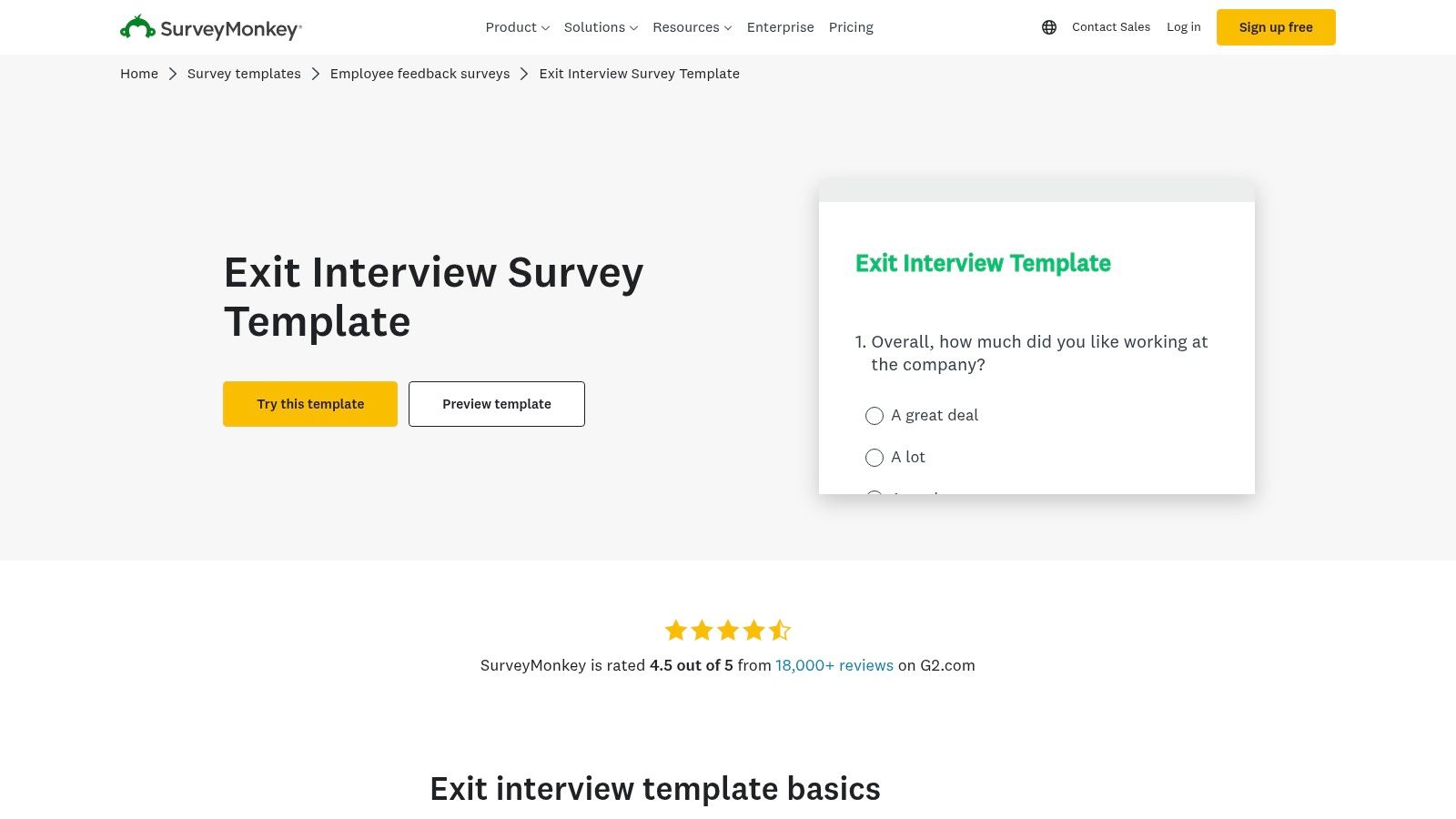
SurveyMonkey is a powerhouse in the survey and feedback collection space, making it a natural fit for HR teams looking to standardize and scale their exit interview process. While known for all types of surveys, its dedicated exit interview questions template provides a robust, expert-certified starting point for gathering structured feedback from departing employees. This platform is ideal for organizations that need more than just questions; they need powerful analytics, enterprise-level security, and versatile distribution methods to turn exit data into actionable insights.
Key Features and Offerings
SurveyMonkey's strength lies in its comprehensive feature set that supports the entire feedback lifecycle. Users can quickly select the pre-built exit interview template and deploy it through various channels, including email, web links, SMS, or even QR codes for non-desk employees.
- Powerful Analytics: Go beyond simple response collection with tools like filters, cross-tabulation reports, and text analysis. This allows HR to segment feedback by department, tenure, or role to identify specific trends.
- Multiple Distribution Channels: Send the exit survey in the format that best suits the departing employee, maximizing response rates. The platform even supports offline data collection for unique situations.
- Enterprise-Grade Governance: For larger organizations, SurveyMonkey provides essential security and administrative controls, ensuring data privacy and compliance. Team features allow for collaborative analysis while maintaining control over survey assets.
Why It Stands Out
What distinguishes SurveyMonkey is its maturity and analytical depth. While other tools offer basic forms, SurveyMonkey provides a sophisticated engine for interpreting the data you collect. The platform’s automated summaries and reporting features save HR teams significant time, transforming raw feedback into professional, shareable reports that can drive strategic decisions. The combination of an extensive template library and deep analytical capabilities makes it an all-in-one solution for People Operations teams looking to conduct broader employee research beyond just exit interviews.
Pro Tip: To get the most meaningful data, customize the template with a mix of question formats. You can learn more about crafting effective questions by exploring this guide to different question types in forms, ensuring you balance quantitative ratings with open-ended qualitative feedback.
Plans and Access
SurveyMonkey operates on a freemium model. The free plan is quite limited and may not be sufficient for a formal exit interview program due to response caps and feature restrictions. To access the key analytics, collaboration tools, and remove branding, you'll need a paid plan.
| Plan Tier | Key Features | Best For |
|---|---|---|
| Basic (Free) | Limited surveys, questions, and responses. | Individuals or very small-scale, informal feedback. |
| Standard | Unlimited surveys and questions, higher response limits. | Small businesses starting a formal exit process. |
| Advantage / Premier | Advanced logic, data exports, multilingual support. | Growing companies needing deeper analytical tools. |
| Team & Enterprise | Collaboration, governance, integrations, enhanced security. | Large organizations requiring scalable HR solutions. |
Website: SurveyMonkey Exit Interview Survey Template
3. Typeform
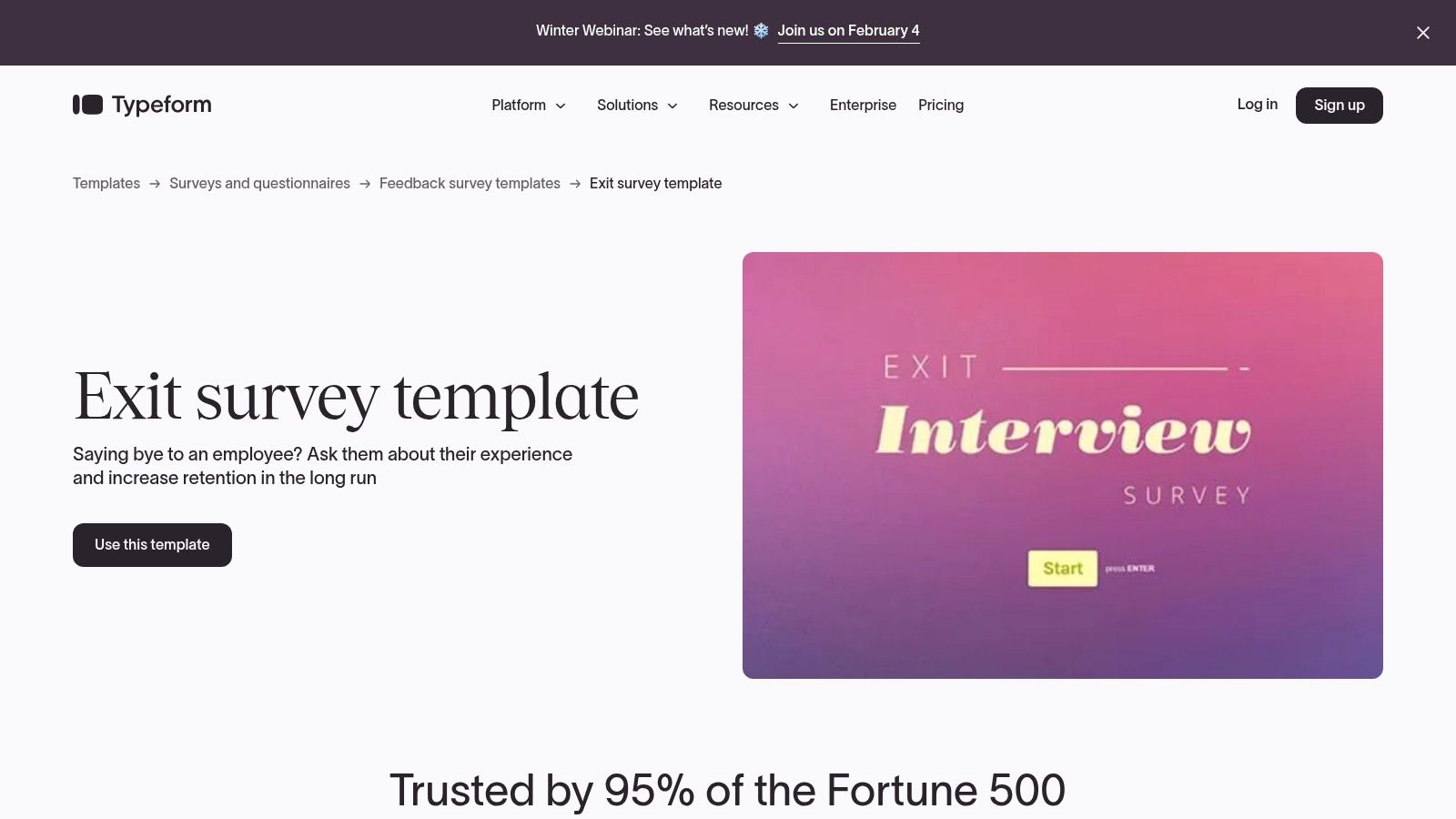
Typeform redefines the survey experience by making it conversational, which is a significant advantage when collecting sensitive feedback during an exit interview. Instead of presenting a long, static list of questions, its exit interview questions template engages departing employees one question at a time. This user-friendly approach creates a more personal and less intimidating experience, encouraging more thoughtful and complete responses. Typeform is the perfect choice for companies that prioritize employee experience and want to ensure their exit feedback process is as engaging and human-centric as possible.
Key Features and Offerings
Typeform’s platform is built around a conversational user interface that guides employees through the survey smoothly. This core design is supported by powerful logic and customization features that allow HR teams to create a truly dynamic feedback loop.
- Conversational Experience: The one-question-at-a-time flow feels more like a chat than a form, which can significantly boost completion rates for detailed exit surveys.
- Logic Jumps and Personalization: Adapt the survey in real-time based on employee answers. For example, if an employee rates management poorly, you can automatically ask a follow-up question about specific challenges, gathering deeper, more relevant insights.
- Extensive Integrations: With over 300 integrations, Typeform seamlessly connects to your existing HR tech stack. You can automatically send responses to a Slack channel, create a task in Asana, or sync data with your HRIS via Zapier.
- Advanced Branding and Embedding: Maintain a consistent brand experience with custom themes, domains, and the ability to embed the survey directly into an internal portal or email.
Why It Stands Out
Typeform’s standout feature is its ability to make data collection feel personal and respectful. The conversational format is particularly effective for exit interviews, where an employee's willingness to share honestly is paramount. Unlike traditional forms that can feel clinical, Typeform’s interface fosters a sense of dialogue. This user-centric design, combined with powerful logic branching and extensive integration capabilities, makes it an ideal tool for organizations looking to gather high-quality, nuanced qualitative data while leaving a positive final impression on departing team members.
Pro Tip: To encourage maximum candor, consider offering an anonymous submission option. You can learn more about the best practices by exploring this guide on creating an anonymous feedback form that gets real answers, ensuring employees feel safe to share their most honest thoughts.
Plans and Access
Typeform offers a free plan, but it comes with tight restrictions on responses and features, making it unsuitable for a formal exit interview program. Paid plans unlock essential features like Logic Jumps, unlimited questions, and higher response limits.
| Plan Tier | Key Features | Best For |
|---|---|---|
| Free | 10 questions per typeform, 10 responses/month. | Personal use or very light, informal testing. |
| Basic | 100 responses/month, unlimited questions, file uploads. | Small businesses or teams with very low employee turnover. |
| Plus | 1,000 responses/month, branding removal, custom subdomains. | Growing companies needing a more professional, branded experience. |
| Business / Enterprise | 10,000+ responses/month, conversion tracking, priority support. | Large organizations requiring high volume and advanced analytics. |
Website: Typeform Exit Survey Template
4. Jotform
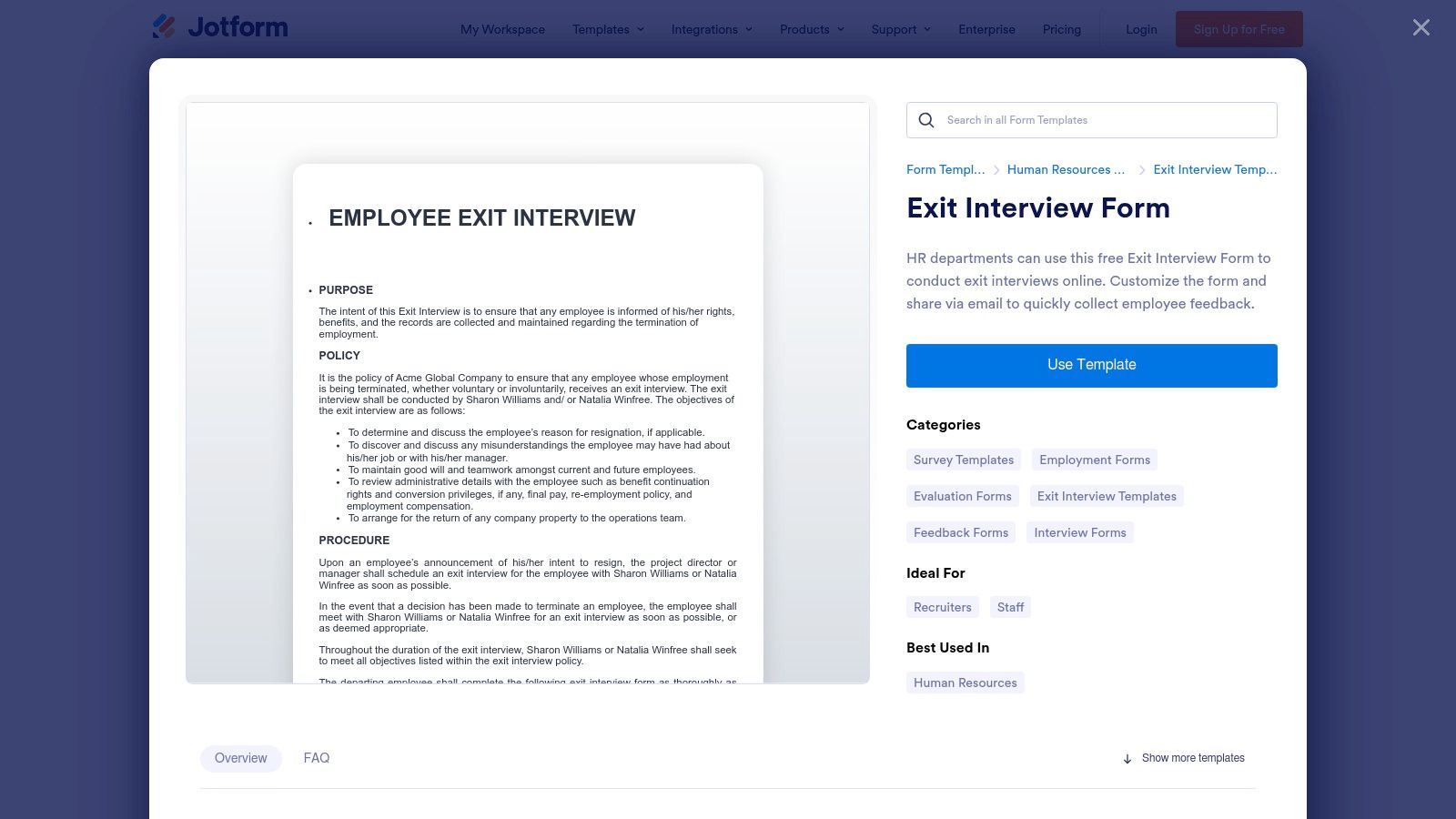
Jotform is a highly versatile and user-friendly form builder that excels in providing a vast library of ready-to-use templates, making it an excellent choice for HR teams seeking speed and customization. Its collection includes dozens of prebuilt exit interview questions template options, checklists, and related HR forms that can be cloned and deployed in minutes. This platform is ideal for organizations that need to quickly establish or refine their exit interview process with minimal technical overhead, supported by a powerful drag-and-drop editor and extensive integration capabilities.
Key Features and Offerings
Jotform’s strength lies in its simplicity and the sheer volume of its template gallery, which empowers HR teams to get started immediately. The platform combines intuitive design with powerful backend features, streamlining everything from form creation to data management and workflow automation.
- Vast Template Gallery: Access a huge library of HR and exit interview templates, including checklists and detailed questionnaires, which can be used as-is or fully customized with the drag-and-drop builder.
- E-Signature and Workflow Automation: Easily collect legally binding signatures on exit documents and automate follow-up actions. You can set up conditional logic to send notifications to different departments based on employee responses.
- Extensive Integrations: Connect your exit interview forms to hundreds of popular apps like Google Sheets, Slack, Trello, or your HRIS, ensuring that feedback data flows seamlessly into your existing systems.
- Embeddable and Shareable Forms: Share your exit interview form via a direct link, email, or embed it directly into your company’s internal portal or website for easy access.
Why It Stands Out
Jotform distinguishes itself with its exceptional ease of use and generous free plan, which makes it one of the most accessible tools for piloting a formal exit interview program. While other platforms may focus heavily on analytics, Jotform prioritizes speed of implementation and flexibility. The ability to add unique widgets, payment integrations (if needed for other HR forms), and advanced conditional logic without writing any code makes it a go-to for HR professionals who need to build and launch custom workflows quickly.
Pro Tip: Use Jotform’s workflow automation to create a complete offboarding process. Your exit interview form can trigger a series of automated tasks, like notifying IT to deactivate accounts and alerting payroll to process the final payment, all from a single submission.
Plans and Access
Jotform offers a robust free plan that is often sufficient for small businesses to start their exit interview process. Paid plans unlock higher submission limits, remove Jotform branding, and provide HIPAA compliance features for organizations handling sensitive health information.
| Plan Tier | Key Features | Best For |
|---|---|---|
| Starter (Free) | 5 forms, 100 monthly submissions, 100 MB space. | Small teams or businesses piloting their exit process. |
| Bronze | 25 forms, 1,000 monthly submissions, 1 GB space. | Growing businesses needing higher volumes and no branding. |
| Silver | 50 forms, 2,500 monthly submissions, HIPAA compliance. | Mid-sized companies with formal HR processes. |
| Gold & Enterprise | 100+ forms, 100,000+ submissions, single sign-on. | Large organizations requiring extensive usage and control. |
Website: Jotform Exit Interview Form Templates
5. Indeed (Employer Resources)
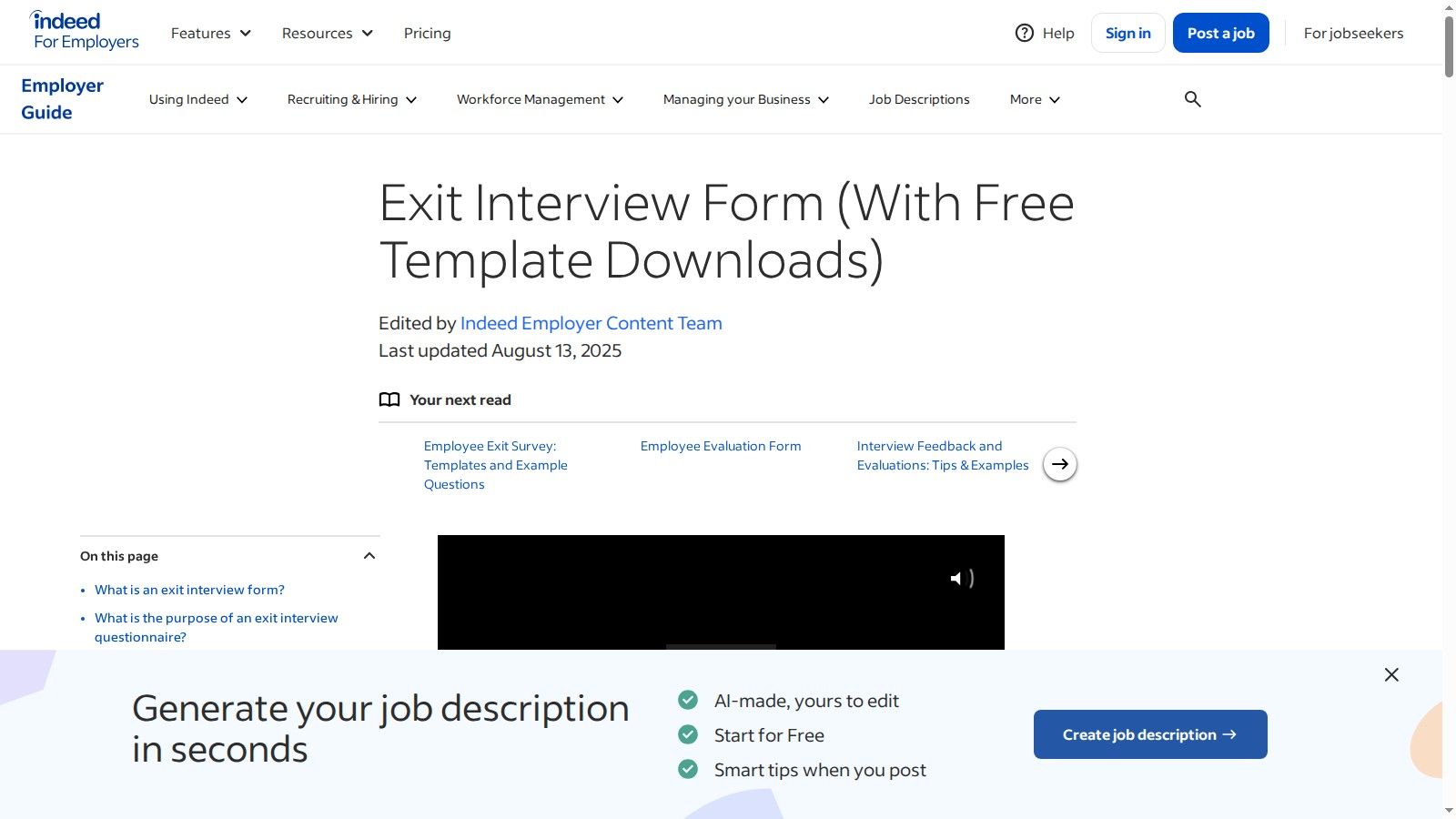
Indeed is a go-to resource for hiring, but its value extends into the employee offboarding process with its employer-focused resources. The platform offers a practical, no-frills exit interview questions template available for free download. This resource is designed for HR generalists and small business owners who need a straightforward, downloadable document to implement an exit interview process immediately without the complexity or cost of a software platform. It provides a solid foundation that can be easily customized and integrated into existing manual HR workflows.
Key Features and Offerings
Indeed’s offering is centered on accessibility and simplicity. Instead of a digital tool, it provides static documents complemented by helpful editorial content that puts the exit interview process into context for employers.
- Direct Template Downloads: Users can instantly download the exit interview template in both Microsoft Word (.docx) and PDF formats, allowing for easy editing or direct printing.
- Plain-Language Guidance: The template is accompanied by clear, actionable advice on how to conduct an effective exit interview, covering the purpose, timing, and best practices.
- Employer-Focused Context: The content is written from the employer's perspective, focusing on practical application, risk mitigation, and using feedback for organizational improvement.
Why It Stands Out
Indeed stands out due to its sheer simplicity and barrier-free access. There are no sign-ups, subscriptions, or software to learn. It is the perfect starting point for an organization that currently has no formal exit interview process and needs a professional, ready-to-use document. While it lacks the analytics and automation of dedicated survey platforms, its strength is in providing a tangible, editable file that can be adapted to any company's specific needs, including legal and compliance considerations. It's a foundational tool rather than a comprehensive solution.
Pro Tip: Use the downloaded Word document as your master template. Before using it, collaborate with your legal team to add or remove questions to ensure compliance with local labor laws and your company's specific policies.
Plans and Access
The primary benefit of Indeed's resources is that they are completely free. There are no tiers, plans, or hidden costs associated with accessing their templates and guides.
| Plan Tier | Key Features | Best For |
|---|---|---|
| Free Resource | Downloadable Word and PDF templates, editorial guidance. | Small businesses, HR generalists, or any team needing a fast, no-cost starter document. |
Website: Indeed Exit Interview Form
6. Template.net
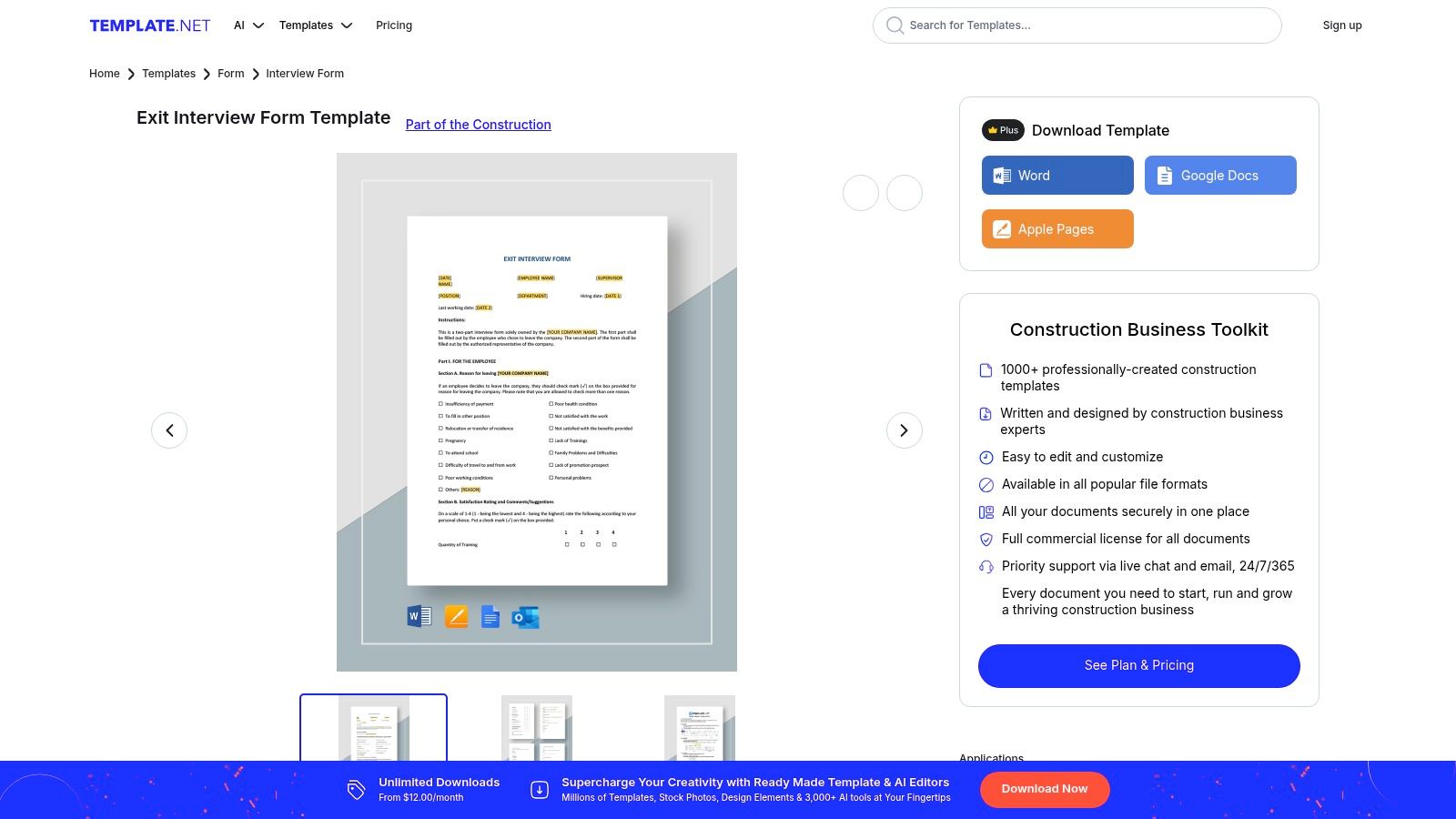
Template.net positions itself as a vast library of professionally designed, ready-to-use documents, and its collection of exit interview templates is no exception. This platform is perfect for HR teams that prefer a document-based workflow over a digital survey tool. Instead of building a form online, Template.net provides polished, editable exit interview questions template files in formats like Word, Google Docs, and Apple Pages, allowing for easy branding and offline completion. It's an excellent choice for organizations that value print-ready aesthetics and the flexibility of a traditional document.
Key Features and Offerings
Template.net's core value is saving time on document creation and design. The platform offers a variety of exit interview formats, from comprehensive forms and surveys to simple letters, ensuring you have the right document for any situation, whether it's a formal sit-down interview or a follow-up questionnaire.
- Multi-Format Compatibility: Download templates in your preferred format (Word, Google Docs, Pages, PDF) for seamless editing and integration into your existing HR document management system.
- Professionally Designed Layouts: The templates are created by designers, giving your exit interview documents a polished and professional look that reinforces your employer brand, even as an employee departs.
- Variety of Template Types: Beyond a standard form, you can find different variants, including role-specific questionnaires, formal exit interview letters, and concise survey sheets.
Why It Stands Out
Template.net distinguishes itself by focusing entirely on the document itself, rather than the data collection process. While platforms like SurveyMonkey or Google Forms provide the engine for collecting and analyzing data, Template.net provides the high-quality, brandable "vehicle." This is ideal for blended exit processes where a manager might fill out the form during an in-person conversation or for companies that require a physical or digital document to be signed and stored in an employee's file. It saves countless hours that HR would otherwise spend formatting a document from scratch.
Pro Tip: Use Template.net to create your master document. Once you've downloaded and customized the template with your company's branding and specific questions, you can upload it to a document management system or even use it as a guide to build a digital version in a tool like Google Forms.
Plans and Access
Template.net offers both free and premium templates. While some basic templates are available for free, the most professional and comprehensive designs typically require a subscription. The paid plans provide unlimited downloads and access to the entire library of over 200,000 templates.
| Plan Tier | Key Features | Best For |
|---|---|---|
| Free Plan | Access to a limited selection of free templates. | Teams needing a simple, one-off document without a budget. |
| Pro Plan | Unlimited access to all pro templates, multiple file formats. | HR professionals who frequently need designed documents. |
| Business Plan | All Pro features plus a commercial use license. | Organizations that need legally compliant, branded templates. |
Website: Template.net Exit Interview Form
7. Auscomp (Employee Exit Interview for Microsoft Forms)
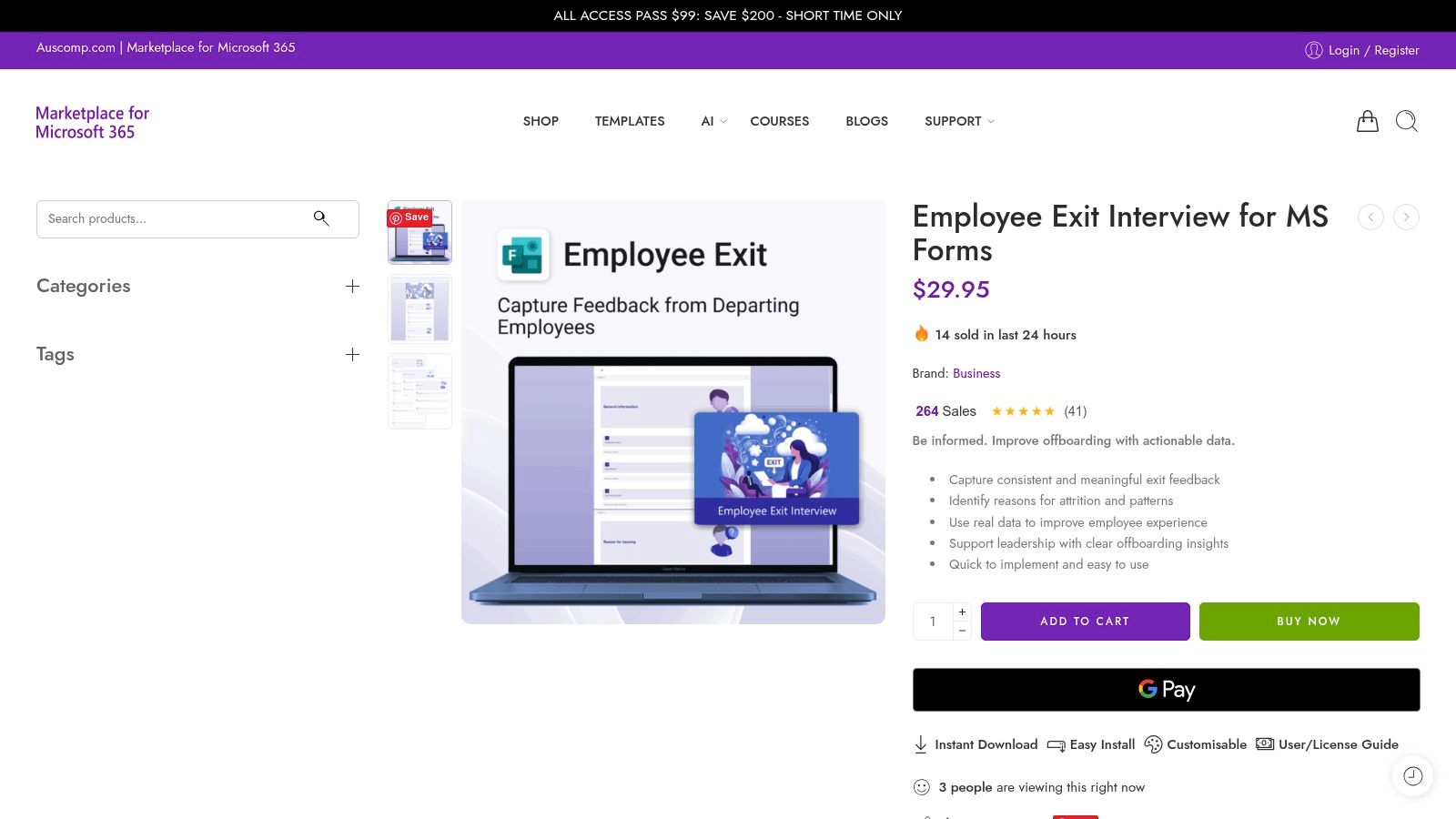
For organizations deeply embedded in the Microsoft 365 ecosystem, Auscomp offers a unique and highly practical solution. Instead of a subscription-based platform, it provides a one-time digital download of an exit interview questions template specifically designed for Microsoft Forms. This plug-and-play approach is perfect for HR teams that want a structured, professional-looking form without the overhead of a new software subscription. It allows companies to leverage their existing Microsoft tools for a seamless and integrated offboarding process.
Key Features and Offerings
Auscomp's value proposition is its simplicity and direct integration. The template is delivered via email as a link, which you simply click to import the complete form directly into your Microsoft Forms account. From there, it is fully customizable to match your organization's specific needs, branding, and culture.
- One-Click Import: The template can be installed and ready to use in seconds, eliminating the need for manual form creation and question entry.
- Structured Sections: The form is logically organized with sections covering general information, job satisfaction, reasons for leaving, management feedback, and final comments.
- Full Customization in MS Forms: Once imported, you can add, remove, or edit questions, apply your company's branding, and configure branching logic directly within Microsoft Forms.
- One-Time Purchase: The model is refreshingly simple: pay once for the template and own it forever. There are no recurring fees or user-based licenses.
Why It Stands Out
Auscomp stands out by catering specifically to the massive user base of Microsoft 365. While dedicated survey platforms offer more advanced analytics, many organizations prefer to keep their processes consolidated within a single tech stack. This template provides a best-of-both-worlds scenario: a professionally designed, comprehensive exit interview structure that works natively with familiar tools like SharePoint, Power Automate, and Power BI for data storage, workflow automation, and analysis. It's the most efficient way to deploy a standardized exit interview process if your company runs on Microsoft.
Pro Tip: After importing the template, use Microsoft Power Automate to create a workflow. For example, you can set up a trigger so that when a form is submitted, a notification is sent to the HR manager, and the response data is automatically saved to a SharePoint list for long-term tracking and analysis.
Plans and Access
The model is straightforward: a one-time payment for the digital template. This simplicity is a major advantage for companies looking to control software spending and avoid subscription fatigue. It is a single-product purchase rather than a tiered plan.
| Plan Tier | Key Features | Best For |
|---|---|---|
| One-Time Purchase | Instant digital download via email, one-click import to MS Forms, full customization rights, no recurring fees. | Any organization using Microsoft 365 that needs a quick, professional exit interview template without a new subscription. |
Website: Auscomp Employee Exit Interview for MS Forms
Top 7 Exit Interview Template Comparison
| Solution | 🔄 Implementation complexity | ⚡ Resource requirements | 📊 Expected outcomes | 💡 Ideal use cases | ⭐ Key advantages |
|---|---|---|---|---|---|
| Form Templates | AgentsForForms | Low — AI auto-generates multi-step forms; minimal setup, light customization often needed | Low–Medium — no-code; advanced enterprise features on paid plans | High 📊⭐ — polished, compliant surveys with analytics and AI insights | HR teams needing fast, compliant exit/engagement surveys with integrations | AI-generated question copy, branching logic, anonymization, wide integrations |
| SurveyMonkey | Medium — templates ready but requires configuration for distribution/analytics | Medium–High — enterprise plans for governance, high-volume needs | High 📊⭐ — robust analytics, crosstabs, automated summaries | Enterprise-scale exit research and regulated environments | Mature analytics, multiple distribution channels, enterprise security |
| Typeform | Medium — build conversational one-question flows and logic branching | Medium — higher tiers for advanced branding, SSO, and larger response caps | High 📊⭐ — strong completion rates and respondent experience | Sensitive exit feedback where UX and response rates matter | Conversational UI, strong integrations, branding controls |
| Jotform | Low — drag-and-drop builder; one-click use of many templates | Low–Medium — free tier fine for pilots; paid for higher limits/branding | Medium 📊 — fast rollout with e-sign and workflow automation | Teams needing many templates, checklists, quick e-sign workflows | Large template gallery, widgets, workflow automation and e-sign |
| Indeed (Employer Resources) | Very Low — download Word/PDF and adapt immediately | Minimal — free, no signup required | Low 📊 — static templates; no built-in analytics | HR generalists needing a free starter document to adapt | Free, employer-focused guidance and example questions |
| Template.net | Low — download editable, print-ready documents; brandable | Low–Medium — best templates often behind subscription | Medium 📊 — polished, professional documents for offline use | Teams needing print-ready or document-based workflows and branding | Professional layouts, multiple file formats (Word/Docs/Pages) |
| Auscomp (MS Forms template) | Low — one-click import into Microsoft Forms; immediate use | Low — one-time purchase; requires Microsoft Forms / 365 | Medium 📊 — consistent MS Forms experience; limited advanced analytics | Organizations standardized on Microsoft 365 seeking plug-and-play forms | Instant import, no recurring template subscription, easy customization |
From Template to Talent Strategy: Turning Feedback into Action
Choosing the right exit interview questions template is more than just an administrative task; it's the foundational step in transforming your employee offboarding process from a simple formality into a powerful engine for organizational growth. Throughout this guide, we've explored a comprehensive template, detailed role-specific adaptations, and reviewed a range of tools, from the AI-powered automation of AgentsForForms to the robust analytics of SurveyMonkey and the straightforward resources offered by Indeed.
The central takeaway is clear: a template is only as valuable as the action it inspires. The goal is not merely to collect data, but to gather honest, actionable intelligence that illuminates hidden friction points, celebrates what's working, and ultimately makes your organization a better place to work. Letting this invaluable feedback languish in a spreadsheet is a missed opportunity that allows preventable issues to persist, contributing to future turnover.
Key Takeaways for Implementing Your Exit Interview Process
To truly capitalize on the insights from your departing employees, remember these critical principles:
- Consistency is Crucial: A standardized process, built upon a core exit interview questions template, ensures you can compare feedback across roles, departments, and time periods. This consistency is the bedrock of reliable trend analysis.
- Anonymity Breeds Honesty: Whether you use a digital form or a third-party HR representative, guaranteeing confidentiality is non-negotiable. Employees are far more likely to provide candid, constructive criticism when they feel safe from potential repercussions.
- Segmentation Uncovers Deeper Insights: Don't just look at overall trends. Analyze feedback by department, tenure, and performance level. High-performer exits often reveal different issues than those of a junior employee, and both perspectives are vital.
- The Follow-Up is Everything: The most important step is what happens after the interview. Create a structured process for reviewing feedback, identifying recurring themes, and assigning ownership for action items. When current employees see positive changes resulting from exit feedback, it builds trust and reinforces a culture of continuous improvement.
Choosing the Right Tool for the Job
Your choice of tool directly impacts the efficiency and effectiveness of your exit interview strategy. Consider these factors when making your decision:
- Automation and Integration: Do you need a system that can automatically trigger an exit survey when an employee's departure date is entered into your HRIS? Tools like AgentsForForms excel here, saving your HR team valuable time.
- Customization and Branding: How important is it that the exit interview form matches your company's branding and tone? Platforms like Typeform and Jotform offer extensive design flexibility.
- Data Analysis and Reporting: If you're a large organization dealing with significant data volume, you'll need a tool with advanced analytics capabilities, like SurveyMonkey, to spot meaningful trends and generate executive-level reports.
- Simplicity and Accessibility: For smaller teams or those just starting to formalize their process, a simple downloadable template from a source like Indeed or Template.net might be the perfect, no-cost entry point.
Ultimately, the best exit interview questions template is one that is consistently used, thoughtfully analyzed, and courageously acted upon. Don't let valuable organizational knowledge walk out the door with your departing talent. By implementing a structured, empathetic, and action-oriented exit interview process, you can transform every employee departure into a catalyst for positive change, helping you reduce turnover, enhance company culture, and build a workplace where top talent not only joins but thrives.
Ready to automate your feedback loop and turn insights into action? AgentsForForms helps you build and deploy an intelligent exit interview questions template in minutes, using AI to streamline data collection and analysis. Start building your strategic offboarding process with AgentsForForms today.