12 Best Application Form Template Resources for 2026
Learn practical form optimization strategies in this AgentsForForms guide: 12 Best Application Form Template Resources for 2026.
Building an effective application form from a blank slate is an unnecessary drain on your team's resources. Whether you're a product manager refining a user onboarding flow, a marketer capturing high-intent leads, or an HR professional streamlining recruitment, starting with a proven application form template accelerates your entire workflow and dramatically improves conversion rates. The right template ensures you ask the right questions in the right order, creating a seamless experience for your users while capturing the precise data your organization needs.
This comprehensive guide eliminates the guesswork by providing a curated library of high-converting templates from leading platforms. We move beyond generic lists to offer a deep dive into practical use cases, implementation guidance, and the specific problems each template solves. You'll find categorized examples for every conceivable need, from job applications and event registrations to loan requests and volunteer sign-ups.
Each entry in this resource list includes:
- A clear visual preview so you can see the form's design and layout.
- Direct links to access the template and get started immediately.
- Actionable customization tips and analysis of required-field patterns.
- Guidance on data validation and privacy considerations for secure data handling.
We will explore powerful solutions like Jotform and Typeform, integrated tools like Google Forms and Microsoft Forms, and specialized platforms such as Formstack and Cognito Forms. Our focus is on providing you with the strategic insights needed to select, customize, and deploy the perfect application form template quickly and efficiently. Forget reinventing the wheel; let's find the optimal starting point for your next project.
1. AgentsForForms
AgentsForForms distinguishes itself as a premier, AI-driven solution for teams seeking to build sophisticated, high-converting application forms with unparalleled speed. Its core innovation lies in its ability to translate a simple, plain-English prompt into a fully functional, multi-step form in seconds. This AI-first approach auto-generates everything from compelling question copy and logical field names to smart validation rules, dramatically reducing the manual effort typically required to build and refine an effective application form template.
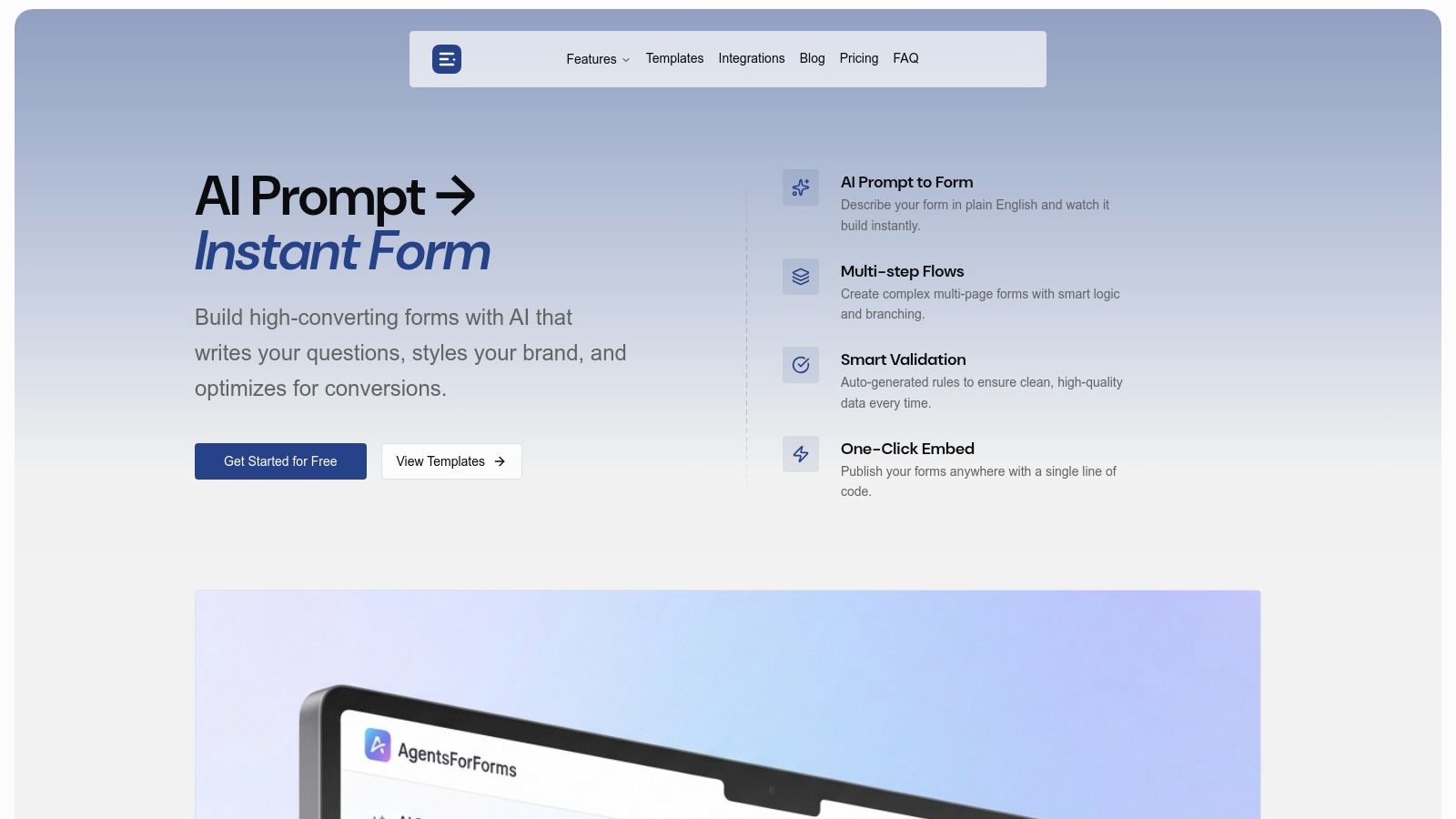
This platform is engineered specifically for performance, incorporating features like branching logic and progress indicators that are proven to minimize user drop-off. The real-time analytics engine provides AI-powered insights, pinpointing exact friction points in your application flow so you can optimize for higher completion rates.
“The AI generation is incredible. I built 10 complex forms in under an hour.” - Jonas Kotara, Lead Engineer
Key Features and Use Cases
AgentsForForms is not just a form builder; it's a comprehensive data collection and workflow automation platform.
- AI-Powered Generation: Ideal for product and marketing teams needing to deploy forms quickly. For example, a growth marketer can instantly create a multi-step webinar registration or a lead qualification form without writing a single line of code.
- Conversion Optimization: The built-in template library and AI insights are perfect for scenarios where completion rates are critical, such as SaaS trial sign-ups, customer onboarding sequences, or scholarship applications.
- Team Collaboration: Features like user roles, comments, and approval workflows make it suitable for enterprise environments. An HR department can collaborate on a new hire application form, ensuring all compliance and data privacy requirements are met before publishing.
- Seamless Integration: With over 100 native integrations, including Salesforce, Slack, and Google Sheets, it automates downstream processes. A support team can use it for intake forms that automatically create tickets and notify the right channels.
Pricing and Access
AgentsForForms offers a tiered pricing structure that scales from individual users to large enterprises.
- Free Tier: Provides access for teams with basic limits on submissions and features.
- Startup Tier: Billed annually at a competitive rate ($6 per user/year), unlocking unlimited forms, teams, and submissions.
- Enterprise: A custom offering with advanced security, SSO, custom branding, and priority support.
Analysis
Pros:
- Rapid AI-Driven Creation: Go from a simple idea to a live, multi-step application form in minutes.
- Conversion-Focused Design: Built-in features are specifically designed to improve form completion rates.
- Enterprise-Ready: Robust collaboration, security, and administration controls for governed workflows.
- Extensive Integrations: Connects seamlessly with your existing tech stack to automate data handling.
Cons:
- Feature Gating: The most powerful features, like unlimited forms and AI Insights, require a paid subscription.
- AI Needs Oversight: While the AI generation is highly effective, the output may require minor human review to perfectly align with specific brand tones or complex validation logic.
Website: https://agentsforforms.com
2. Jotform
Jotform is a powerhouse in the online form space, best known for its staggering library of over 10,000 templates. For anyone needing a comprehensive application form template for job roles, scholarships, vendor registrations, or memberships, this platform offers a near-instant starting point. Its no-code, drag-and-drop builder makes customization straightforward, allowing teams to launch sophisticated forms quickly without engineering support.
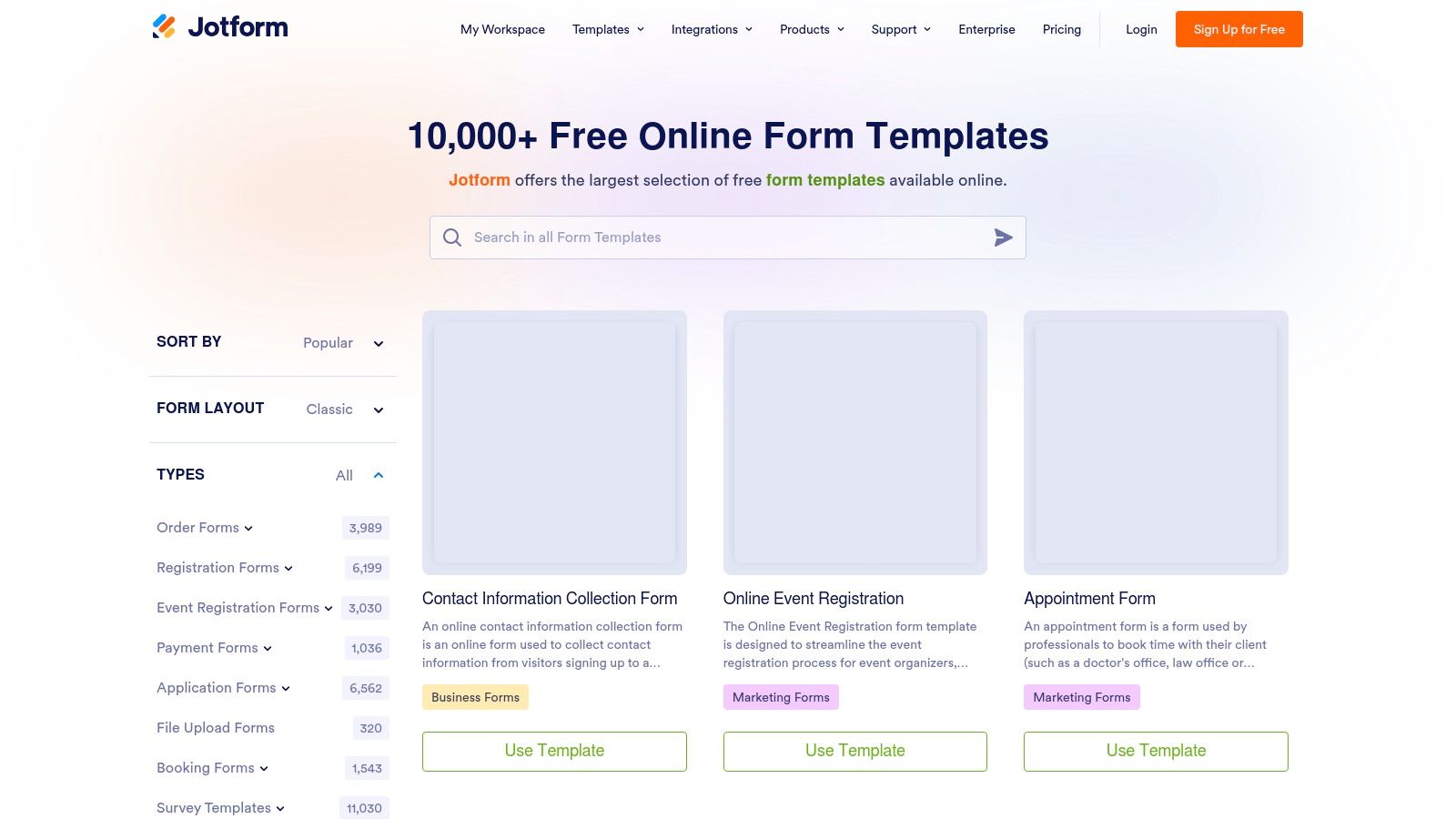
The platform’s strength lies in its balance of simplicity and power. Users can implement conditional logic to create dynamic, multi-step application flows that adapt based on user input. For teams in HR or operations, the ability to create approval workflows directly within the tool streamlines internal processes significantly. Submissions are neatly organized in a table view, which can be exported to PDF, CSV, or Excel, or integrated directly with tools like Google Sheets and Slack. A generous free plan makes it accessible for small-scale projects, though usage caps on submissions and storage often necessitate an upgrade for growing teams.
Key Features & Considerations
- Template Variety: Extensive library covering nearly every conceivable application use case.
- Ease of Use: The intuitive drag-and-drop editor is perfect for non-technical users.
- Integrations: Connects with hundreds of popular apps, including CRMs, payment gateways, and project management tools.
- Pricing: Starts with a free plan (5 forms, 100 monthly submissions). Paid plans begin at $34/month (billed annually) for higher limits and features.
Our Take: Jotform is an excellent choice for teams that prioritize speed and template variety over deep customization. Its robust feature set and user-friendly interface make it a go-to for launching production-ready application forms efficiently.
Website: https://www.jotform.com/form-templates/
3. Typeform
Typeform redefines the application experience by focusing on a conversational, one-question-at-a-time flow. This approach is engineered to boost completion rates by making the process feel less like a form and more like an interaction. For those seeking an application form template that prioritizes user engagement for job applications, program admissions, or event registrations, Typeform offers a polished and mobile-first solution. Its clean aesthetic and smooth transitions create a premium feel right out of the box.
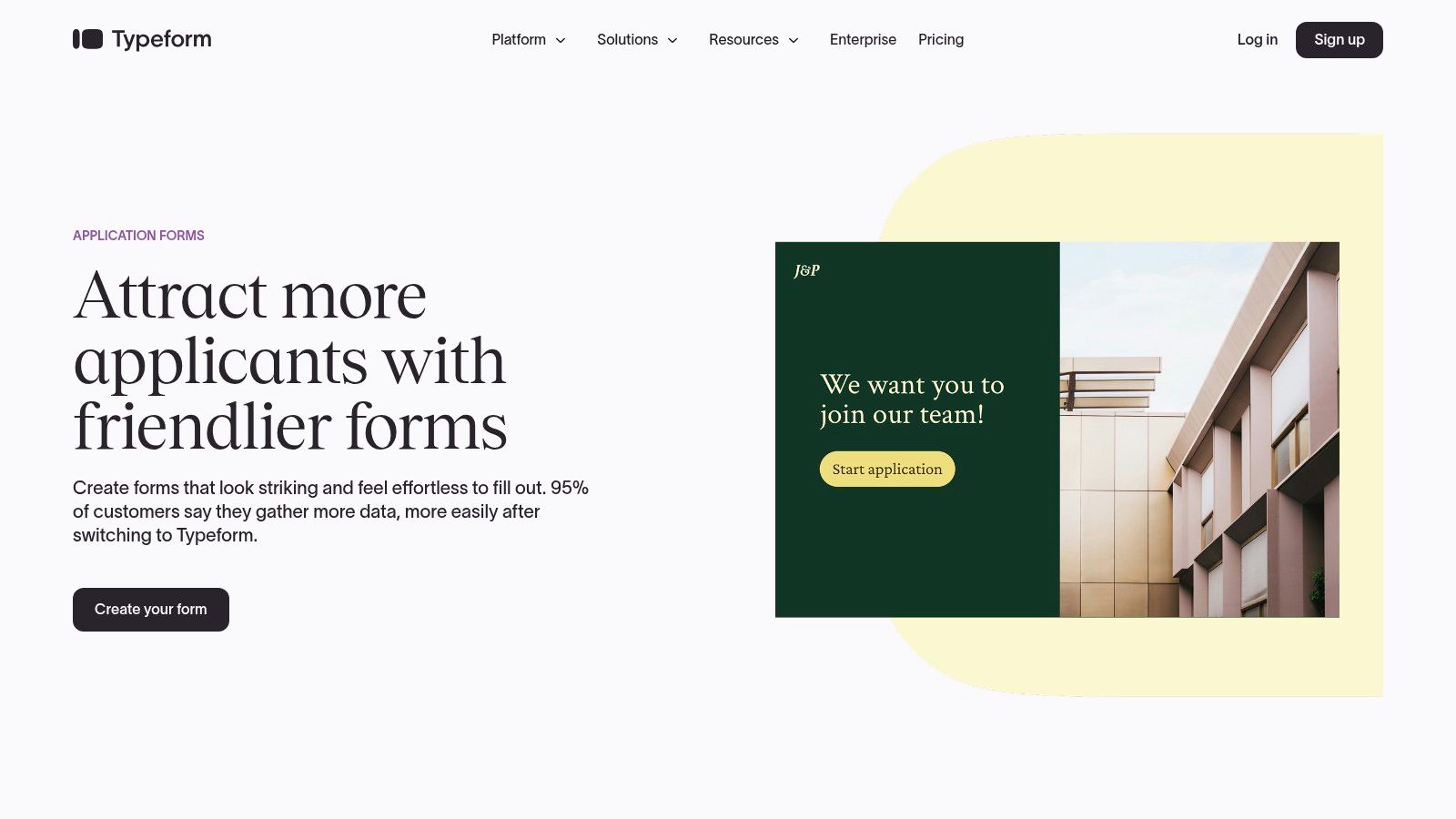
The platform's core strength is its user-centric design, but it doesn't skimp on powerful features. Typeform’s Logic Jumps allow you to create dynamic paths, showing applicants only the questions relevant to their previous answers, making complex applications feel simple. This functionality is a key part of what makes it a top-tier form builder with conditional logic. Higher-tier plans unlock valuable analytics, including drop-off reports that pinpoint exactly where users abandon the application. While its free plan is quite restrictive on response numbers, its focus on experience makes it a worthy investment for teams that value every single submission.
Key Features & Considerations
- Conversational Flow: The one-question-at-a-time interface is highly engaging and mobile-friendly.
- Polished Templates: A curated selection of visually appealing templates for common application scenarios.
- Advanced Logic: Use Logic Jumps, scoring, and variables to create sophisticated evaluation workflows.
- Pricing: A limited free plan is available (10 questions/form, 10 monthly responses). Paid plans with higher limits start at $25/month (billed annually).
Our Take: Typeform is the ideal choice for brands that want to make a strong impression from the very first touchpoint. It excels where user experience and completion rates are more critical than collecting vast amounts of data on a tight budget.
Website: https://www.typeform.com/application-form-builder/
4. Microsoft Forms (Microsoft 365)
Microsoft Forms is an straightforward, no-frills form builder integrated directly into the Microsoft 365 ecosystem. For organizations already invested in this environment, it provides a seamless way to create an application form template for internal uses like job applications, grant requests, or event registrations. Its biggest advantage is its native integration with other Microsoft apps, particularly Excel, where all submission data is automatically and neatly organized for analysis.
The platform is designed for simplicity and speed, making it ideal for users who need to create functional forms without a steep learning curve. While it lacks the advanced design flexibility of dedicated form builders, it covers the essentials well, offering features like file uploads, branching logic, and various question types. For internal HR, IT, or administrative teams, its security and governance fall under existing Microsoft 365 policies, providing a secure and compliant solution right out of the box. The tool is included with most Microsoft 365 Business and Education plans, making it a cost-effective choice for existing subscribers.
Key Features & Considerations
- Native Integration: Responses are instantly available in a connected Excel spreadsheet for easy data management.
- Ease of Use: A clean, intuitive interface allows users to build and deploy forms in minutes.
- Security & Compliance: Leverages the security and governance framework of your organization's Microsoft 365 tenant.
- Pricing: Included with most Microsoft 365 for Business, Enterprise, and Education subscriptions.
Our Take: Microsoft Forms is the perfect solution for teams operating within the Microsoft ecosystem who need a simple, secure, and cost-effective tool for internal application processes. It's less suited for public-facing, highly-branded forms.
Website: https://forms.office.com
5. Google Forms (Google Workspace)
As part of the ubiquitous Google Workspace suite, Google Forms is often the fastest and most accessible tool for creating a basic application form template. Its strength lies in its simplicity and deep integration with Google Sheets, making it a go-to for internal data collection, simple event registrations, or preliminary job screenings where speed is more critical than sophisticated branding or complex logic.
The platform offers a modest template gallery that includes several useful starting points for applications. Customization is straightforward but limited, focusing on basic color themes, header images, and font choices. The standout feature is its automatic, real-time data synchronization with Google Sheets, which creates a powerful, collaborative database of all submissions without any manual setup. This makes it incredibly efficient for teams already operating within the Google ecosystem. While it lacks the advanced features of dedicated form builders, its cost-free nature and ease of use make it an unbeatable option for straightforward application needs.
Key Features & Considerations
- Template Variety: A small but functional gallery with templates for job applications, event registration, and contact information.
- Ease of Use: An incredibly simple interface that allows users to create and deploy a form in minutes.
- Integrations: Native, seamless integration with Google Sheets for response collection and analysis.
- Pricing: Completely free with a standard Google account. Workspace plans offer enhanced security and administrative controls.
Our Take: Google Forms is the ideal choice for quick, no-frills application forms, especially for internal processes or initial data gathering. It excels at simplicity and collaboration but falls short for those needing advanced branding, conditional logic, or payment integrations.
Website: https://forms.google.com
6. Canva Templates
While not a traditional form builder, Canva has carved out a niche for creating visually stunning, printable, and static digital documents. For organizations that require a downloadable or physically submittable application form template, Canva offers a fast and design-centric solution. Its strength lies in transforming standard forms into branded, professional-looking assets that can be exported as high-quality PDFs (US Letter/A4). This makes it ideal for in-person events, formal submissions, or as a downloadable lead magnet.
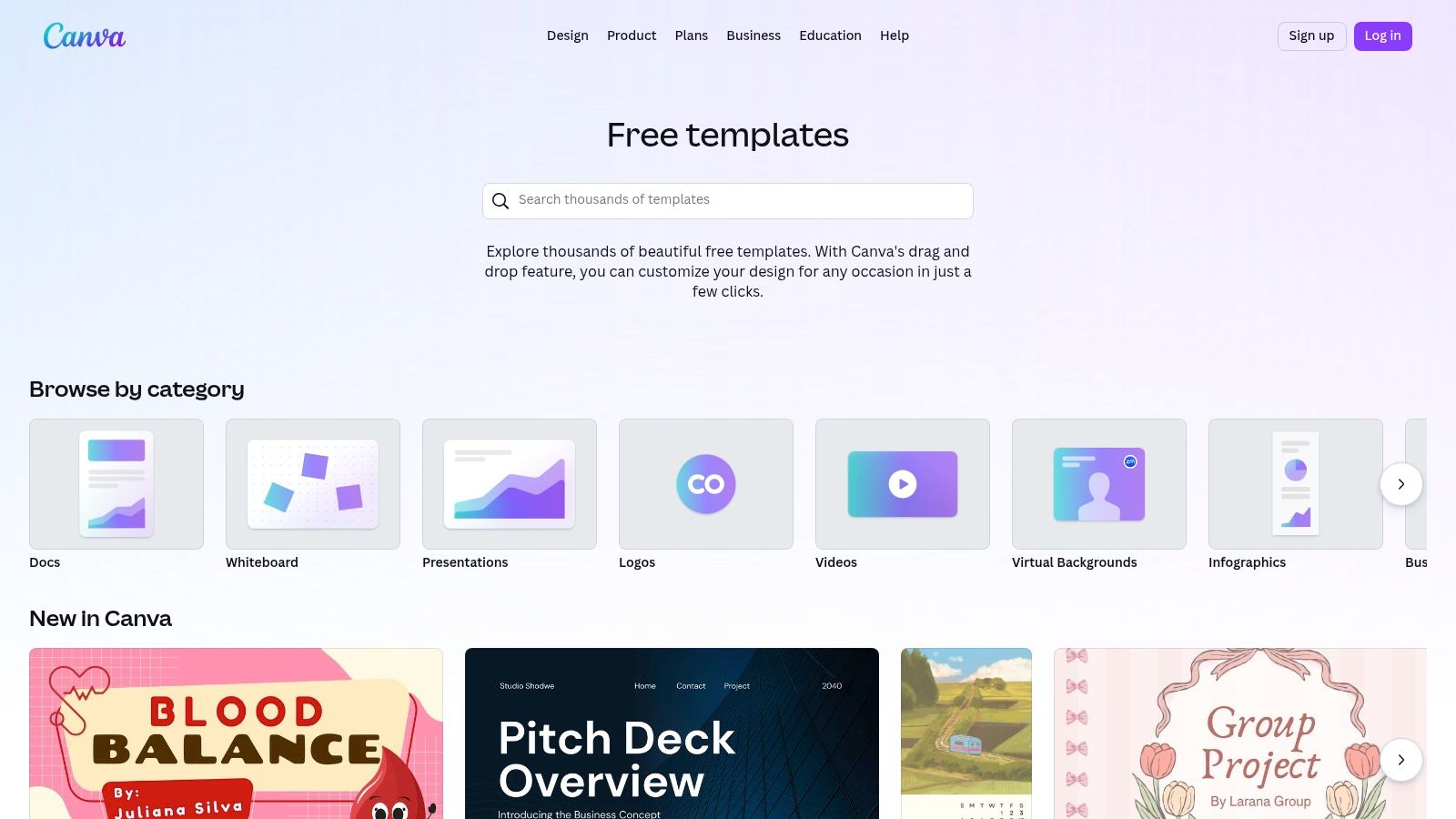
The platform’s intuitive drag-and-drop editor allows users to quickly modify fonts, colors, and logos to align with brand guidelines without any design experience. The vast marketplace, fueled by the Canva Creator ecosystem, provides countless templates for job applications, rental agreements, and program registrations. However, it's crucial to note that Canva's native form submission and data collection capabilities are limited compared to dedicated builders. It works best when the goal is a beautifully designed, static document rather than an interactive online form with automated data processing.
Key Features & Considerations
- Design-Focused: Unmatched for creating visually appealing, on-brand printable and PDF application forms.
- Ease of Use: Extremely user-friendly interface allows for rapid customization of layouts and branding.
- Template Variety: Extensive library of templates for both printable and static digital use cases.
- Limitations: Lacks dynamic features like conditional logic, automated workflows, and direct submission handling found in dedicated form builders.
Our Take: Canva is the perfect tool when your primary need is a well-designed, downloadable PDF application. It excels at producing on-brand printable forms quickly but should be paired with a dedicated form builder for interactive, data-driven online applications.
Website: https://www.canva.com/templates/
7. Cognito Forms
Cognito Forms strikes an impressive balance between advanced functionality and user accessibility, making it a strong contender for teams that need more than a basic application form template. Its library covers common use cases like scholarships, admissions, and volunteer sign-ups, but its true power is revealed in its flexible logic, payment integrations, and document generation capabilities. The platform is built to handle complex data collection and processing scenarios without a steep learning curve.
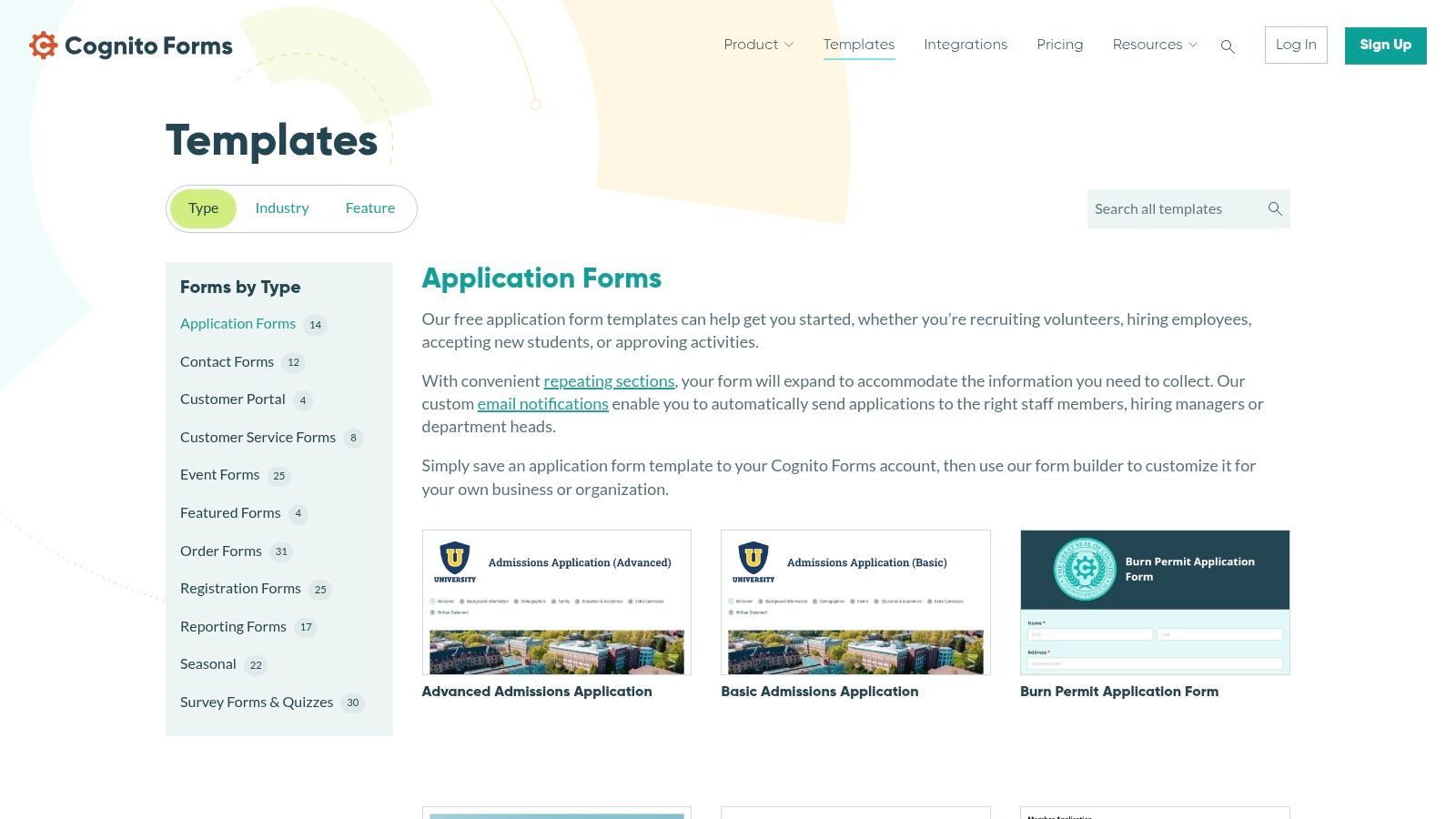
What sets Cognito Forms apart are features like repeating sections, which allow applicants to add multiple entries for things like work history or references, and a "save and resume" function for longer, multi-stage applications. For organizations managing permits, grants, or complex registrations, the ability to automate workflows and generate professional documents directly from submissions is a significant advantage. This turns a simple form into a comprehensive processing tool. While some advanced features are reserved for higher-tier plans, its generous entry-level quotas provide substantial value for small to medium-sized businesses looking to automate their application intake.
Key Features & Considerations
- Advanced Logic: Features repeating sections, conditional logic, and save-and-resume functionality for complex forms.
- Workflow Automation: Built-in tools for creating multi-step approval processes and managing submission statuses.
- Document Generation: Create and send customized PDF or Word documents based on form entry data.
- Pricing: A free plan is available (1 user, 500 monthly entries). Paid plans with more features start at $15/month.
Our Take: Cognito Forms is the ideal solution for teams that have outgrown simpler form builders and need robust logic and automation features without the enterprise-level price tag. It's particularly well-suited for detailed applications requiring document generation and internal workflows.
Website: https://www.cognitoforms.com/templates/application-forms
8. Formstack
Formstack positions itself as an enterprise-grade solution, moving beyond simple data collection to offer comprehensive workflow automation. It is particularly well-suited for organizations in regulated industries like healthcare, finance, and education, where an application form template must meet strict compliance and security standards. The platform excels at managing complex processes like HR onboarding, patient intake, or financial aid applications that require multi-stage approvals and integrations.
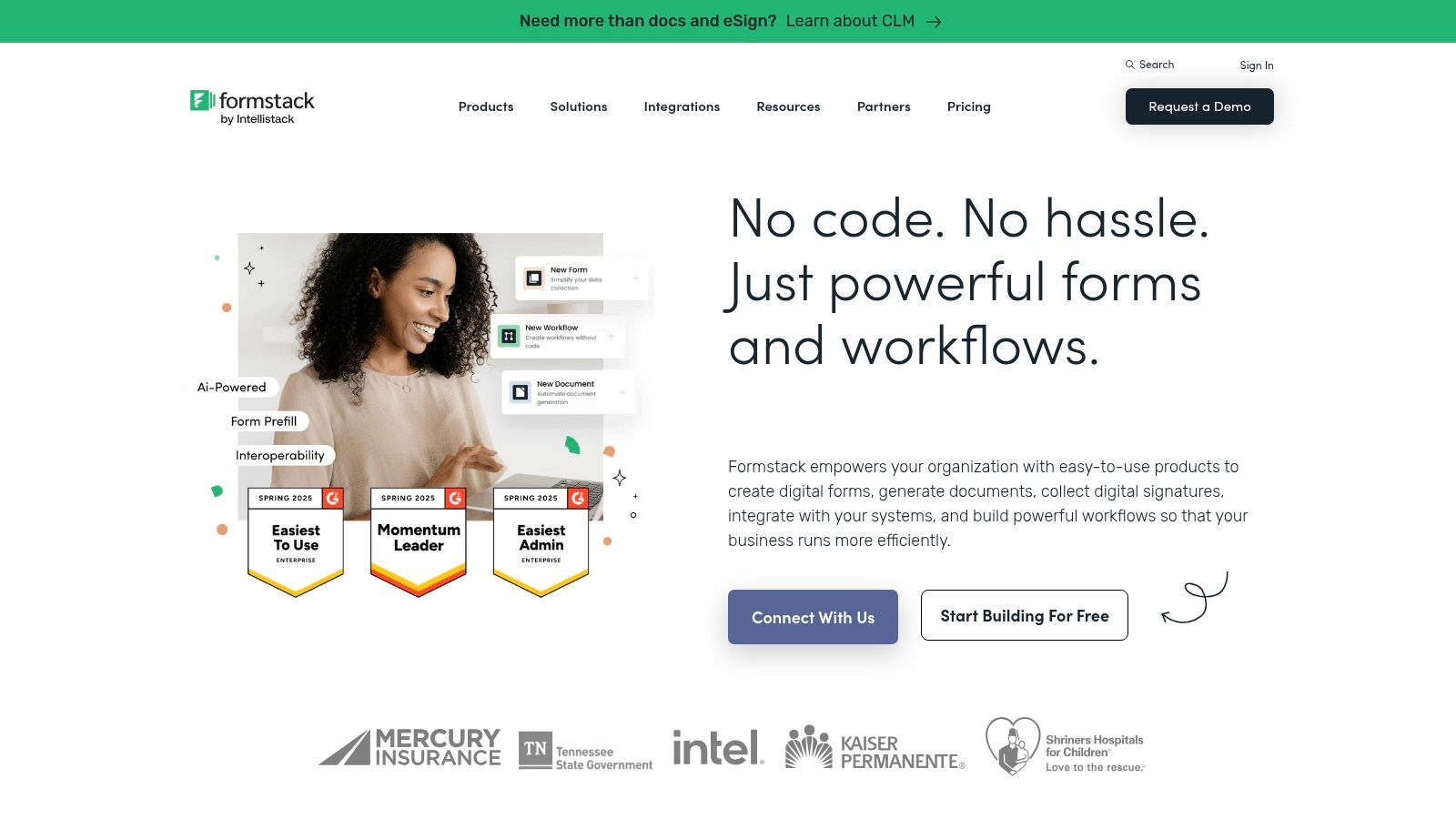
What sets Formstack apart is its mature suite of tools designed for large teams. The platform’s "Workflows" feature allows users to visually map out approval chains, assign tasks, and route data automatically, turning a simple submission into a structured internal process. With features like HIPAA-capable plans, advanced data encryption, and a native Salesforce app, it addresses the needs of businesses where security and data integrity are non-negotiable. While its powerful capabilities come at a higher price point, the investment is justified for organizations that need to automate critical, compliance-heavy application workflows.
Key Features & Considerations
- Workflow Automation: Advanced tools for creating multi-step approval processes and assigning tasks.
- Compliance & Security: Offers HIPAA-capable plans and robust security features for regulated industries.
- Integrations: Deep integrations, including a native Salesforce application, make it a strong choice for enterprise stacks.
- Pricing: Starts at $50/month (billed annually) for the basic forms plan, with suites and higher tiers for more advanced features.
Our Take: Formstack is the go-to platform for large organizations and regulated industries needing more than just a form builder. Its strength in workflow automation and compliance makes it ideal for streamlining critical business processes tied to applications.
Website: https://www.formstack.com
9. Wufoo (by SurveyMonkey)
Wufoo, now part of the SurveyMonkey family, is one of the original online form builders, known for its straightforward and reliable approach. It provides a quick path to publish a functional application form template for common scenarios like memberships, educational programs, and event registrations. Its time-tested platform is ideal for users who need to launch a simple, effective form without a steep learning curve or complex features.
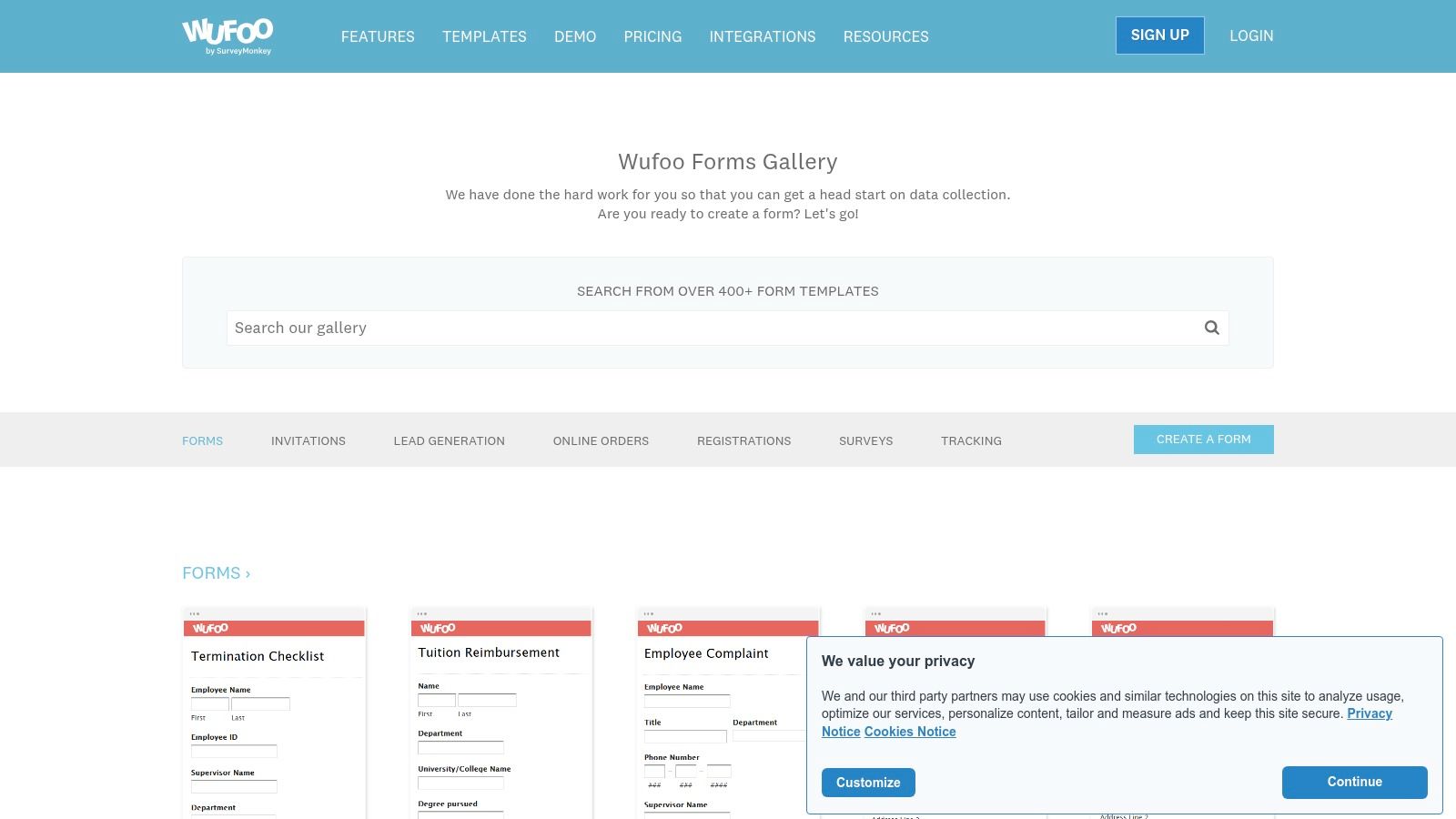
The platform’s core strength lies in its simplicity and speed. Users can select a template from its gallery, customize fields, and embed it on a website within minutes. Wufoo supports key application functionalities such as file uploads for resumes or portfolios and payment integrations with gateways like Stripe and PayPal. While its interface and branding options may feel less modern than newer competitors, its dependability and no-fuss setup make it a solid choice for teams that value function over intricate design. Basic analytics and email notifications keep you updated on new submissions.
Key Features & Considerations
- Template Gallery: Offers a curated selection of templates for memberships, college applications, and registrations.
- Core Functionality: Includes essential features like payment processing and file upload fields.
- Ease of Use: Very quick to go live with a simple, user-friendly form builder.
- Pricing: A free plan is available (5 forms, 100 monthly entries). Paid plans start at $14.08/month (billed annually) for more forms and features.
Our Take: Wufoo is an excellent choice for individuals or small organizations needing a reliable, no-frills solution to quickly deploy standard application forms. It’s perfect when speed and essential features are more important than advanced logic or modern aesthetics.
Website: https://www.wufoo.com/gallery/templates/
10. Smartsheet
Smartsheet approaches application forms from a project management perspective, combining data collection with its powerful spreadsheet-like grid system. It offers a collection of downloadable application form template files in Word, PDF, and Excel for traditional use, but its core strength lies in Smartsheet Forms. This feature allows users to create web forms that feed submissions directly into a Smartsheet grid, instantly organizing applicant data into a trackable, collaborative workspace.
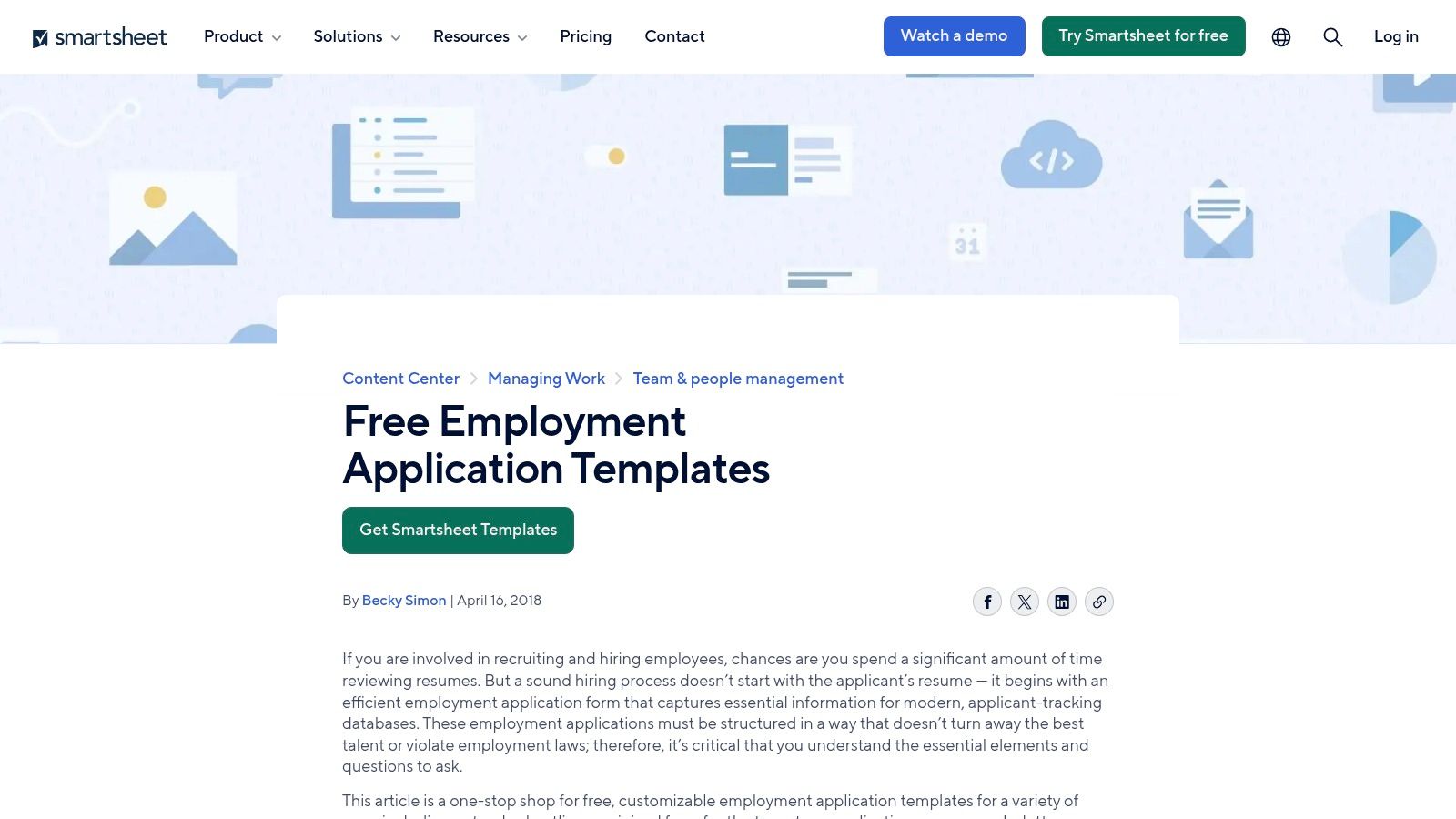
This platform is ideal for teams that need more than just a form builder; they need a robust system to manage the entire application lifecycle. Once data is collected, users can leverage Smartsheet’s automation, reporting, and dashboard features to build a complete applicant tracking system. This integration is particularly valuable in enterprise environments where governance, permissions, and process visibility are critical. While the downloadable templates are free, creating live forms that feed into a sheet requires a paid Smartsheet plan, making it a commitment beyond simple form creation.
Key Features & Considerations
- Integrated Data Management: Submissions automatically populate rows in a Smartsheet grid, perfect for building applicant trackers.
- Template Variety: Provides both downloadable templates (Word/PDF) and integrated online forms.
- Workflow Automation: Use collected data to trigger alerts, request approvals, and move candidates through a hiring pipeline.
- Pricing: Downloadable templates are free. Access to Smartsheet Forms and automation is included in paid plans, starting at $7/user/month (billed annually).
Our Take: Smartsheet is the best choice for teams that want to manage the application process within a single, powerful work management platform. It's less a quick form tool and more a foundation for a comprehensive tracking and workflow system.
Website: https://www.smartsheet.com/job-employment-application-templates
11. pdfFiller (airSlate)
pdfFiller, part of the airSlate suite, shifts the focus from web-native forms to document-centric workflows. It excels for organizations that rely on traditional documents, offering a massive library of fillable PDFs, including a comprehensive application form template for almost any industry. Its core strength is enabling users to find, edit, e-sign, and share professional-looking PDF applications without needing to build a digital form from scratch.
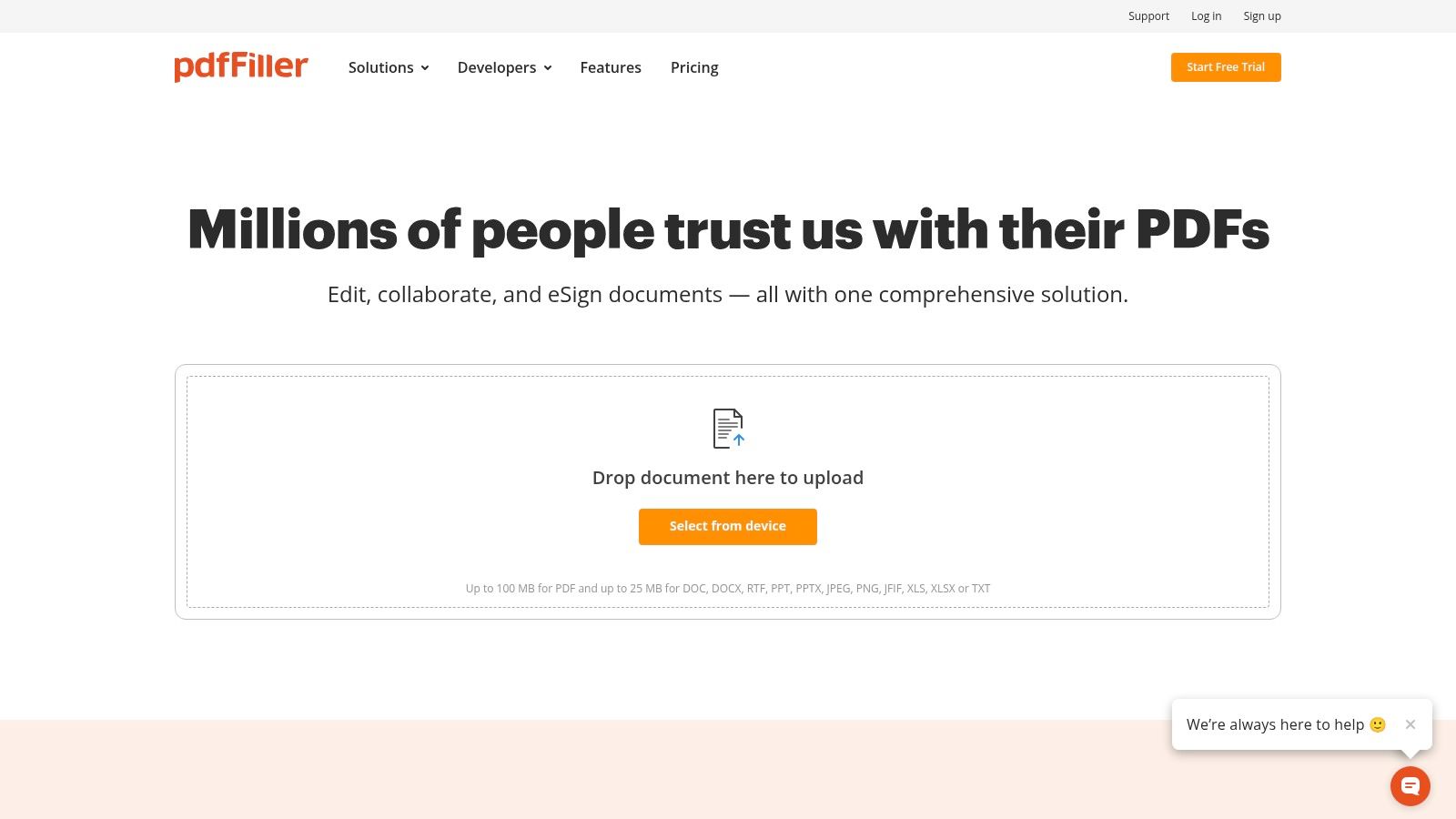
The platform is less a form builder and more a powerful PDF editor and document management system. Users can upload an existing application, make it fillable, or pull a template from the extensive repository. This makes it ideal for roles where a printed or saved PDF copy is a standard part of the process, such as in legal, government, or real estate sectors. The workflow includes tools for redaction, adding logos, and securing legally binding e-signatures, which streamlines the entire document lifecycle from creation to submission and archiving.
Key Features & Considerations
- PDF Editing Power: Provides advanced tools to edit text, add images, redact sensitive information, and create fillable fields on any PDF document.
- Template Library: Features a large database of ready-to-use employment applications and other standard business forms.
- E-Signature Integration: Built-in capabilities for collecting legally binding electronic signatures, complete with an audit trail.
- Pricing: No free plan for full functionality. Paid plans start at $8/month (billed annually) for the Basic tier, with more features on higher-priced plans.
Our Take: pdfFiller is the perfect solution for teams that are document-first. If your workflow requires a printable, downloadable, or archivable PDF application form with robust editing and e-signature capabilities, this tool is far more efficient than a typical online form builder.
Website: https://www.pdffiller.com/
12. PandaDoc
PandaDoc specializes in document workflows, making it a unique choice for an application form template where legal validity and signatures are paramount. Rather than focusing on simple data collection, PandaDoc excels at integrating applications into a broader HR document ecosystem. Its strength lies in turning a standard employment application into a legally binding document, complete with audit trails and secure e-signatures.
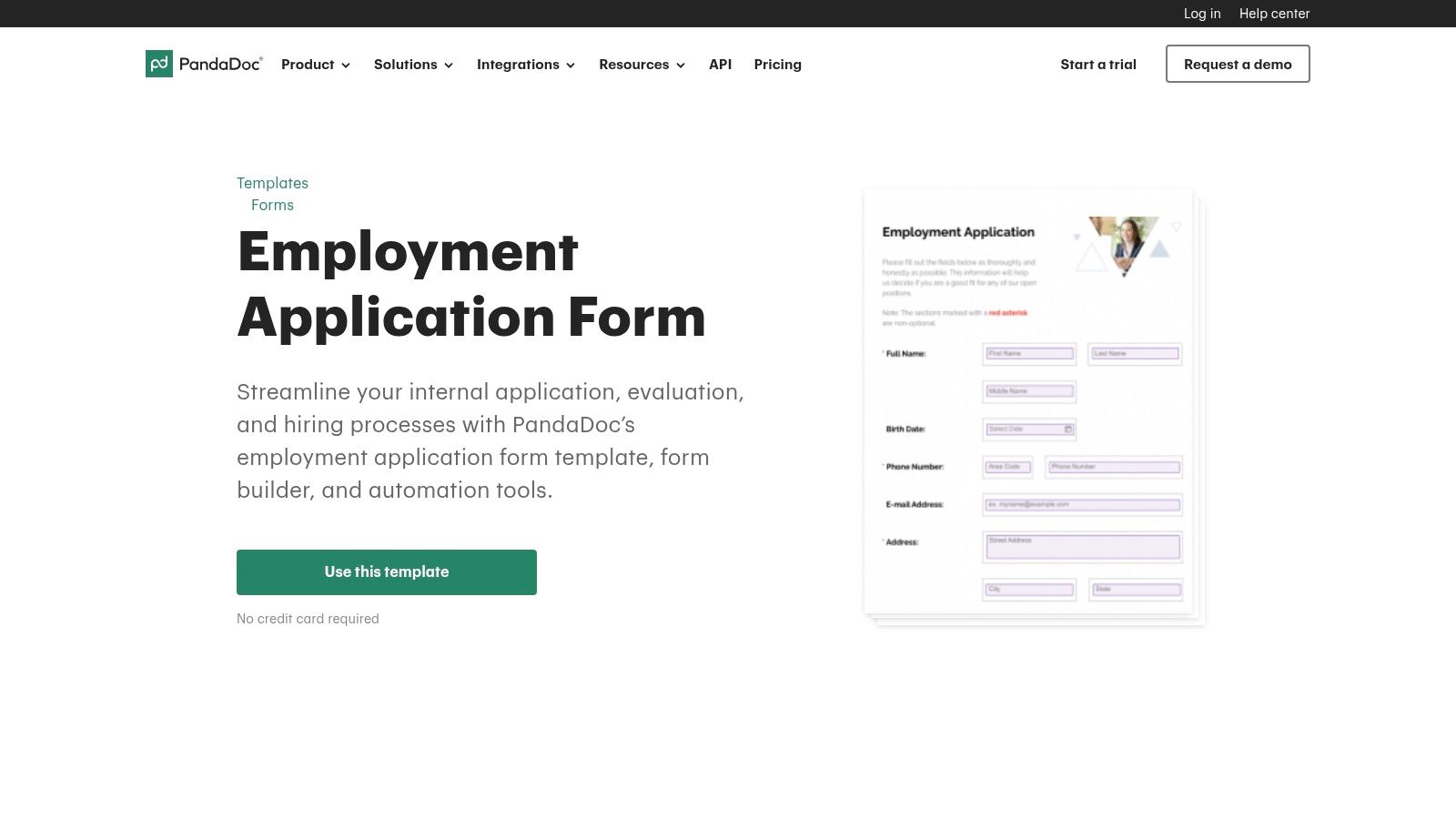
The platform is ideal for HR teams that need to seamlessly transition from an application to an offer letter, background check consent, or onboarding packet. Users can leverage its library of HR templates and use the drag-and-drop editor to customize fields. Once completed, the application can be sent via a shareable link or embedded. Document analytics provide valuable insights, showing when an applicant has viewed or started filling out the form. While it's less suited for high-volume, survey-style applications, it is unparalleled for roles where compliance and documentation are critical.
Key Features & Considerations
- E-Signature & Audit Trails: Every submitted document includes a legally binding electronic signature and a detailed certificate of completion.
- HR Document Library: Provides a wide array of related templates, such as offer letters, non-disclosure agreements, and employee handbooks.
- Document Analytics: Track when your application has been opened, viewed, and completed by candidates.
- Pricing: Offers a free plan for e-signatures. Paid plans start at $19/month per user (billed annually) for templates and analytics.
Our Take: PandaDoc is the best option when your application is the first step in a formal documentation process. It's built for HR professionals who prioritize compliance, audit trails, and a seamless transition to other signed agreements.
Website: https://www.pandadoc.com/employment-application-form/
Top 12 Application Form Template Tools Comparison
| Product | Key features | UX & Quality ★ | Value & Pricing 💰 | Target audience 👥 | Unique selling points ✨ |
|---|---|---|---|---|---|
| 🏆 AgentsForForms | AI → production-ready multi-step forms; templates; branching; analytics; 100+ integrations | ★★★★★ | 💰 Free tier → Startup $6/yr; scalable enterprise plans | 👥 Product & growth teams, startups → enterprises | ✨ AI prompt generation, conversion-focused templates, real-time AI insights |
| Jotform | 10,000+ templates; drag‑drop builder; conditional logic; file uploads | ★★★★☆ | 💰 Generous free/starter; caps lead to upgrades | 👥 SMBs, educators, quick deploy needs | ✨ Massive template library & strong export/integration options |
| Typeform | One-question-at-a-time UX; logic & scoring; polished multi-step flows | ★★★★★ | 💰 Free limited; paid tiers for analytics & integrations | 👥 Marketing, research, hiring teams | ✨ Conversational UX that boosts completion rates |
| Microsoft Forms (M365) | Template gallery; basic branching; Excel export; tenant governance | ★★★☆☆ | 💰 Included with many M365 plans | 👥 Internal HR, education, enterprises using M365 | ✨ Simple, secure, governed by Microsoft 365 policies |
| Google Forms (Workspace) | Instant Sheets sync; template gallery; easy sharing & collaboration | ★★★☆☆ | 💰 Free with Google account / Workspace tiers | 👥 Fast one-off surveys, small teams, educators | ✨ Extremely fast to deploy with native Sheets integration |
| Canva Templates | Editable print/digital layouts; brand customization; PDF exports | ★★★☆☆ | 💰 Free & Pro tiers; pay for premium assets | 👥 Designers, HR needing printable/print-ready forms | ✨ On-brand printable templates and rapid design edits |
| Cognito Forms | Repeating sections; save & resume; e-signature; payments; doc gen | ★★★★☆ | 💰 Competitive SMB pricing; tiered add-ons | 👥 SMBs needing flexible application workflows | ✨ Document generation + payments + advanced logic |
| Formstack | Enterprise workflows; approvals; HIPAA-capable; analytics | ★★★★ | 💰 Premium pricing for enterprise features | 👥 Regulated industries, large teams | ✨ Mature workflow engine, compliance & Salesforce options |
| Wufoo (SurveyMonkey) | Template gallery; payments & file uploads; simple embeds | ★★★☆☆ | 💰 Free/basic tiers; paid for higher volumes | 👥 Quick-form publishers, small orgs | ✨ Time-tested reliability and very fast go-live |
| Smartsheet | Job templates + form-to-sheet submissions; applicant tracker | ★★★☆☆ | 💰 Forms tied to paid Smartsheet plans | 👥 Teams needing spreadsheet-like applicant tracking | ✨ Built-in tracker + enterprise permissioning |
| pdfFiller (airSlate) | Fillable PDF editor; e-sign; large PDF template library | ★★★☆☆ | 💰 Subscription pricing; can be costly for light use | 👥 Orgs needing printable/fillable PDFs & signatures | ✨ Robust PDF tooling and cross-platform editors |
| PandaDoc | HR templates; drag‑drop fields; e-signature & document analytics | ★★★★ | 💰 Free templates; paid for full e-sign & analytics | 👥 HR, legal, sales needing signatures & audit trails | ✨ Integrated e-sign, audit trails and document analytics |
From Template to Transformation: Building Your Next Great Application Form
The journey through the world of application form templates reveals a fundamental truth: a form is far more than a simple data collection mechanism. It is a critical touchpoint, a digital handshake that sets the tone for your relationship with applicants, customers, and team members. Choosing the right application form template is not just about aesthetics or convenience; it is a strategic decision that directly impacts conversion rates, data quality, and user experience.
Throughout this guide, we've explored a diverse landscape of tools, from the conversational elegance of Typeform to the enterprise-grade power of Formstack and the collaborative strength of Smartsheet. We've seen how platforms like Jotform and Cognito Forms offer vast libraries and powerful conditional logic, while tools like Google Forms and Microsoft Forms provide accessible, integrated solutions for those already within their respective ecosystems. The key takeaway is that the "best" template is entirely context-dependent, defined by your specific goals, technical constraints, and audience expectations.
Synthesizing Your Strategy: Key Takeaways
As you move from exploration to implementation, keep these core principles at the forefront of your decision-making process. They represent the distilled wisdom from analyzing dozens of use cases and platform capabilities.
- User Experience is Non-Negotiable: A clunky, confusing, or overly long form is a primary driver of abandonment. Prioritize templates and tools that support multi-step layouts, clear progress indicators, and mobile-first design. The goal is to reduce friction at every step.
- Data Integrity is Paramount: The value of your form lies in the quality of the data it collects. Implement robust validation rules, use clear field labels, and provide contextual help text. An effective application form template ensures you receive accurate, usable information from the outset.
- Integration Unlocks Efficiency: Standalone forms create data silos. The most powerful solutions are those that integrate seamlessly with your existing stack, whether it's a CRM, a project management tool, or a proprietary database. This automates workflows and saves countless hours of manual data entry.
- Security and Privacy are Foundational: In an era of heightened data sensitivity, demonstrating your commitment to security is crucial for building trust. Always choose platforms that offer SSL encryption, GDPR and CCPA compliance features, and secure data storage options.
Choosing Your Path Forward
Selecting the right tool requires a clear-eyed assessment of your team's unique needs. To simplify this choice, consider your primary objective:
- For Maximum Speed and AI-Powered Generation: If your priority is to rapidly deploy highly customized, intelligent forms without deep design or coding expertise, a generative AI solution is your best fit. This path is ideal for teams focused on agility and innovation.
- For Deep Customization and Control: If you require granular control over every element, complex conditional logic, and advanced payment integrations, a dedicated form builder like Formstack or Cognito Forms will provide the necessary power.
- For Simplicity and Ecosystem Integration: If your needs are straightforward and you want a solution that works seamlessly with tools your team already uses daily, Google Forms or Microsoft Forms are practical, low-friction choices.
Ultimately, the template is just the starting point. The real transformation occurs when you infuse that template with a deep understanding of your user's journey, a commitment to data quality, and a strategic vision for how that collected information will fuel your organization's growth. By applying these principles, you can elevate a simple form into a powerful engine for engagement and efficiency.
Ready to skip the manual search and instantly generate the perfect form for your needs? AgentsForForms uses AI to understand your requirements and build a high-converting, fully functional application form in seconds. Stop browsing and start building by visiting AgentsForForms to experience the future of form creation today.