7 High-Converting Lead Generation Form Examples to Copy in 2026
Learn practical form optimization strategies in this AgentsForForms guide: 7 High-Converting Lead Generation Form Examples to Copy in 2026.
A lead generation form is often the single most critical touchpoint between a potential customer and your business. Yet, countless forms fail to convert, bleeding potential revenue daily. The reasons are often simple: they ask for too much information, lack clear value, feel untrustworthy, or are just plain confusing to use. A poorly designed form isn't just a missed opportunity; it’s an active barrier that pushes qualified leads away. The difference between a form that converts at 2% and one that hits 20% can redefine a company's growth trajectory.
This guide moves beyond generic advice to provide a strategic breakdown of high-performing lead generation form examples. We will dissect what makes each one effective, from the specific fields they use to the subtle psychological triggers in their copy. You will learn not just what works, but why it works and how to replicate that success. Each example includes a detailed analysis, actionable takeaways, and a quick guide on how to build a similar form using a tool like AgentsForForms. Our goal is to equip you with a library of proven strategies to build forms that don't just collect information but actively drive business growth. Let’s dive into the examples that turn visitors into valuable leads.
1. AgentsForForms
AgentsForForms secures the top position as a standout choice for creating high-converting lead generation forms, primarily due to its innovative AI-first approach. Instead of manual setup, users can generate a complete, multi-step form simply by describing their needs in plain English. This powerful capability automates everything from question copywriting and field logic to smart validation rules, dramatically reducing development time from hours to mere seconds.
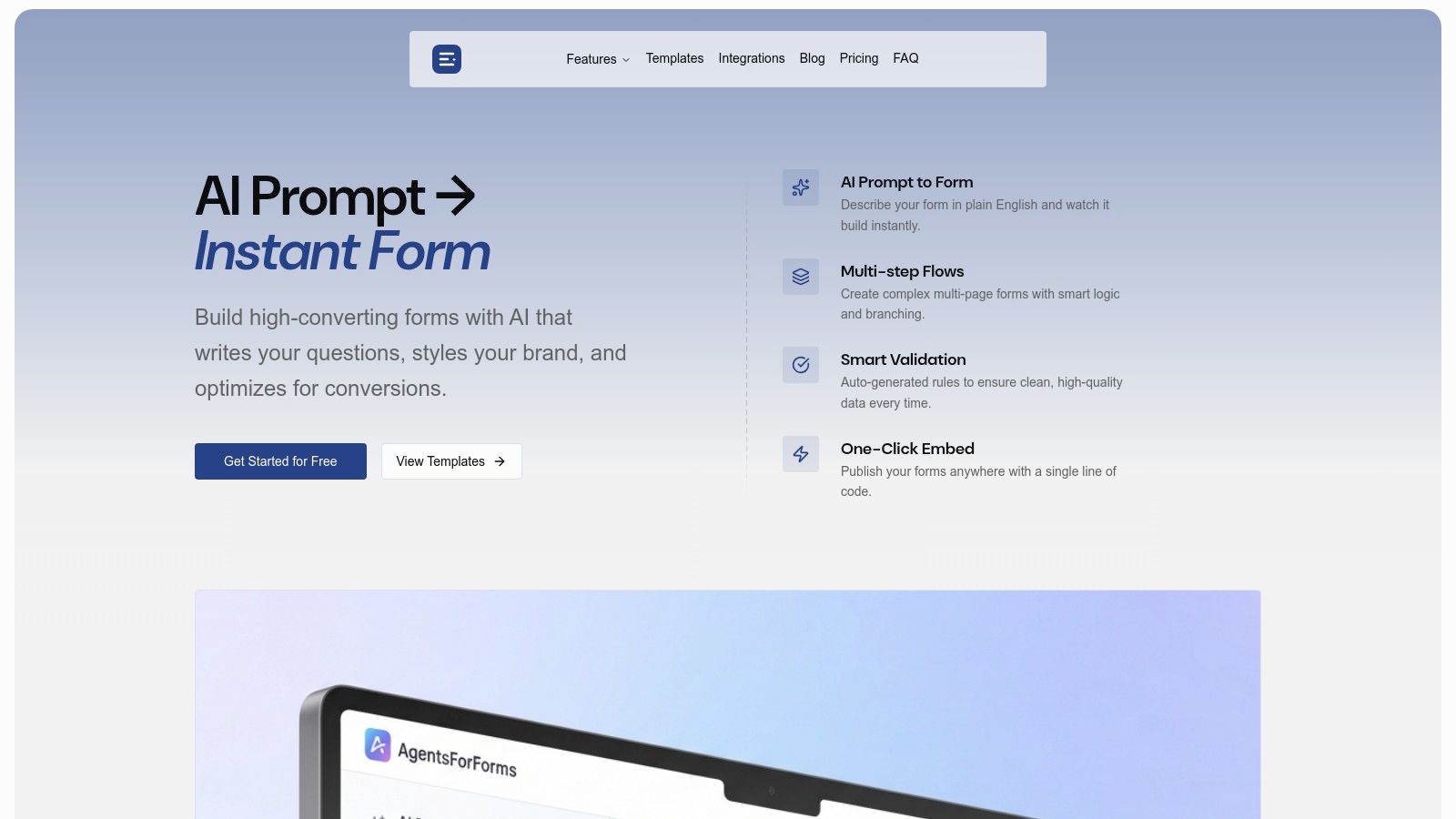
This platform is engineered for performance, equipping teams with tools designed to maximize completion rates and data quality. It's a comprehensive solution that serves not just as a builder but as an optimization engine for your entire lead capture strategy.
Why It Stands Out
AgentsForForms distinguishes itself by merging speed with intelligence. The AI doesn’t just build a form; it builds a smart form. It suggests conversion-optimized questions, implements conditional logic, and adds progress indicators, all of which are proven tactics to reduce user friction and combat form abandonment.
For marketers and product teams, this means launching sophisticated lead generation form examples like demo requests, gated content downloads, or event registrations without needing to code. The platform's real-time analytics and AI insights provide a crucial feedback loop, pinpointing specific drop-off points and suggesting actionable improvements to boost conversions.
Key Features & Benefits
- AI-Powered Generation: Turn a simple prompt like "Create a lead gen form for a SaaS demo request" into a production-ready, multi-step form instantly.
- Conversion-Optimized by Default: Features like multi-step layouts, progress bars, and AI-written copy are built-in to enhance the user experience and drive higher completion rates.
- Seamless Integration: With over 100 native integrations (including Salesforce, Slack, Notion, and Google Sheets) plus Zapier and n8n support, you can push lead data directly into your existing workflows without hassle.
- Team & Enterprise Ready: The platform supports collaboration with roles and approvals, while offering robust security features like SSO, GDPR controls, and anonymized responses for enterprise compliance.
Pricing and Access
AgentsForForms offers a generous free plan that includes unlimited team members, 500 monthly submissions, and core integrations, making it highly accessible for startups and small teams.
Paid plans unlock advanced features like unlimited forms, custom branding and domains, enhanced security protocols, and priority support. Pricing starts at a competitive rate, ensuring scalability as your business grows. Enterprise terms are available by contacting their sales team.
Website: https://agentsforforms.com
2. Typeform
Typeform distinguishes itself in the world of online forms by championing a conversational, one-question-at-a-time user experience. This approach makes their lead generation forms feel less like a clinical interrogation and more like a friendly chat, significantly boosting engagement and completion rates, especially on mobile devices. Instead of overwhelming users with a wall of fields, Typeform presents questions sequentially, guiding the user through the process smoothly.
.
Why Typeform Excels for Lead Generation
Typeform's core strength lies in its human-centric design philosophy. The platform is purpose-built for creating beautiful, highly branded forms that are approachable and intuitive.
- Extensive Template Gallery: Typeform provides a rich library of pre-built templates specifically for lead capture, including quote requests, contact forms, and event registrations. These serve as excellent starting points for crafting your own high-converting lead generation form examples.
- Powerful Logic & Branching: Conditional logic allows you to create dynamic forms that adapt based on user answers. This personalization ensures users only see relevant questions, reducing friction and improving data quality.
- Seamless Integrations: With over 300 integrations, including Salesforce, HubSpot, and Slack, you can automatically route captured leads into your CRM or marketing automation workflows, saving significant time.
Strategic Breakdown & Key Features
Typeform’s design is not just aesthetic; it’s a strategic choice to increase conversions. The platform’s unique offering is the blend of sophisticated features with an easy-to-use interface.
| Feature | Description | Strategic Benefit |
|---|---|---|
| Conversational UX | Presents one question at a time in an interactive, visually appealing interface. | Reduces cognitive load, increases focus, and makes the form-filling process enjoyable. |
| Custom Branding | Allows for complete customization of colors, fonts, and background images to match your brand identity. | Builds trust and brand consistency, leading to a more professional user experience. |
| Hidden Fields | Pass data to your form through its URL to pre-fill answers or track lead sources. | Creates a more personalized experience and provides valuable attribution data for marketing. |
Pricing and Access
Typeform operates on a freemium model. The free plan is great for basic needs but has a cap on responses. Paid plans unlock higher response limits, advanced logic, and remove Typeform branding.
- Free Plan: Limited to 10 responses per month.
- Basic/Plus/Business Tiers: Offer increasing response caps, more advanced features, and priority support.
For anyone looking to create more engaging, mobile-friendly lead forms, Typeform offers a powerful and aesthetically pleasing solution. You can explore their template gallery at https://www.typeform.com/templates/lead-generation.
3. Jotform
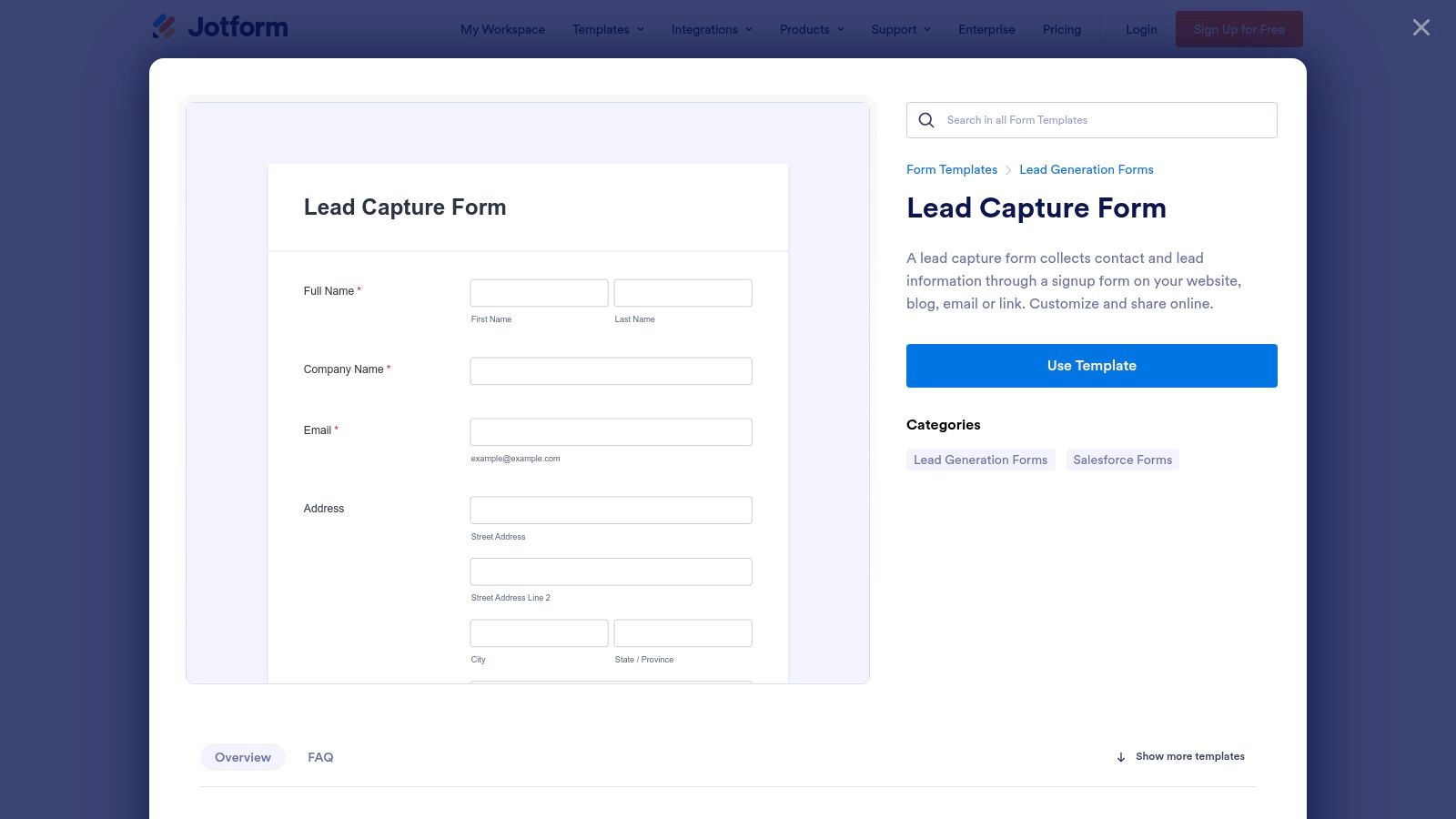
Jotform positions itself as an incredibly practical and fast solution for deploying lead generation forms, primarily due to its massive library of cloneable templates. The platform is built for speed and efficiency, allowing users to find, customize, and launch a form in minutes. Its drag-and-drop editor and one-click cloning make it exceptionally accessible for users who need to get a working lead form live without a steep learning curve or design overhead.
Why Jotform Excels for Lead Generation
Jotform’s primary advantage is its sheer volume and variety of ready-to-use templates. This makes it an invaluable resource for anyone needing to quickly find proven lead generation form examples for nearly any industry or niche, from real estate to B2B SaaS.
- Massive Template Gallery: With over 1,000 templates specifically for lead generation, including niche variants like "Sales Lead Generation" and "Lead Capture," you can find a suitable starting point instantly.
- Intuitive Drag-and-Drop Editor: The no-code editor simplifies the customization process. Users can easily add, remove, or rearrange fields, apply branding, and set up conditional logic without any technical expertise.
- Broad Integration Network: Jotform connects with over 100 third-party applications, including popular CRMs like Salesforce, email marketing tools like Mailchimp, and cloud storage like Google Drive, ensuring leads flow directly into your existing workflows.
Strategic Breakdown & Key Features
Jotform’s strategy centers on removing friction from the form creation process. Its features are designed to empower users to build and deploy functional forms with maximum speed and minimum effort.
| Feature | Description | Strategic Benefit |
|---|---|---|
| One-Click Cloning | Allows users to instantly duplicate any existing template into their own account for modification. | Drastically reduces setup time, enabling rapid deployment of tested form structures. |
| Flexible Sharing | Provides multiple ways to share forms, including direct links, QR codes, and simple embed options. | Ensures forms can be easily distributed across various channels like social media or email. |
| Conditional Logic | Enables dynamic forms that show or hide fields based on user input, creating a tailored experience. | Improves data quality and user experience by presenting only the most relevant questions. |
Pricing and Access
Jotform utilizes a freemium model, making it highly accessible for small-scale projects or testing. The free plan is generous but includes Jotform branding and has usage caps.
- Free Plan: Allows up to 100 submissions per month and includes Jotform branding.
- Bronze/Silver/Gold Tiers: Offer increased submission and storage limits, remove branding, and provide HIPAA compliance options.
For teams that need to launch a variety of functional lead forms quickly from proven examples, Jotform is a powerful and user-friendly choice. You can explore their template library at https://www.jotform.com/form-templates/lead-capture-form.
4. HubSpot (Forms)
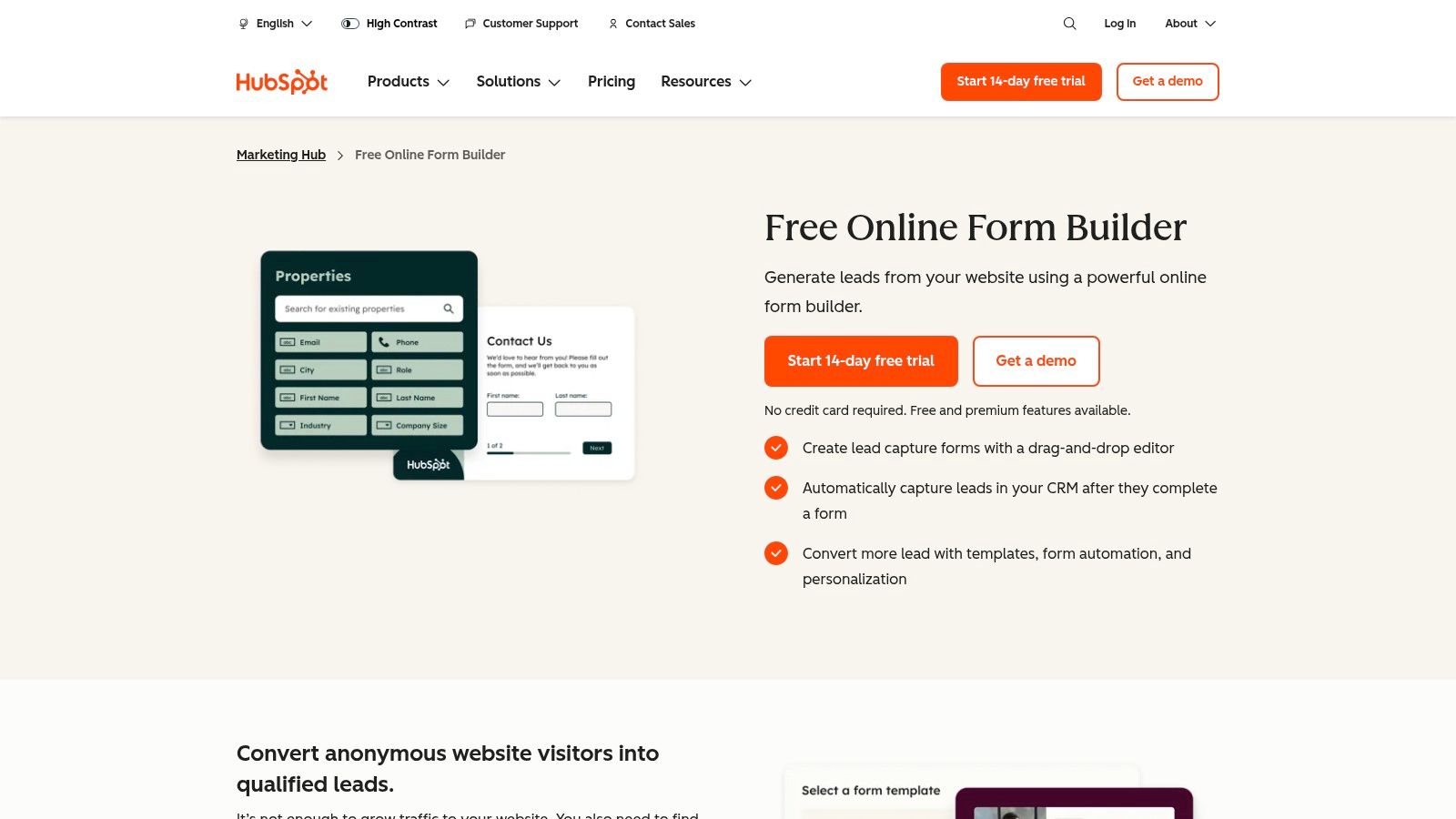
HubSpot's free form builder is a powerhouse for businesses already invested in its ecosystem. It excels by creating lead capture forms that integrate seamlessly with the robust HubSpot CRM. This direct connection eliminates manual data entry and allows for immediate lead nurturing, making it a go-to solution for teams that want to bridge the gap between marketing efforts and sales follow-up.
Why HubSpot Excels for Lead Generation
The primary advantage of HubSpot Forms is its native integration with the HubSpot CRM and Marketing Hub. This creates a unified system where lead data flows directly into contact records, triggering automated workflows and providing deep analytics without needing third-party connectors.
- Native CRM Integration: Every form submission automatically creates or updates a contact in the HubSpot CRM, providing a complete timeline of a lead's interactions with your brand.
- Progressive Profiling: On paid tiers, you can use smart forms to swap out fields that a known contact has already filled out. This allows you to progressively gather more information over time without creating friction.
- Marketing Automation: Connect forms to automated email sequences, lead scoring models, and internal notifications, creating a powerful engine to nurture leads from capture to close.
Strategic Breakdown & Key Features
HubSpot's approach centers on creating a frictionless data pipeline that fuels marketing and sales. The features are designed not just to capture leads, but to intelligently manage and qualify them within a single platform.
| Feature | Description | Strategic Benefit |
|---|---|---|
| Direct CRM Sync | All form submission data is automatically written to the free HubSpot CRM. | Ensures a single source of truth for lead data and enables immediate, context-aware sales follow-up. |
| Smart Forms & Fields | Dynamically changes the form questions based on a visitor's lifecycle stage or previous interactions. | Reduces form abandonment by asking for new information only, improving the user experience. |
| Integrated Analytics | Tracks form views, conversion rates, and submissions alongside other marketing campaign data. | Provides a holistic view of campaign performance, helping optimize your lead generation form examples. |
Pricing and Access
HubSpot's form builder is available for free as part of its broader platform offering. The free tools are surprisingly powerful but come with HubSpot branding. To access advanced features like smart forms and complex automation, a paid Marketing Hub subscription is required.
- Free Plan: Includes the form builder, CRM access, and basic marketing tools.
- Marketing Hub Tiers: Starter, Professional, and Enterprise plans unlock advanced automation, remove branding, and increase contact limits.
For businesses seeking an all-in-one solution for capturing, managing, and nurturing leads, HubSpot's integrated form builder is an unparalleled choice. You can start building forms for free at https://www.hubspot.com/products/forms.
5. Unbounce
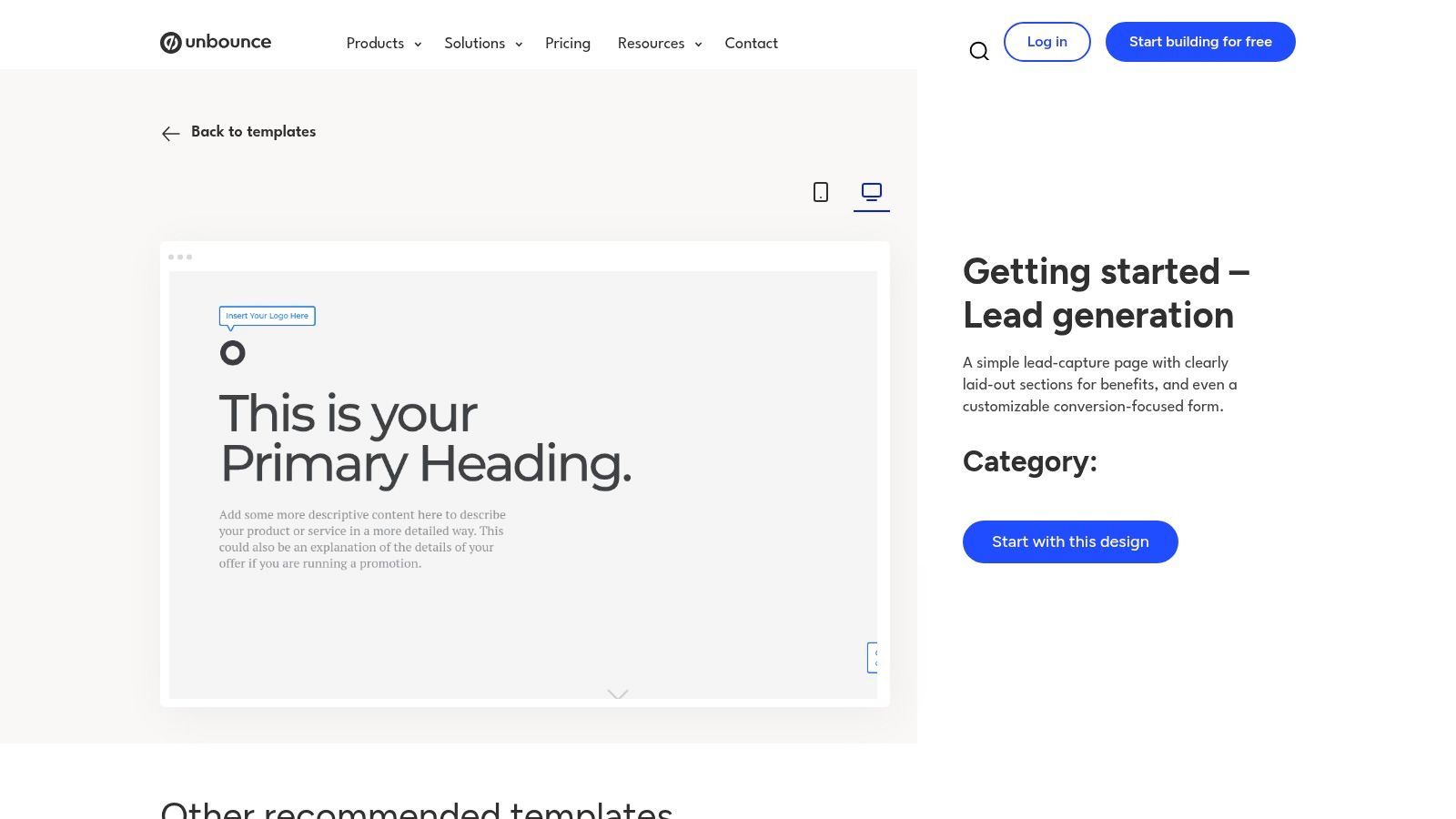
Unbounce carves out its niche by focusing intensely on conversion-optimized landing pages where lead forms are a critical, integrated component. Rather than just being a form builder, it provides a complete toolkit for creating, testing, and optimizing the entire lead capture page. This holistic approach is ideal for marketing teams that want to control the full user journey and rigorously test every element to maximize conversions.
Why Unbounce Excels for Lead Generation
Unbounce's primary advantage is its deep-rooted focus on conversion rate optimization. The platform is designed for performance marketers who need to build high-performing campaigns quickly without relying on developers. Its drag-and-drop builder and extensive template library make it simple to launch and test variations.
- Vast Template Library: Unbounce offers over 100 landing page templates tailored to specific industries and goals, such as SaaS demos, ebook downloads, and webinar registrations. These templates provide excellent lead generation form examples already optimized for conversions.
- Built-in A/B Testing: The ability to easily create and deploy A/B tests for landing pages is a core feature. This allows you to scientifically determine which headlines, images, and form layouts generate the most leads.
- AI-Powered Tools: Unbounce integrates AI for copy generation and smart traffic routing, which automatically sends visitors to the landing page variant most likely to convert for them, boosting overall campaign performance.
Strategic Breakdown & Key Features
Unbounce’s design philosophy centers on giving marketers the tools to build and validate their own conversion hypotheses. The platform combines ease of use with powerful optimization features.
| Feature | Description | Strategic Benefit |
|---|---|---|
| Integrated Page Builder | A drag-and-drop editor for building entire landing pages with embedded form components. | Ensures brand consistency and a seamless user experience between the page content and the lead form. |
| Pop-ups & Sticky Bars | Tools to create targeted, on-page lead capture elements that trigger based on user behavior. | Captures leads from visitors who might not be ready to fill out a main form, increasing overall lead volume. |
| A/B Testing | A native feature that allows for easy creation and performance tracking of page variants. | Enables data-driven decisions to continually improve page performance and lower cost-per-lead. |
Pricing and Access
Unbounce is a premium tool with pricing structured around traffic volume and feature access. It does not offer a free plan, but it does provide a free trial to test the platform.
- Free Trial: A 14-day free trial is available on all plans.
- Tiered Plans: Paid plans vary based on the number of conversions, visitors, and connected domains. Higher tiers unlock more advanced features like A/B testing and AI optimization.
For teams dedicated to a culture of testing and optimization, Unbounce is a powerful solution. You can explore their landing page templates and learn more about their approach at https://unbounce.com/landing-page-template/getting-started-lead-generation/.
6. Webflow
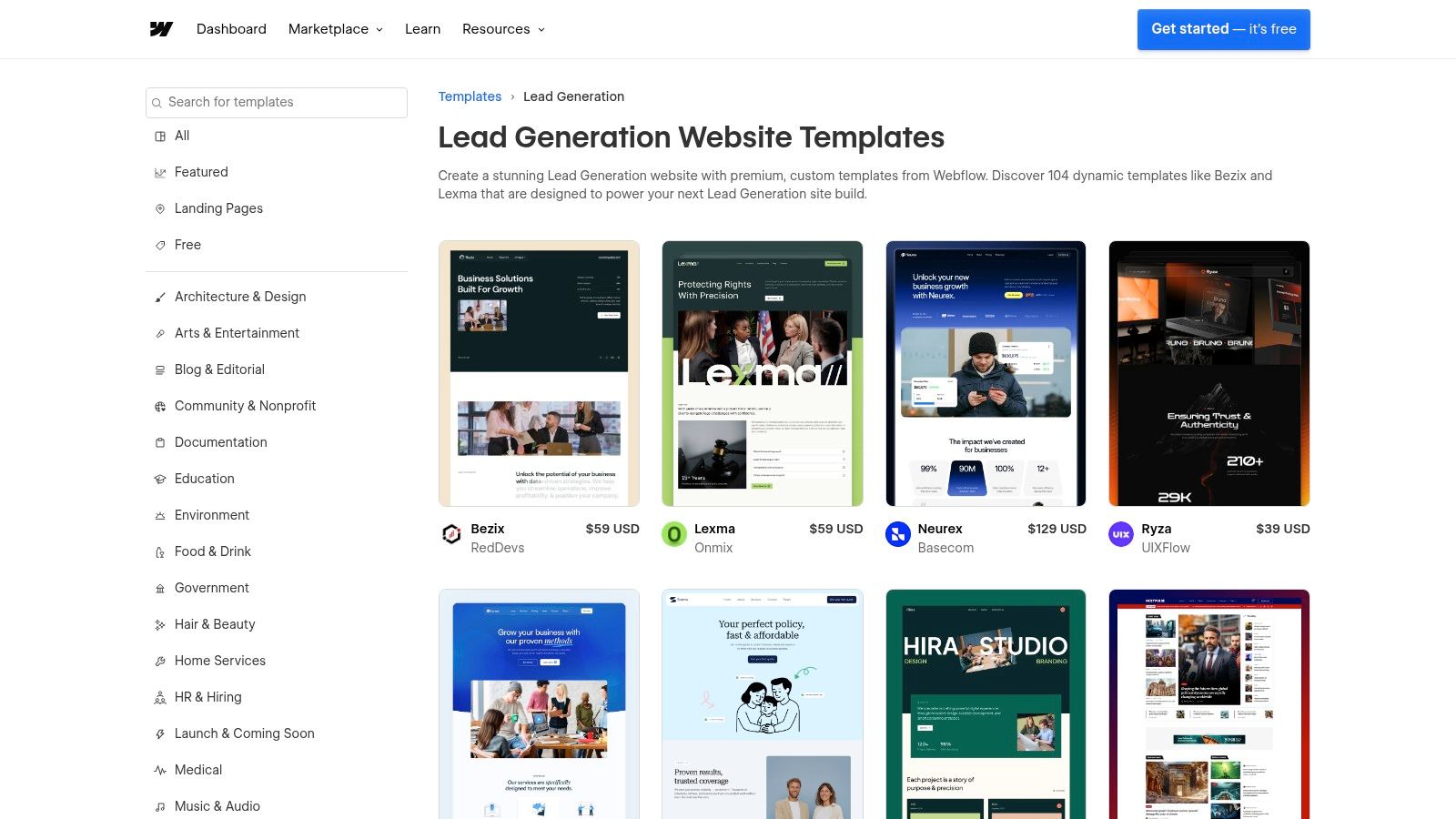
Webflow serves as a powerful no-code website builder that integrates high-quality design with functionality, making it a go-to for designers and marketers. Its strength in lead generation comes from its vast marketplace of templates and free "cloneable" projects, which often include beautifully designed, ready-to-use lead capture forms. This allows teams to launch visually stunning landing pages with integrated forms that are fully customizable without writing a single line of code.
Why Webflow Excels for Lead Generation
Webflow’s advantage lies in its seamless integration of form design directly within the website-building process. Instead of embedding a third-party tool, the forms are native elements, ensuring perfect brand consistency and design control.
- Template & Cloneable Library: Webflow offers hundreds of site templates and free cloneable sections specifically built for lead capture, from simple newsletter sign-ups to complex quote request forms. These provide excellent lead generation form examples that can be adapted quickly.
- Total Visual Control: The Webflow Designer gives you granular control over every aspect of your form's appearance, including layout, styling, and animations, ensuring it perfectly matches your site's aesthetic.
- Flexible Integrations: While native, Webflow forms can easily connect to hundreds of other apps like Salesforce, Mailchimp, or Google Sheets using tools like Zapier, automating your lead management workflow.
Strategic Breakdown & Key Features
Webflow empowers users to build not just a form, but the entire conversion-focused page around it. This holistic approach ensures the user journey is cohesive from start to finish. For a deeper dive into effective layouts, explore our guide on mastering form design best practices.
| Feature | Description | Strategic Benefit |
|---|---|---|
| Native Form Builder | Build and style forms directly within the Webflow Designer interface as part of your webpage. | Guarantees perfect design consistency and responsiveness without relying on external scripts or iframes. |
| Cloneable Assets | A community-driven library of free, pre-built website sections (including forms) that can be copied. | Drastically speeds up development time by providing proven, well-designed form layouts. |
| Built-in Hosting | Webflow handles all site and form hosting, including secure submission processing and notifications. | Simplifies the tech stack by providing an all-in-one solution for site building and lead capture. |
Pricing and Access
While Webflow offers a free plan to start building, a paid site plan is required to publish a website with a custom domain and activate form submissions.
- Free Starter Plan: Build up to two sites, but requires a paid plan to launch.
- Paid Site Plans: Tiers like Basic, CMS, and Business are required to host a live site and process form submissions, with varying limits on monthly form submissions.
For teams already using or considering Webflow for their website, its native form capabilities offer an incredibly powerful and design-forward solution. You can browse its templates at https://webflow.com/templates/search/lead-generation.
7. ThemeForest (Envato Market)
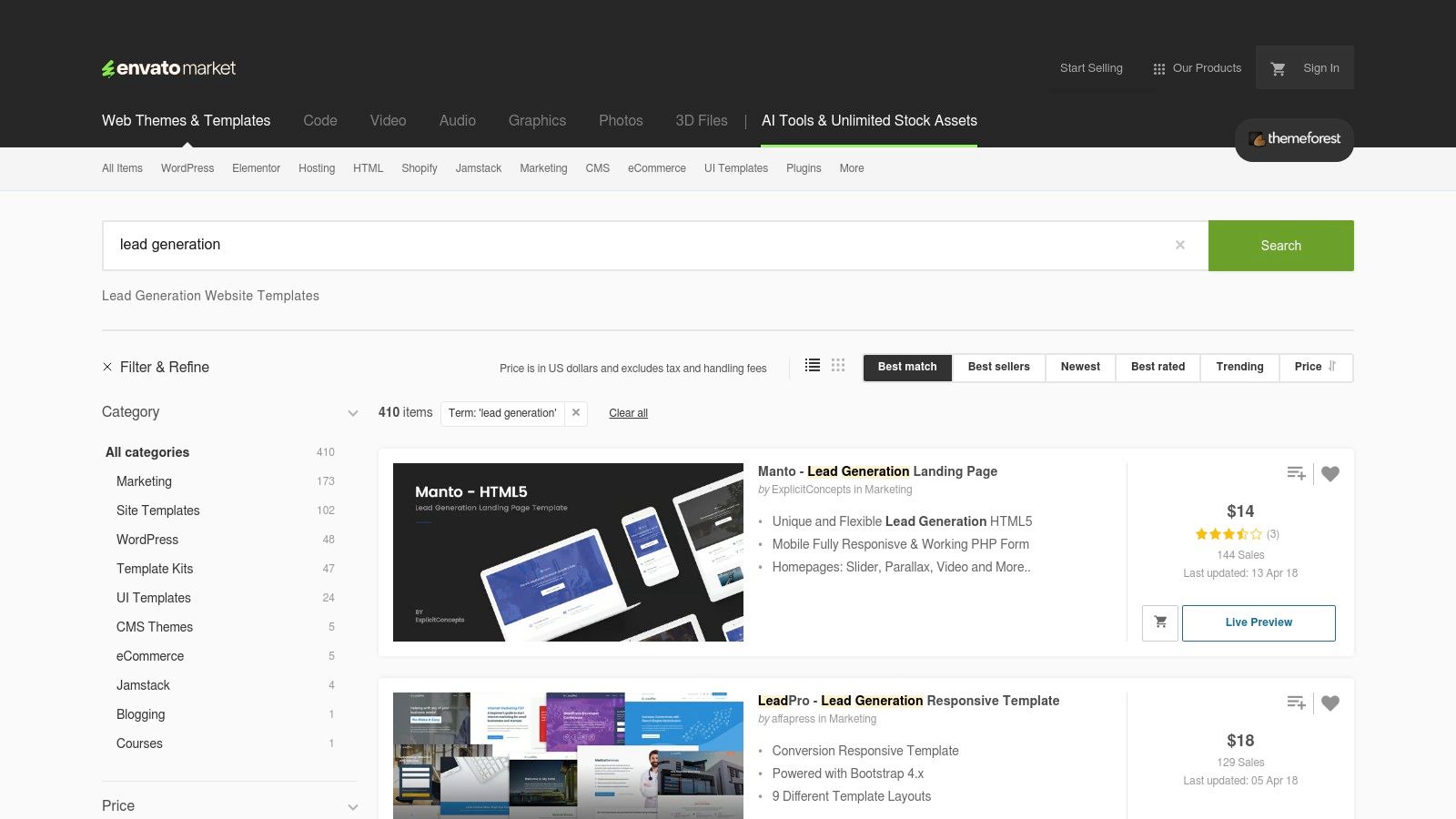
ThemeForest serves as a massive marketplace for teams that need professionally designed, off-the-shelf lead generation templates. Rather than offering a form-building tool itself, it provides ready-to-use landing pages and form-heavy themes for platforms like WordPress, Unbounce, Elementor, and pure HTML. This makes it an invaluable resource for rapidly deploying and adapting proven lead capture designs without starting from scratch.
Why ThemeForest Excels for Lead Generation
ThemeForest's primary advantage is its sheer volume and variety, offering a cost-effective shortcut to high-quality design. It allows marketing and development teams to find niche-specific layouts that already incorporate best practices for conversion, saving significant design and development time.
- Vast Template Selection: The marketplace contains thousands of lead-gen specific templates, from webinar registrations to real estate quote requests. This allows you to find great lead generation form examples that closely match your industry and campaign goals.
- Multi-Platform Support: Whether you use a WordPress page builder like Elementor, a dedicated landing page tool like Unbounce, or need a simple HTML template, you can find a compatible asset.
- Cost-Effective Solution: Templates are typically sold for a low, one-time fee, making it an accessible option for businesses of all sizes to acquire professional designs.
Strategic Breakdown & Key Features
ThemeForest’s strategic value lies in its role as a design accelerator. It bridges the gap for teams who lack in-house design resources or need to launch campaigns on a tight deadline.
| Feature | Description | Strategic Benefit |
|---|---|---|
| Industry-Specific Designs | Templates are often built with specific industries in mind, like SaaS, real estate, or finance. | Provides a highly relevant starting point with appropriate fields and copy, boosting credibility. |
| Pre-Built Form Functionality | Many templates come with working forms, including validation and submission scripts, ready for integration. | Reduces development time and technical hurdles associated with form implementation. |
| Author Support & Updates | Marketplace authors often provide support and release updates to ensure templates stay compatible and modern. | Offers a degree of reliability and assistance, which can be crucial for non-technical users. |
Pricing and Access
ThemeForest operates on a per-item pricing model. You purchase a license for each template you want to use, with prices varying based on the item's complexity and the license type.
- One-Time Purchases: Most templates range from 79 for a standard license.
- No Subscription: There are no recurring fees; you pay for each item individually.
For teams looking to quickly source and deploy a wide array of lead capture page designs, ThemeForest is a go-to resource. You can browse their lead generation collection at https://themeforest.net/search/lead%20generation.
Top 7 Lead-Gen Form Tools Comparison
| Product | Implementation (🔄) | Resources & cost (⚡) | Expected outcomes (📊⭐) | Ideal use cases (💡) | Key advantages (⭐) |
|---|---|---|---|---|---|
| AgentsForForms | Low 🔄 — AI generates multi-step forms; minimal dev work | Moderate ⚡⚡ — generous free tier; paid plans for advanced security/branding; 100+ integrations | High ⭐⭐⭐ 📊 — improved conversions, cleaner data, real-time insights | Product teams, marketers, support ops, HR needing fast, smart forms | Speedy AI generation, conversion-optimized templates, analytics, enterprise features |
| Typeform | Medium 🔄 — customizable conversational flows; some design setup | Moderate ⚡⚡ — 300+ integrations; response caps on lower plans | High ⭐⭐📊 — polished mobile UX that boosts completion rates | Marketing lead capture, conversational surveys, high‑polish forms | Branded conversational UX, strong templates, wide integrations |
| Jotform | Low 🔄 — drag‑and‑drop editor and one‑click cloning | Low ⚡ — large free template library but free limits apply; 100+ integrations | Medium ⭐⭐ 📊 — very fast to launch real examples; variable optimization | Quick launches from templates, niche lead forms, non‑dev teams | Huge template gallery, fast cloning, easy embedding |
| HubSpot (Forms) | Medium 🔄 — built into HubSpot; setup tied to CRM usage | Moderate–High ⚡⚡⚡ — free starter; paid tiers needed for advanced automation | High ⭐⭐⭐ 📊 — strong CRM write‑through and nurture impact | Teams needing direct form→CRM→nurture workflows | Native CRM integration, progressive profiling, integrated analytics |
| Unbounce | Medium–High 🔄 — landing page + form building; A/B test setup | High ⚡⚡ — higher pricing; traffic/user limits by plan | High ⭐⭐⭐ 📊 — page‑level optimization and conversion lift | Conversion-focused campaigns and landing page testing | A/B testing, conversion tooling, industry templates |
| Webflow | Medium 🔄 — visual site editing; requires Webflow familiarity | Moderate ⚡⚡ — site plan required for hosting; cloneables available | Medium ⭐⭐ 📊 — visually polished forms embedded in sites | Teams building sites in Webflow needing editable lead sections | Visual design control, cloneables, integration recipes |
| ThemeForest (Envato) | Medium 🔄 — buy and adapt templates; may need developer tweaks | Low ⚡ — one‑time purchases; quality varies by author | Medium ⭐⭐ 📊 — fast off‑the‑shelf designs but inconsistent quality | Teams wanting low‑cost, platform‑specific templates to adapt quickly | Wide platform variety, cost‑effective, niche templates |
Turn These Examples into Your Highest-Converting Asset
We've explored a diverse collection of high-performing lead generation form examples, from the conversational flows of Typeform to the robust integrations of HubSpot. Across every successful example, a clear pattern emerges: the best forms are not just data-capture mechanisms; they are carefully crafted user experiences.
The core principles of conversion are consistent. They focus on minimizing user effort while maximizing perceived value and trust.
Your Actionable Form Optimization Checklist
Instead of just copying a template, use the insights from these examples as a strategic guide. Before you build or revise your next form, run through this checklist to ensure you're incorporating the tactics that truly convert.
- Reduce Friction at Every Step: Is every single form field absolutely necessary? Can you use multi-step layouts, conditional logic, or autofill to break down the process and make it feel less intimidating?
- Build Instant Trust: Are you using social proof like testimonials or user counts near the form? Is your privacy policy clearly linked? Does your microcopy reassure users about how their data will be used?
- Provide Tangible Value: The user is giving you their valuable contact information. What are you offering in return? Ensure the value proposition (the ebook, the demo, the consultation) is crystal clear and compelling right beside the form.
- Be Unmistakably Clear: From the headline to the button text, your copy must be direct and unambiguous. A user should know exactly what to do, what to expect, and what they will get upon completion. "Submit" is fine, but "Get Your Free Ebook" is far better.
From Inspiration to Implementation
The journey from seeing great lead generation form examples to deploying one on your own site can be complex. The right tool is critical. While platforms like Unbounce excel at landing pages and HubSpot offers deep CRM integration, your primary goal should be to choose a tool that makes implementing these conversion-focused strategies as simple as possible.
Consider what matters most for your team. Do you need advanced conditional logic to create a personalized experience? Is AI-powered copy optimization a priority to boost your conversion rates? Or is the ability to rapidly deploy and test different form flows the most critical factor for your growth experiments?
The ultimate goal is to transform your lead form from a passive data collector into your most active and effective growth asset. It's often the first meaningful interaction a potential customer has with your brand, making it a pivotal moment. By applying the strategic lessons from the examples we've detailed, you can ensure that interaction is positive, frictionless, and highly effective.
Ready to apply these advanced strategies without the technical overhead? AgentsForForms is designed to help you build intelligent, multi-step forms with features like conditional logic and AI-optimized copy in minutes. Turn the best lead generation form examples into your reality and start converting more visitors today at AgentsForForms.