12 Best Referral Form Template Resources for 2026
Learn practical form optimization strategies in this AgentsForForms guide: 12 Best Referral Form Template Resources for 2026.
Referral programs are a powerful engine for growth, but their success often hinges on one critical, frequently overlooked element: the form itself. A clunky, confusing, or poorly designed referral form creates unnecessary friction, discouraging even your most enthusiastic advocates from participating. Conversely, a well-structured referral form template makes the process seamless for the referrer and, just as importantly, captures clean, actionable data for your team. This guide is built to eliminate that friction by providing a direct path to the best template for your specific needs.
We have curated and analyzed the top 12 resources for production-ready referral form templates. This isn't just a list of links; it's a comprehensive library designed for product managers, growth teams, and people operations professionals who need to deploy effective referral systems quickly. For each resource, you'll find direct links, screenshots, and practical implementation guidance.
We will explore a range of powerful options, from AI-driven builders like AgentsForForms that create complete forms from a simple prompt, to versatile platforms like Jotform and Typeform, and even specialized downloadable files from Etsy for unique offline workflows. This article provides a detailed breakdown of four crucial template categories:
- Customer Referral Forms
- Employee Referral Forms
- Partner Referral Forms
- Event Referral Forms
Our goal is to give you a clear, actionable starting point. You will learn not just where to find a referral form template, but how to customize, deploy, and integrate it to turn valuable recommendations into measurable revenue and high-quality candidates.
1. Form Templates | AgentsForForms
AgentsForForms stands out as a powerful, well-rounded solution for creating a high-converting referral form template. Its core strength lies in its AI-assisted platform, which dramatically accelerates the form creation process. Users can move from a simple plain-English prompt to a fully functional, multi-step referral form in seconds, making it an exceptional choice for teams needing to deploy and iterate quickly.
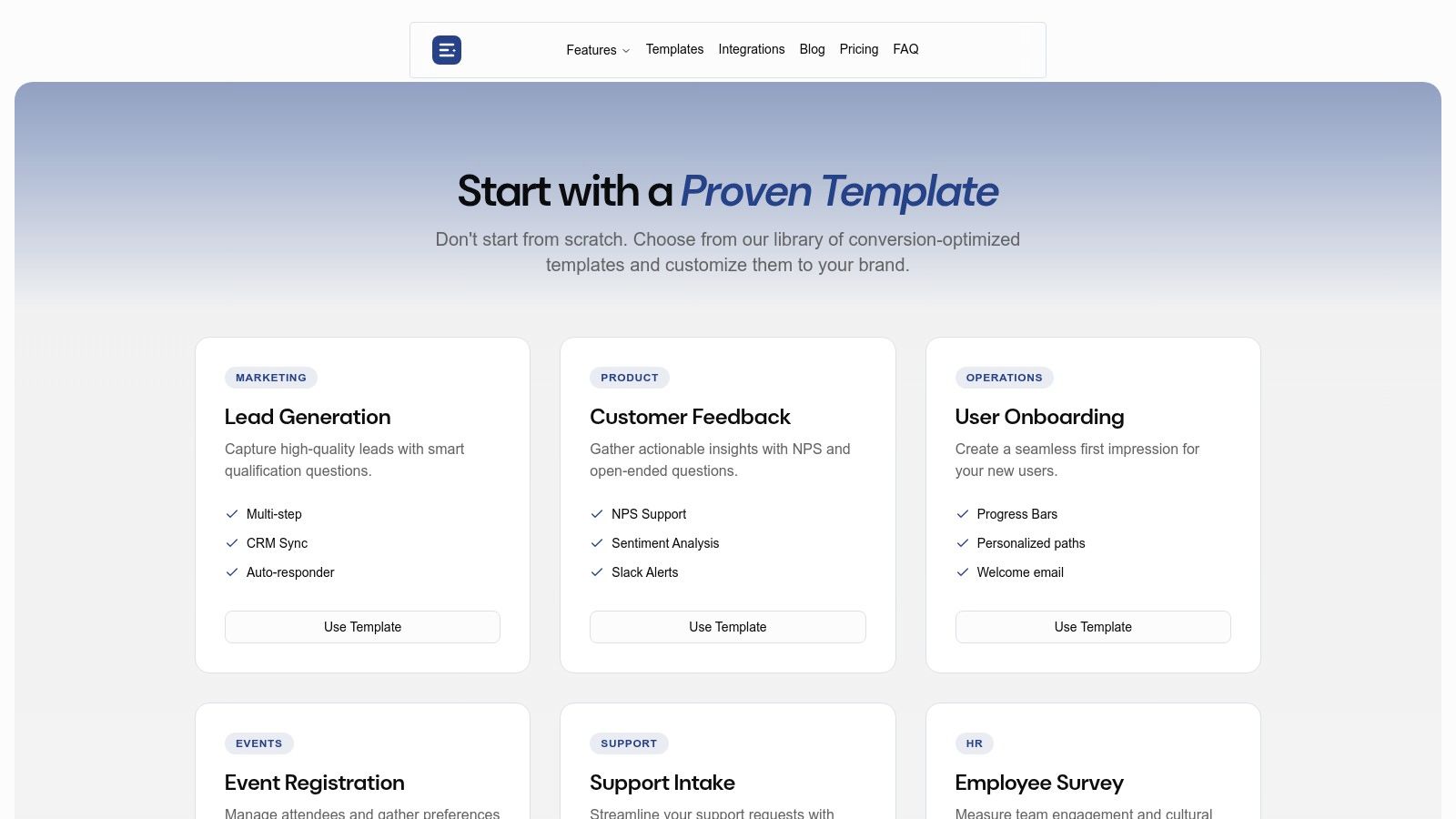
The platform isn't just about speed; it's about intelligence. The AI automatically generates user-friendly question copy, logical field names, and appropriate validation rules, ensuring data integrity from the start. This feature is particularly valuable for product and marketing teams who need clean data for their CRM and analytics tools without manual intervention.
Key Strengths and Use Cases
AgentsForForms excels in environments where integration and optimization are critical. Its templates are designed for conversion and include features like branching logic and progress indicators, which improve the user experience and reduce form abandonment.
- Rapid Deployment: A marketing team can launch a new partner referral campaign in a single afternoon. The AI generates the initial form, and the one-line embed code allows for instant publishing on a landing page or blog.
- Data Integration: A customer success team can automatically pipe new customer referrals directly into Slack for immediate follow-up and into Google Sheets for tracking, using native integrations and webhooks.
- Performance Optimization: Built-in analytics and AI insights help identify specific fields where users drop off. This allows growth teams to fine-tune questions and improve completion rates continuously.
Practical Considerations
While the free plan is robust, advanced features like custom domains, priority support, and certain enterprise-level security options (SSO) are reserved for paid tiers. The AI-generated copy provides an excellent foundation but may require minor human review for highly specialized or regulated industries to ensure perfect alignment with brand voice and compliance standards. For a comprehensive look at their offerings, you can explore the full AgentsForForms template library.
Website: https://agentsforforms.com/templates
2. Jotform
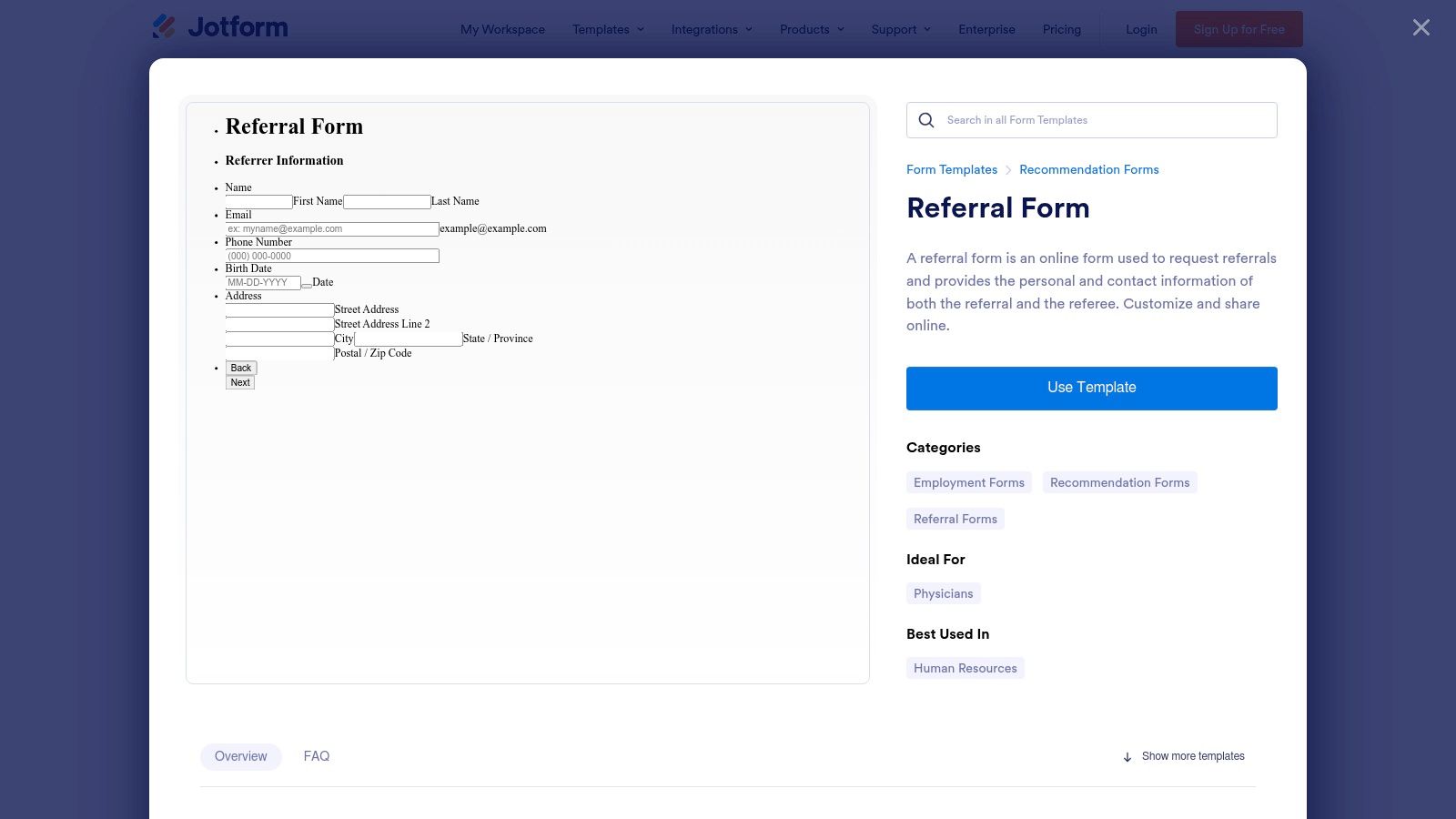
Jotform stands out for its sheer volume and variety, offering one of the largest galleries of ready-to-use referral form templates available. It excels in providing niche-specific options that go beyond generic business use cases, with a particularly strong collection for healthcare settings, including patient referral and self-referral forms. This makes it an ideal choice for organizations needing a specialized form published quickly without extensive custom development.
The platform’s core strength is its intuitive drag-and-drop editor. Users can select a template and customize it with their own branding, fields, and conditional logic in minutes. This user-friendly interface lowers the barrier to entry, allowing marketing, HR, or administrative teams to create and deploy forms independently.
Key Features & Use Cases
Jotform’s versatility supports a wide range of referral programs. The ability to share forms via a direct link, QR code, or by embedding them directly into a website provides flexibility for different campaigns.
- Best For: Teams in healthcare, small businesses, and non-profits who need a fast, reliable way to launch specialized referral programs. Its mobile app also supports offline data collection, perfect for events or field operations.
- Unique Offering: A standout feature is its vast integration library, connecting to over 100 applications like Salesforce, Google Sheets, and Dropbox. This allows for the creation of automated workflows, such as sending referral data directly to a CRM or generating a PDF copy for records.
- Pro Tip: While the free plan is generous, advanced features like HIPAA compliance for healthcare forms require a paid subscription. For those focused on maximizing submissions, it is helpful to understand the best practices for designing forms that convert.
The combination of a massive template library and powerful integrations makes Jotform a robust tool for building a comprehensive referral form template and its associated workflow.
Website: Jotform Referral Form Templates
3. Typeform
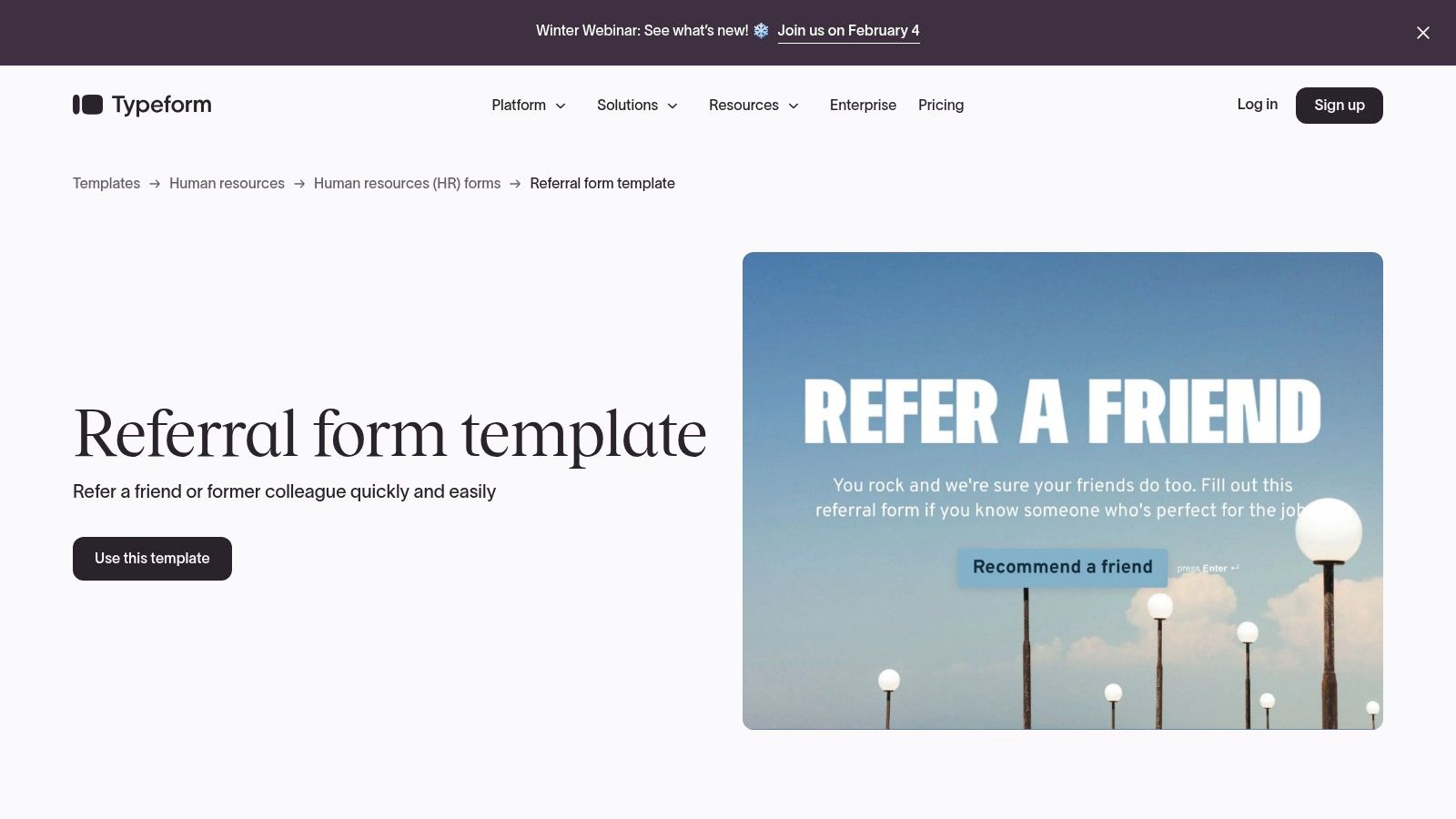
Typeform redefines the referral form template by focusing on a conversational, one-question-at-a-time user experience. This approach transforms a standard form into an engaging interaction, designed to boost completion rates for employee or client referral programs. Its polished and friendly interface makes referrers feel like they are having a conversation rather than just filling out fields, making it an excellent choice for companies prioritizing brand experience and user engagement.
The platform excels at creating a human-centric feel, allowing for personalization and conditional logic that adapts questions based on previous answers. This dynamic flow keeps the process relevant and smooth for the user, encouraging them to see the submission through to the end.
Key Features & Use Cases
Typeform’s pre-built templates for employee and client referrals provide a strong starting point for any program. The forms are easy to embed directly into emails, company intranets, or on a website, ensuring a seamless user journey from start to finish.
- Best For: Companies focused on user experience, especially for internal employee referral programs or high-touch client acquisition channels where a polished, branded interaction is critical.
- Unique Offering: Its standout feature is the conversational UI combined with powerful Logic Jumps. This allows you to personalize the form experience, for instance by addressing respondents by name, which can significantly improve engagement and the quality of referral data collected.
- Pro Tip: The free plan has response caps, and advanced features like full integration capabilities are gated behind paid plans. To get the most out of Typeform, plan to connect it to tools like Slack or HubSpot to create automated workflows that pipe referral data directly into your HR or sales systems. The principles of conversational design are also applicable to other data collection scenarios, as seen in various application form templates.
With its emphasis on a superior UX and extensive integrations, Typeform is a powerful tool for businesses looking to elevate their referral process from a simple data collection task to a positive brand interaction.
Website: Typeform Referral Form Templates
4. Formstack
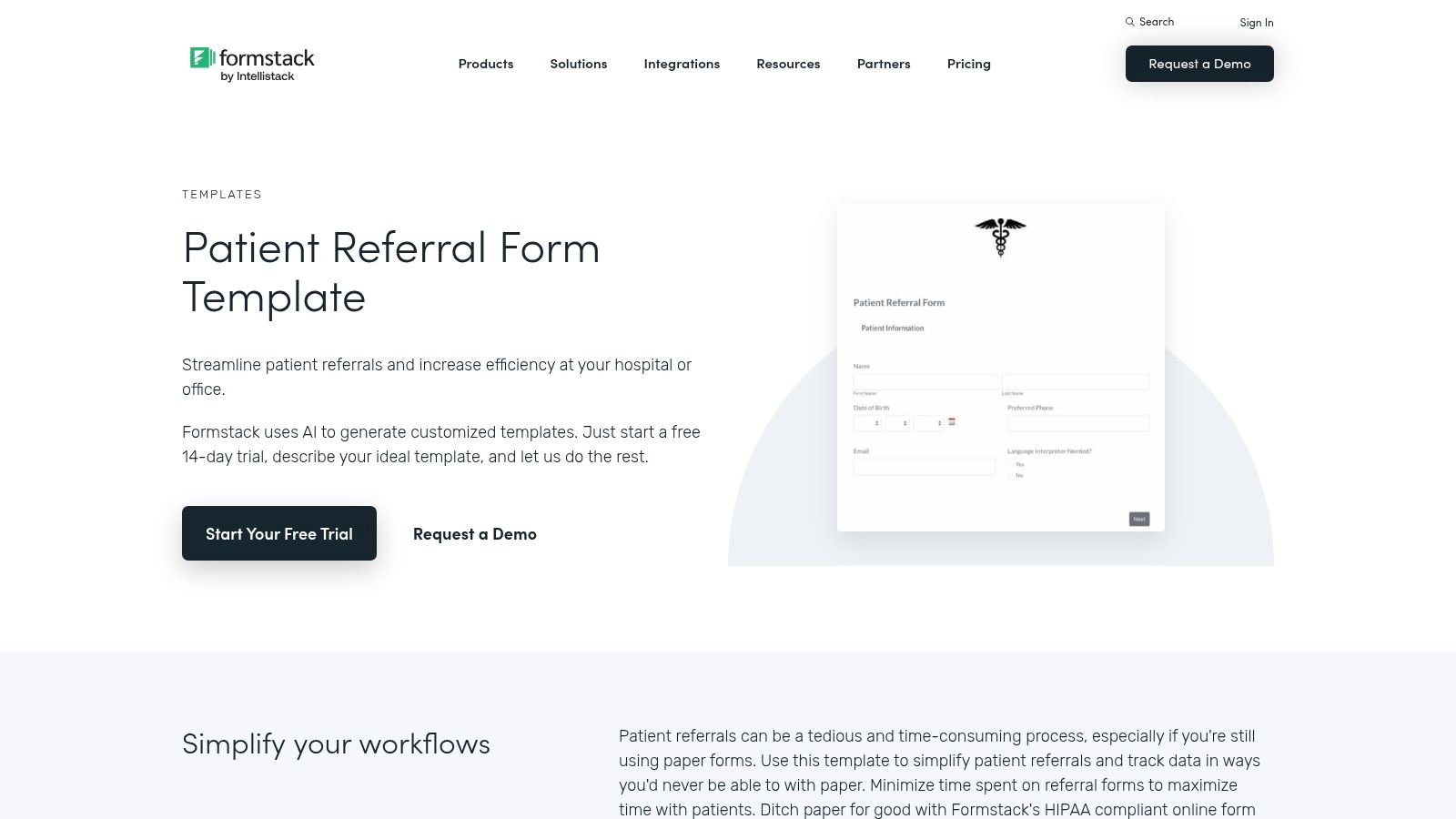
Formstack positions itself as a robust solution for industries where compliance and data security are paramount. It offers a strong collection of referral form templates tailored for healthcare, including patient, doctor, and long-term care referrals. This focus on regulated sectors makes it a top choice for organizations that handle sensitive information and require features like HIPAA compliance and secure data handling.
The platform's strength lies in its advanced workflow capabilities and security features. Users can build sophisticated forms with conditional logic, file uploads, and integrated eSignatures, which is critical for clinical intake and other compliance-sensitive processes. Formstack is designed for teams that need to not only collect referral data but also integrate it securely into existing systems like CRMs or Electronic Health Records (EHR).
Key Features & Use Cases
Formstack's templates are ideal for creating a secure and efficient referral form template workflow. The ability to manage protected health information (ePHI) and automate data routing makes it highly suitable for medical, legal, and financial service providers who must adhere to strict regulatory standards.
- Best For: Healthcare organizations, legal firms, and enterprise businesses that need to create HIPAA-compliant referral forms with advanced security and workflow automation.
- Unique Offering: The platform's built-in eSignature capability is a significant differentiator, allowing for legally binding signatures directly within the form. This eliminates the need for a separate e-signature tool and streamlines processes like patient consent or formal referral agreements.
- Pro Tip: Formstack's most powerful compliance and integration features are part of its higher-priced plans. While a trial is available, continuous use requires a paid subscription, so it is best suited for organizations that can justify the investment for its security and automation benefits.
With its emphasis on security and advanced features, Formstack provides a powerful tool for building a comprehensive and compliant referral system.
Website: Formstack Patient Referral Form Templates
5. Wufoo
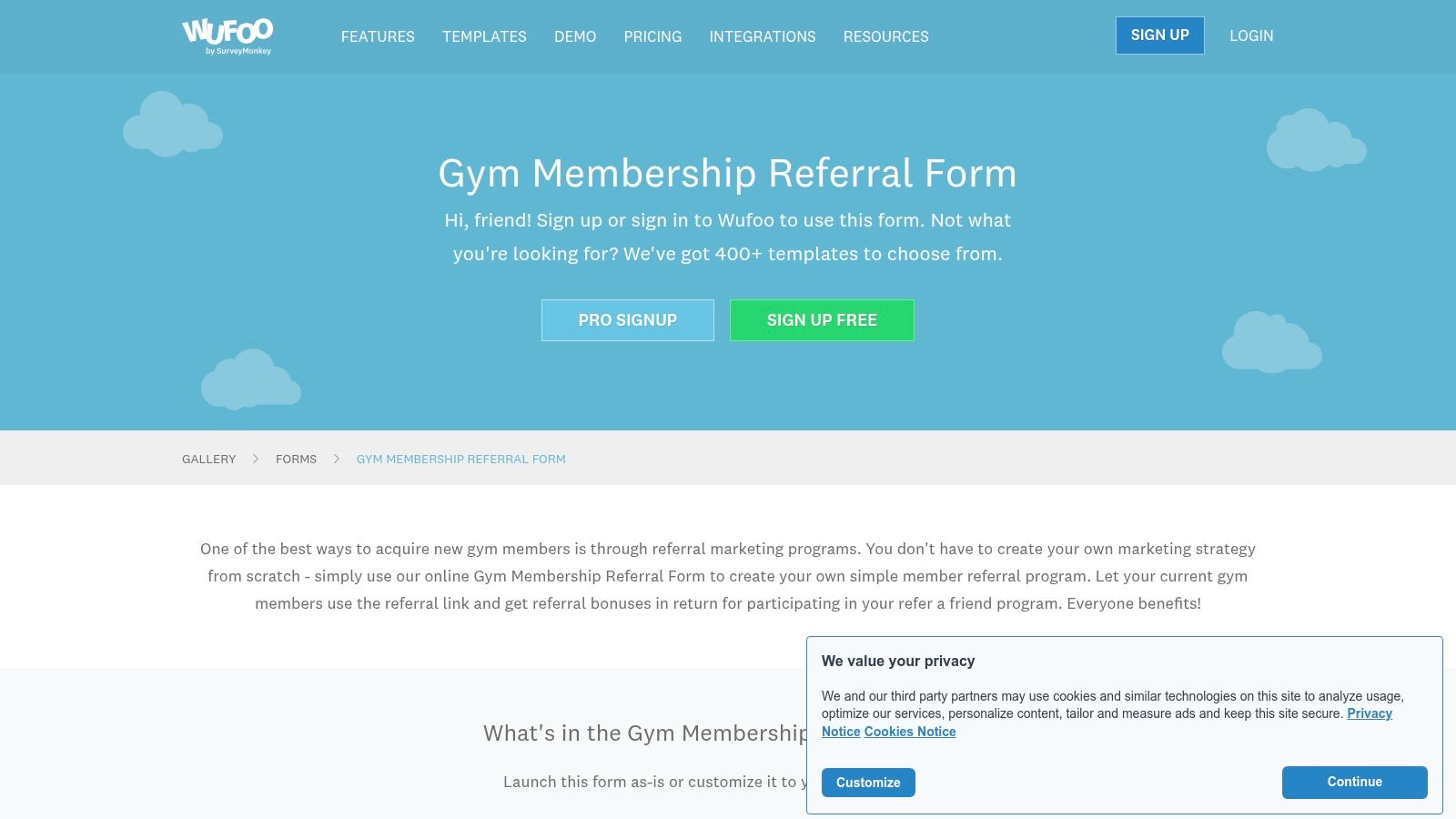
Wufoo, one of the original online form builders, offers a solid gallery of ready-to-use web forms, including specific templates for gym, counseling, and general business referrals. It excels in simplicity and speed, making it a great choice for teams that need to launch a functional referral program quickly without a steep learning curve. The platform focuses on core form-building functionality, allowing for fast creation and deployment.
Its main strength is its straightforward, no-frills approach. Users can select a referral form template, make basic customizations, and get it live in minutes. This makes Wufoo particularly appealing for small businesses or individuals who prioritize ease of use and rapid implementation over advanced design capabilities or complex conditional logic.
Key Features & Use Cases
Wufoo is a reliable workhorse for creating basic referral flows that can be shared via direct link, email, or embedded directly into a website. Its simple reporting dashboard provides a quick overview of submissions and performance metrics without overwhelming users with data.
- Best For: Small businesses, freelancers, and community organizations that need a very quick and simple way to set up a referral form template without needing modern design or complex workflow automation.
- Unique Offering: A key advantage is its robust integration with Zapier, which unlocks connections to hundreds of other apps, including dedicated referral tools like Referral Rock and ReferralHero. This allows users to build a simple front-end form in Wufoo and pass the data to a more powerful back-end system for management.
- Pro Tip: While the interface may feel less modern compared to newer tools, its simplicity is a feature, not a bug. Advanced features, higher submission limits, and removing Wufoo branding require a paid subscription.
With its long-standing reputation and focus on core functionality, Wufoo remains a dependable option for anyone needing a fast, hassle-free referral form.
Website: Wufoo Referral Form Templates
6. 123FormBuilder
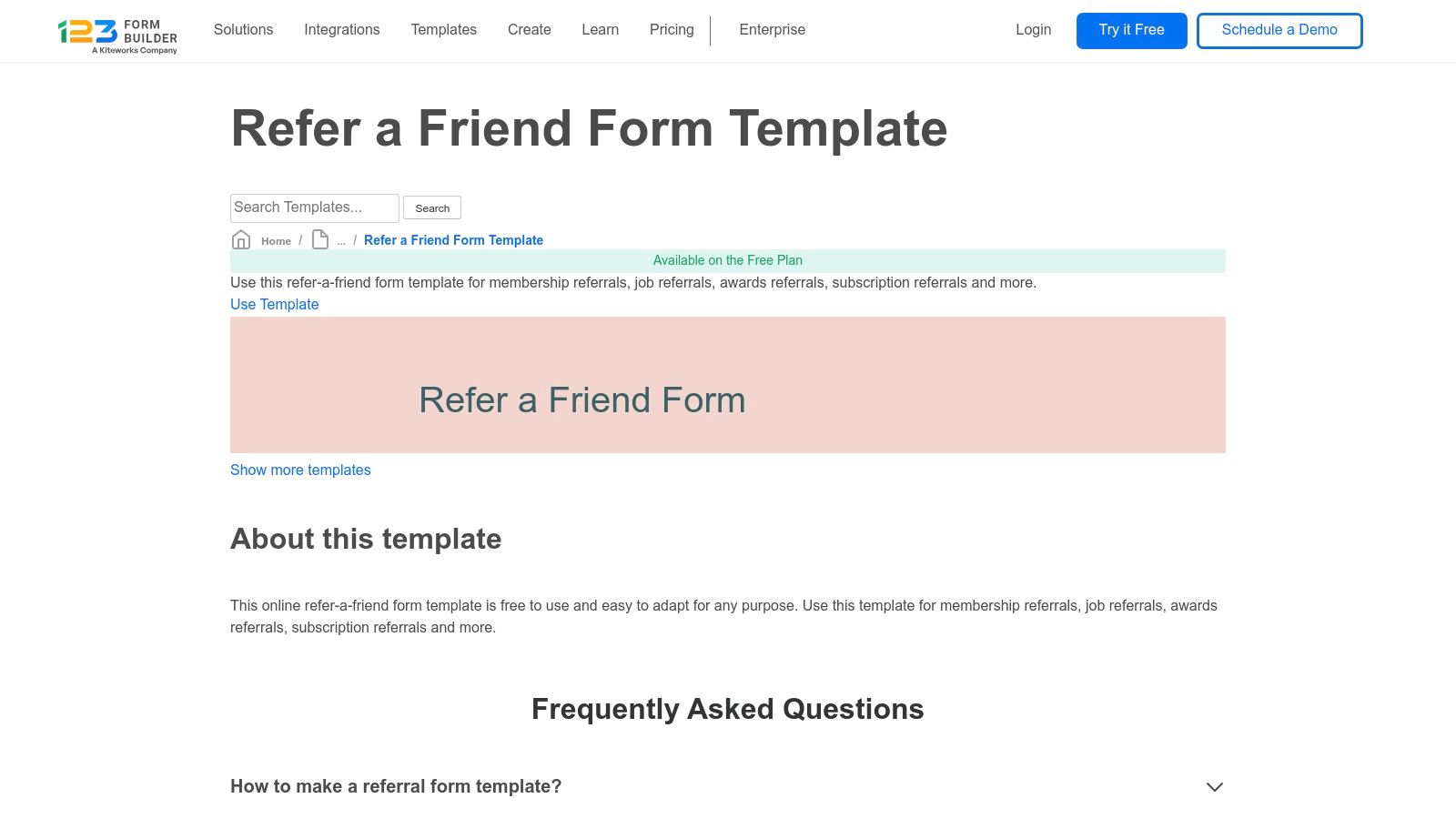
123FormBuilder provides a solid collection of referral form templates with a particular strength in community-focused and specialized business niches. Its templates, such as those for home health care, financial support, and support groups, cater to organizations that require more than just a generic refer-a-friend form. This makes it a valuable resource for nonprofits, healthcare providers, and community organizations seeking specific intake solutions.
The platform is built around a user-friendly, drag-and-drop interface that simplifies the process of customizing a template to match organizational needs. A key differentiator is the clear labeling of which templates are available on free versus paid plans, allowing users to quickly identify accessible resources without hitting unexpected paywalls. This transparency is helpful for teams working with limited budgets.
Key Features & Use Cases
123FormBuilder excels in creating straightforward, secure forms that can be easily embedded into a website or shared directly. The platform's commitment to data security, with options for US or EU data hosting, provides peace of mind for organizations handling sensitive referral information.
- Best For: Small businesses, community programs, and non-profits that need specialized referral forms and appreciate upfront clarity on free vs. paid features.
- Unique Offering: The platform’s clear distinction between free and premium templates is a standout feature. This allows users to understand the value proposition of upgrading while still providing functional, high-quality templates at no cost, which is ideal for testing a referral program concept.
- Pro Tip: Pay attention to the template labels before investing time in customization. While the free options are robust, more advanced logic, integrations, and higher submission volumes will necessitate a paid plan.
With its focus on security and niche templates, 123FormBuilder is an excellent tool for crafting a targeted referral form template that builds trust with your audience.
Website: 123FormBuilder Referral Form Templates
7. forms.app
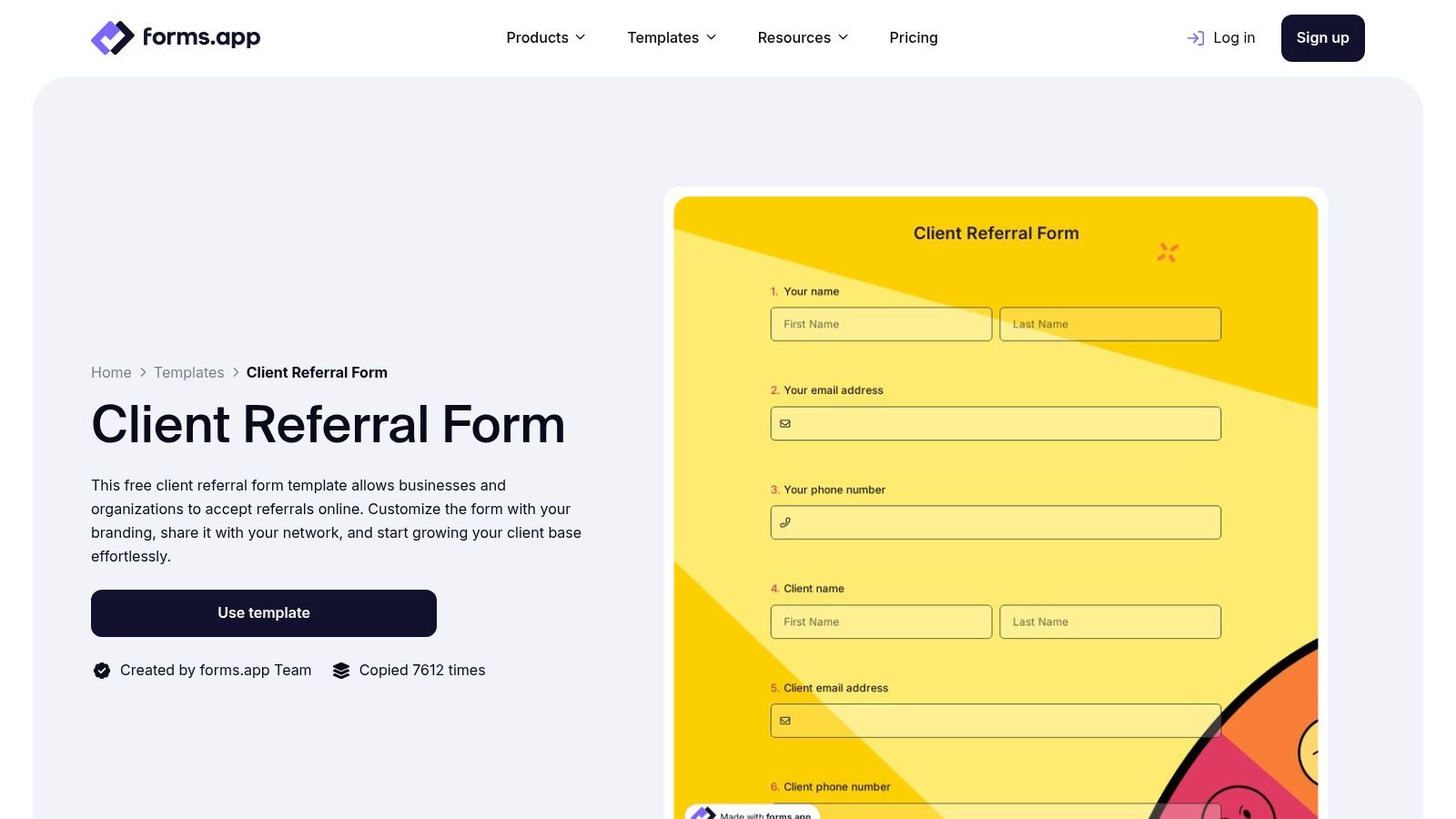
forms.app carves out a niche by offering a strong selection of healthcare-specific referral templates alongside modern, AI-assisted form creation tools. It's particularly useful for specialized medical and dental practices, with templates for ophthalmology, periodontal, and endodontist referrals, providing a solid starting point for clinics that need to digitize their patient intake process. This focus allows healthcare professionals to quickly create and deploy a professional-looking referral form template without needing technical expertise.
The platform is built around a clean, drag-and-drop interface complemented by an AI form generator that can create a draft based on a simple text prompt. This significantly speeds up the initial setup, allowing users to move directly to customization with pre-designed themes, conditional logic, and branding.
Key Features & Use Cases
forms.app is designed for speed and ease of use, making it simple to get a referral program online. Forms can be shared via a direct link, embedded into a website, or distributed as a QR code, offering flexibility for different patient and partner communication channels.
- Best For: Specialized medical practices, dental clinics, and small businesses looking for a fast and visually appealing way to launch a referral program with minimal setup.
- Unique Offering: The AI-assisted form builder is a key differentiator, helping users overcome the "blank page" problem by generating a relevant template from a simple description. This, combined with its specialized healthcare templates, streamlines form creation for niche industries.
- Pro Tip: While the free plan is functional, features like removing forms.app branding and accessing higher submission limits require a paid subscription. For practices handling patient data, it's crucial to verify compliance with regional data privacy regulations.
With its blend of specialized templates and AI-powered convenience, forms.app is a strong contender for organizations that prioritize rapid deployment and modern design.
Website: forms.app Client Referral Form
8. Template.net
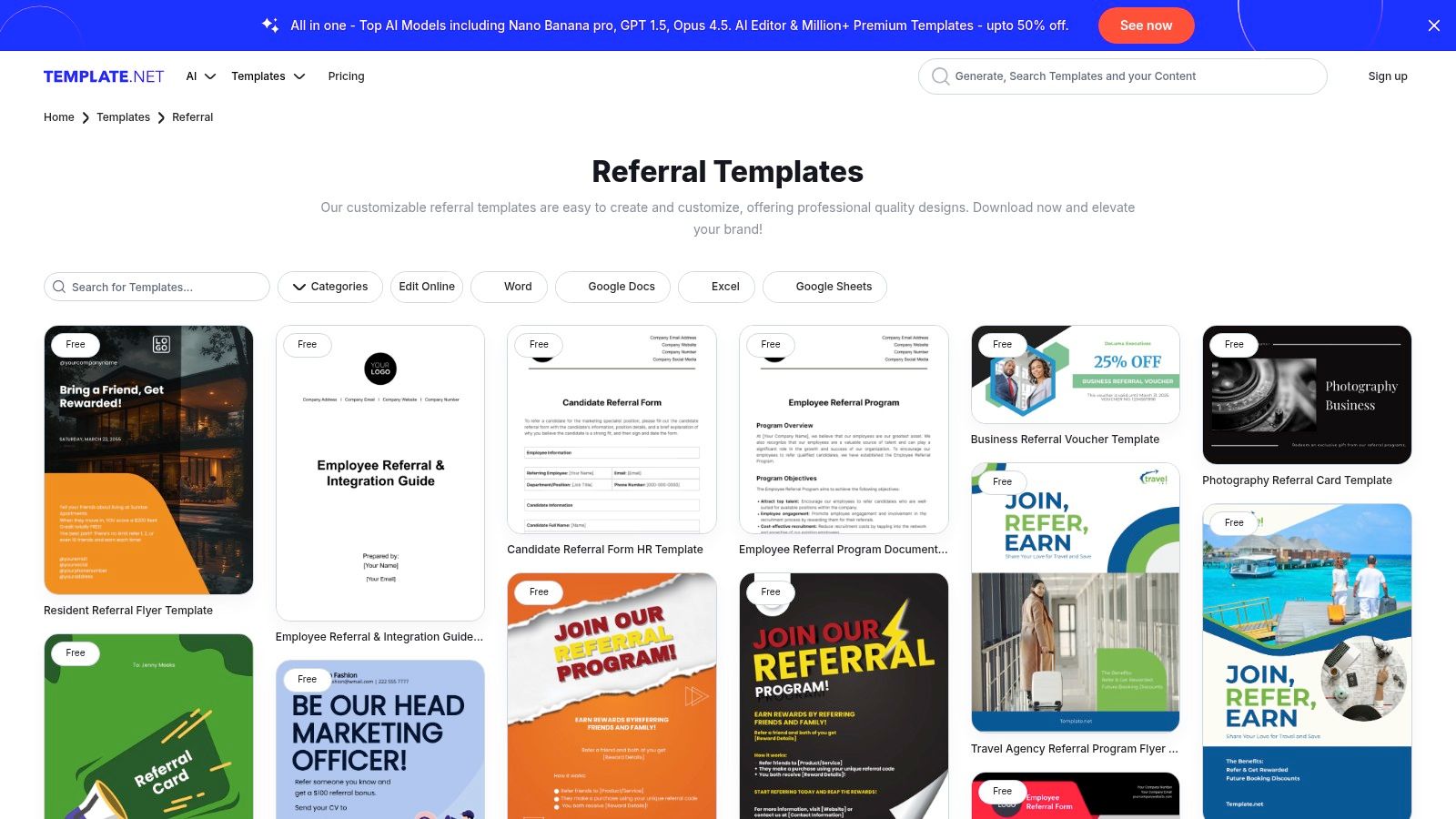
Template.net offers a massive catalog of downloadable referral resources that extend beyond simple online forms. It specializes in providing documents for offline and print-centric workflows, with a strong focus on professional sectors like medical, dental, veterinary, and corporate HR. This makes it an invaluable resource for organizations that rely on traditional, paper-based processes or need tangible documents to support their referral programs.
The platform's main advantage is its file format diversity. Users can download a single referral form template in multiple formats, including Microsoft Word, Google Docs, PDF, and Excel, ensuring compatibility with existing office software. This grab-and-go approach is perfect for teams that need a printable document quickly without the setup of a digital form builder.
Key Features & Use Cases
Template.net supports both internal and external referral processes with documents tailored for specific industries. The availability of related assets like referral tracker spreadsheets and formal agreement letters allows users to build out a complete, albeit manual, referral program toolkit from a single source.
- Best For: HR departments, healthcare clinics, and service-based businesses that need printable or easily editable documents for employee, client, or patient referral programs. It’s ideal for situations where a physical signature is required.
- Unique Offering: The library includes more than just forms. It provides a holistic set of referral management documents, including program agreements, thank-you letters, and tracking sheets, which are often overlooked by online form builders.
- Pro Tip: While many templates are free, the highest-quality and most professional designs are often locked behind a Pro subscription. It is wise to preview the templates carefully, as quality can vary since many are provided by different contributors.
For those prioritizing physical or offline documentation, Template.net provides a comprehensive and flexible library of assets that digital-first platforms typically do not offer.
Website: Template.net Referral Templates
9. Smartsheet
Smartsheet takes a unique, project-management-centric approach by offering a collection of free, downloadable referral templates in familiar formats like Word, Excel, and PDF. This resource hub is designed for teams that need a simple, document-based solution or want to integrate referral tracking into their existing project workflows. It’s particularly valuable for providing structured guidance, tips, and checklists for building out an entire referral program, not just the form itself.
The platform's primary appeal is for teams already embedded in the Smartsheet ecosystem. While the static files are universally usable, their true power is unlocked when they are converted into dynamic Smartsheet web forms and automated workflows. This allows businesses to manage referrals with the same rigor and visibility as any other project, tracking submissions and automating follow-up tasks.